
 RMarty19 oscillatorspr04 TheExtremeCant Frostzier Hernan2803 Dom200696 Jeppovich maro9812 triaks05 Alvierys cabman1972 Dorso18 Pintazos robertoguga1234 kimraz SUPERLOL300 Camellia1212 ChiefKneefe Mehoy Aelianna13 ROCLACOF CenCen34 Ghost340099 Supando10 Blob702 MCBonde22 Cobra6460 TitoDeadpooloso Cronozis Phaytalis ferailleur39 Vlandrew98 IMPERIAL_TXn Talaya13 NGG999 Manbearpig6285 Dukily _Spastic_ Luiyit Sirfixx Goggi_PvP IWShinen Darkshaka Archie2k paala1995 JJPOODLES Awelo237 Cameronjack12 Feedski JumpmanZach vale041277 Spartacus8864 mrvous BohemianSoul21 RunningHeadShot HAYD3N93 QxQ1 TheTrustBuster yunamena00 XeoMark
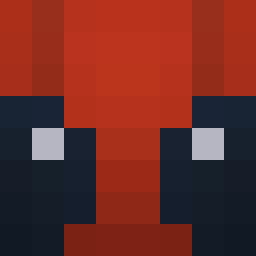
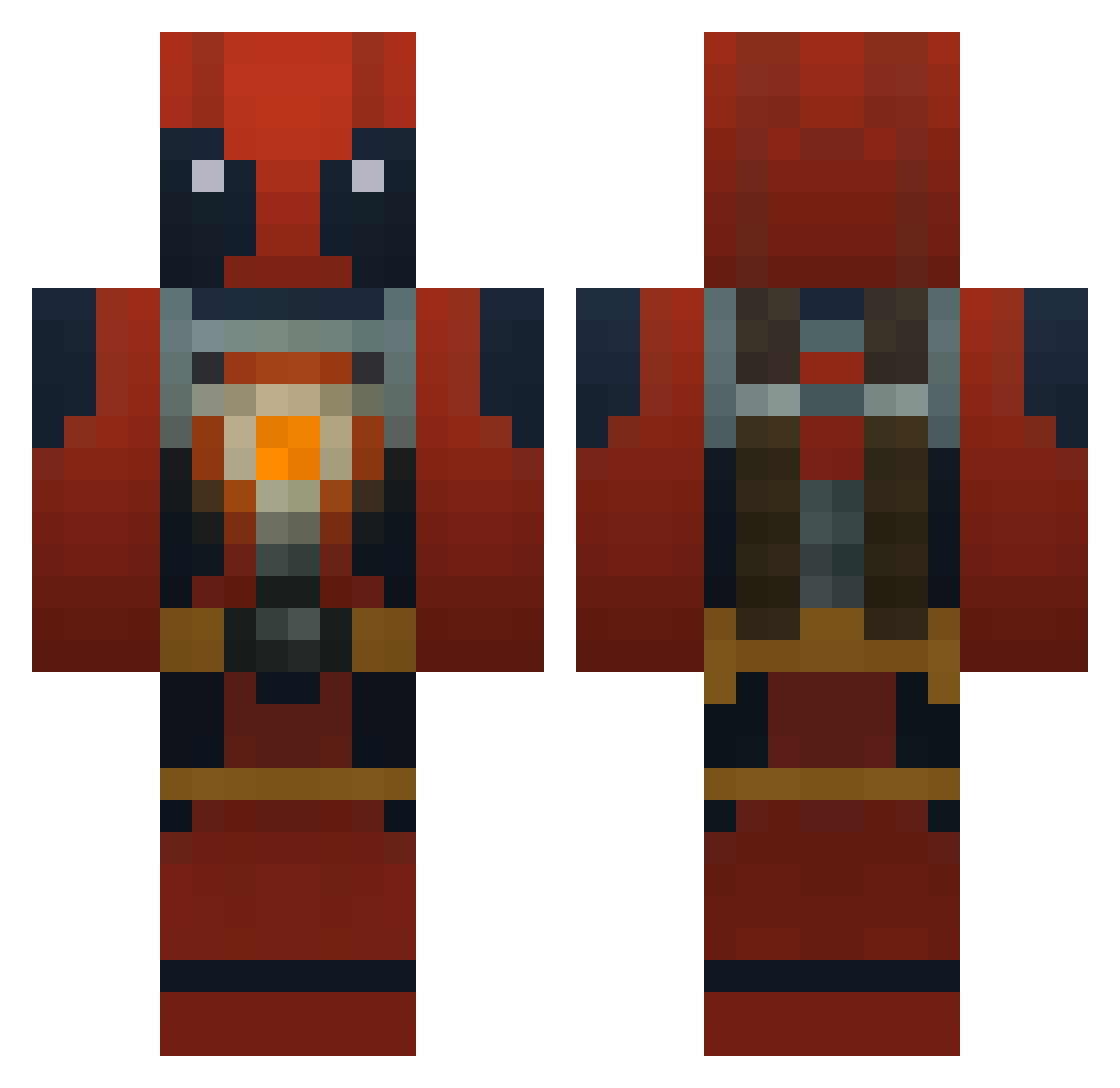
Minecraft skin of Pickpocket71. Rotate the 3D model with your mouse or finger to view the skin from every angle, then download it as a PNG file and use it in Minecraft: Bedrock Edition or Java Edition for free. Rate the skin with stars to help other players find the best skins in our collection.
How to install the Pickpocket71 skin
- Press the Download button above to save the skin as a PNG file.
- Minecraft: Bedrock Edition (PE): open the Dressing Room from the main menu (or tap your character → Edit Character), go to Classic Skins → Owned, press the + (new skin) button, choose the downloaded PNG and pick the Classic (Steve) model. Works on PC and mobile; consoles cannot import custom skins.
- Minecraft: Java Edition: open the Minecraft Launcher, go to the Skins tab, click New Skin, load the PNG, pick the Classic (Steve) model and press Save & Use. You can also upload it at minecraft.net → Profile → Change Skin.
The skin does not show up after import - what should I do?
Restart Minecraft and open the Dressing Room again - imported skins sometimes appear only after a restart. Also make sure you selected the imported skin and picked the Classic (Steve) model.
Which model should I choose, Classic or Slim?
This skin is designed for the Classic (Steve) model. If you pick the wrong model, the arms of the skin will look stretched or squeezed.
Is this skin free to use?
Yes. Press Download, save the PNG file and use it in Minecraft: Bedrock Edition or Java Edition - no payment or registration needed. The skin also works on multiplayer servers and Realms.
More Deadpool Minecraft skins
More skins
Looking for more? Go back to all Minecraft skins and check the top skins of the week, month and all time, or find any player's skin by nickname.