
ItsMartiins - Minecraft Skins & Skin History
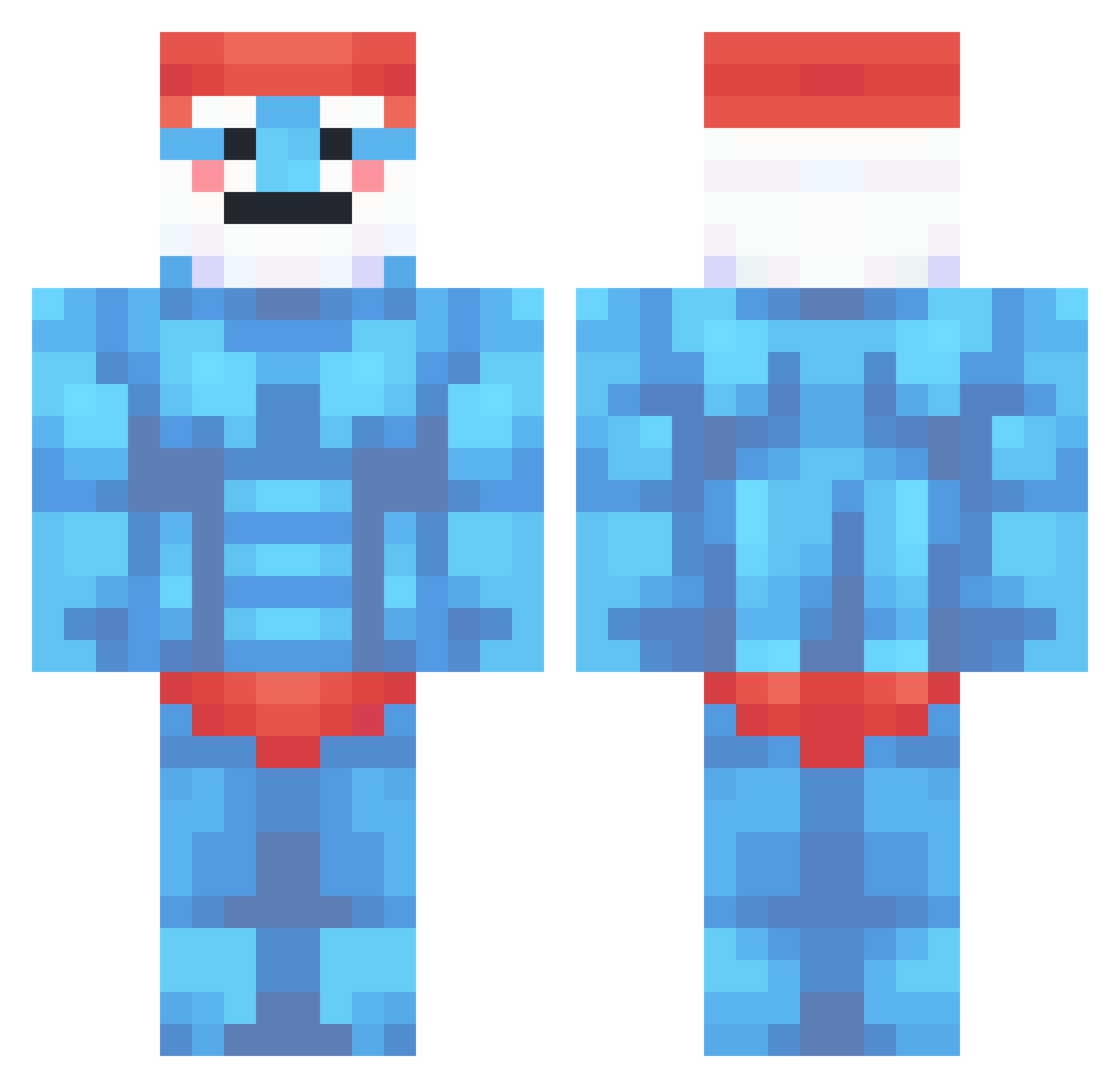
Current Minecraft skin of the player ItsMartiins, loaded from the official Mojang API. Rotate the 3D model with your mouse or finger, then download the skin as a PNG file and use it in Minecraft: Bedrock Edition or Java Edition for free. When ItsMartiins changes their skin, this page updates automatically and the old skin stays in the history below.
Other players with this skin (360)
ItsMartiins was the 329th player we have seen with this skin, first spotted on 23.10.2026. The same skin was seen on these players. Open a nickname to see their current skin and skin history.
 Nestastko Morgrit Maceo24 lattenalex Cheemee_ coolsascha221 Agos_ TakeOverByKusi MobyManlol raviviv Landalord rafnnt Rafers buraakk5834 Wahbert FallenAzayzel zSyrex1 KUSI_PROTECTOR nuts_s Vale_Decem LosPitufos victorr21 iiYolo 360ogaboga OPPAII98 N1xkix Flavano Miseroo PainlessWheat AyyBink vieirok Boquefius69 Taxfruad06 Bigsmurfdaddy mikexdd ___m00n__ Liam_6311 femboys_loverr mr_magoe DayGicks Mishastir CH_PajinMaster Kachuwuu TudorMS GesEntr merliow2 Smurfzin123 xrs2011 MrMacus Alexzxcqwe BirnenbrandBruno Xiablo obee4k pimpekekw Mugeee_ kyomioo usernameforkids Chau7_claquette AureLuck PapaShmurff
More Papa Smurf Minecraft skins
How to install the ItsMartiins skin
- Press the Download button above to save the skin as a PNG file.
- Minecraft: Bedrock Edition (PE): open the Dressing Room from the main menu (or tap your character → Edit Character), go to Classic Skins → Owned, press the + (new skin) button, choose the downloaded PNG and pick the Classic (Steve) model. Works on PC and mobile; consoles cannot import custom skins.
- Minecraft: Java Edition: open the Minecraft Launcher, go to the Skins tab, click New Skin, load the PNG, pick the Classic (Steve) model and press Save & Use. You can also upload it at minecraft.net → Profile → Change Skin.
The skin does not show up after import - what should I do?
Restart Minecraft and open the Dressing Room again - imported skins sometimes appear only after a restart. Also make sure you selected the imported skin and picked the Classic (Steve) model.
Which model should I choose, Classic or Slim?
This skin is designed for the Classic (Steve) model. If you pick the wrong model, the arms of the skin will look stretched or squeezed.
Is the skin of ItsMartiins free to download?
Yes. Press Download, save the PNG file and use it in Minecraft: Bedrock Edition or Java Edition - no payment or registration needed. The skin also works on multiplayer servers and Realms.
More skins
Looking for more? Go back to all Minecraft skins and check the top skins of the week, month and all time, or find any player's skin by nickname.