
Hmnggg - Minecraft Skins & Skin History
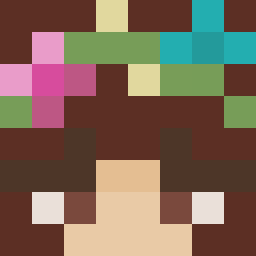
Current Minecraft skin of the player Hmnggg, loaded from the official Mojang API. Rotate the 3D model with your mouse or finger, then download the skin as a PNG file and use it in Minecraft: Bedrock Edition or Java Edition for free. When Hmnggg changes their skin, this page updates automatically and the old skin stays in the history below.
Other players with this skin (377)
Hmnggg was the 78th player we have seen with this skin, first spotted on 15.08.2026. The same skin was seen on these players. Open a nickname to see their current skin and skin history.
 jadenkim0929 TechnicSix39 J4rkyy 00_TaeBong VdkaAnDieMacht mnychan cjuuuuun bananscammer tannermartin48 yida001 Yukkone aidi12345
 WATER3344 Sailboat05 joshua0724 Seres_39 Kermit51 Swrl_MC HAppYMEalz69 Haoy123 masdup Do69nte JmoneyBBG Cyprino boriok CyprianCK6 pizzaguy5050 yiuiyii SamLSoesel ling_lol TheSmile_043 jenkiyo J0_1030 jayyargee DABMoya SchuelerG CrustyNarwhal MrxAnarchy Screaword Jett_Everj19 ampatrick_ bdrdy RyZe42 Alekseyevka jeongvin moy223 omglas3r JuanpGG agusbuka Stolzm0nat kck390 eErska renzo13508 c3z4r9 KeltonzZ
 ArZ_Dako Antarticzx Saso1597 SuMTlnGWOng_ MrSjarel12345678
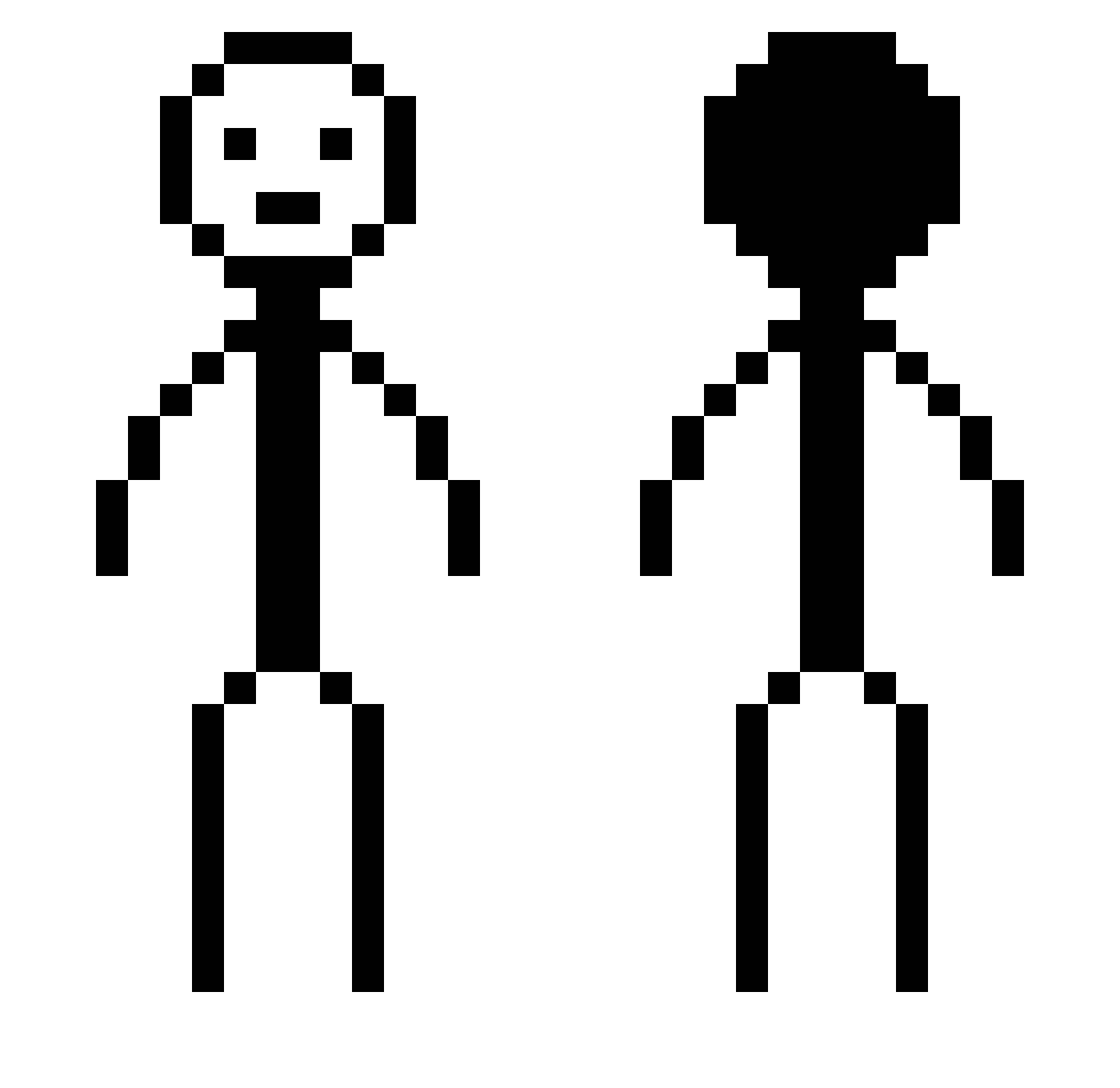
More Stick Figure Minecraft skins
How to install the Hmnggg skin
- Press the Download button above to save the skin as a PNG file.
- Minecraft: Bedrock Edition (PE): open the Dressing Room from the main menu (or tap your character → Edit Character), go to Classic Skins → Owned, press the + (new skin) button, choose the downloaded PNG and pick the Classic (Steve) model. Works on PC and mobile; consoles cannot import custom skins.
- Minecraft: Java Edition: open the Minecraft Launcher, go to the Skins tab, click New Skin, load the PNG, pick the Classic (Steve) model and press Save & Use. You can also upload it at minecraft.net → Profile → Change Skin.
The skin does not show up after import - what should I do?
Restart Minecraft and open the Dressing Room again - imported skins sometimes appear only after a restart. Also make sure you selected the imported skin and picked the Classic (Steve) model.
Which model should I choose, Classic or Slim?
This skin is designed for the Classic (Steve) model. If you pick the wrong model, the arms of the skin will look stretched or squeezed.
Is the skin of Hmnggg free to download?
Yes. Press Download, save the PNG file and use it in Minecraft: Bedrock Edition or Java Edition - no payment or registration needed. The skin also works on multiplayer servers and Realms.
More skins
Looking for more? Go back to all Minecraft skins and check the top skins of the week, month and all time, or find any player's skin by nickname.