
Antarticzx - Minecraft Skins & Skin History
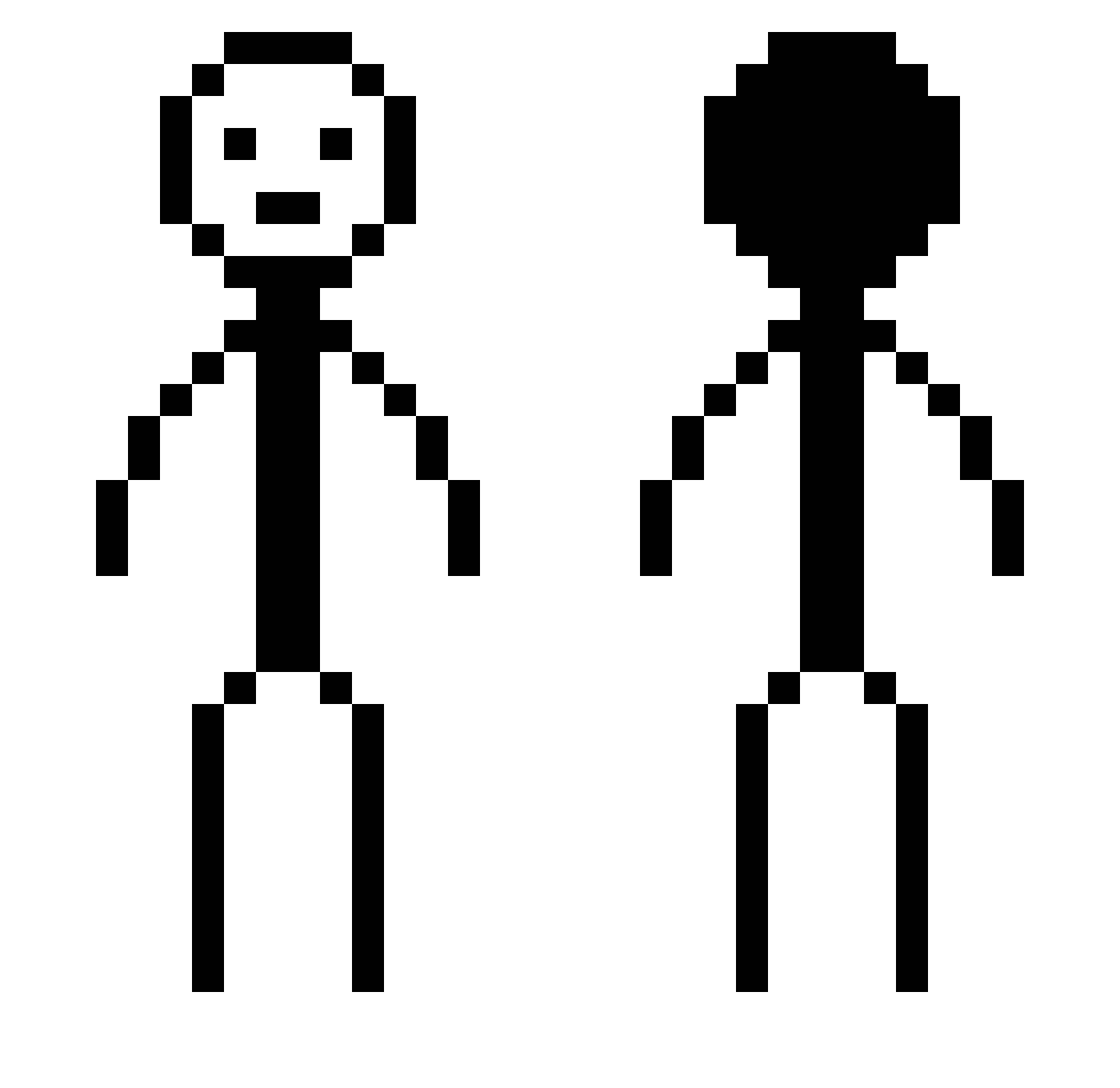
Current Minecraft skin of the player Antarticzx, loaded from the official Mojang API. Rotate the 3D model with your mouse or finger, then download the skin as a PNG file and use it in Minecraft: Bedrock Edition or Java Edition for free. When Antarticzx changes their skin, this page updates automatically and the old skin stays in the history below.
Other players with this skin (377)
Antarticzx was the 106th player we have seen with this skin, first spotted on 23.08.2026. The same skin was seen on these players. Open a nickname to see their current skin and skin history.
 Saso1597
 ArZ_Dako KeltonzZ Lovely_Vodka renzo13508 BobbeeLee kck390 agusbuka JuanpGG omglas3r jeongvin hompolol milkedCowzz RyZe42 JIIIIIIIIF Jett_Everj19 Screaword Bioheart1 noturbz jenkiyo NeedyMussels6130 GeckoForever710 RemeskoDEV DankWoodz Fred3456 1WilliTheKing Galeanthropy qinzhengwei yiuiyii pizzaguy5050 CyprianCK6 By0o0 Cyprino JmoneyBBG DeadlyNinja9622 jeybarbar HAppYMEalz69 Thegoosygamer Swrl_MC Seres_39 joshua0724 sharnk Zakeyo23 aidi12345 Yukkone tannermartin48 bash_0 VdkaAnDieMacht shiner2022 Assessed8771 00_TaeBong cottonator TechnicSix39 Sagaos08 Hmnggg jadenkim0929 J4rkyy Z1RO0 mnychan cjuuuuun
More Stick Figure Minecraft skins
How to install the Antarticzx skin
- Press the Download button above to save the skin as a PNG file.
- Minecraft: Bedrock Edition (PE): open the Dressing Room from the main menu (or tap your character → Edit Character), go to Classic Skins → Owned, press the + (new skin) button, choose the downloaded PNG and pick the Classic (Steve) model. Works on PC and mobile; consoles cannot import custom skins.
- Minecraft: Java Edition: open the Minecraft Launcher, go to the Skins tab, click New Skin, load the PNG, pick the Classic (Steve) model and press Save & Use. You can also upload it at minecraft.net → Profile → Change Skin.
The skin does not show up after import - what should I do?
Restart Minecraft and open the Dressing Room again - imported skins sometimes appear only after a restart. Also make sure you selected the imported skin and picked the Classic (Steve) model.
Which model should I choose, Classic or Slim?
This skin is designed for the Classic (Steve) model. If you pick the wrong model, the arms of the skin will look stretched or squeezed.
Is the skin of Antarticzx free to download?
Yes. Press Download, save the PNG file and use it in Minecraft: Bedrock Edition or Java Edition - no payment or registration needed. The skin also works on multiplayer servers and Realms.
More skins
Looking for more? Go back to all Minecraft skins and check the top skins of the week, month and all time, or find any player's skin by nickname.