
 aditzuuuu ItsVerce_ Atzel_0 SnoEno yiuiyii DA_DUD RandezOwO fansoloot Kawted Nasser96 Lil_J_Dog_Dogs KoraiTV awkward_turtle3 UnclePeanuts101 Wiswac minimanito03 staangle painyaki08 MimikoBr DrillaKiilla1352 Xx_DorbNoob_xX Mireu01 IamtheBaldone K3nnyyyy sweatrina Kinimano superboy114514 xeriius Hiryu114514 keg_s AdrianSteve111 Rusek2248 BigButDelicious donneXgod Xryncy JN7P DelanoF Repletemean IdealKangroo MihaiF1 CodCraft2 6eigHt SwxngByTyler Null2569 Lana_Del_Rey16 Redamancy415 MCAnxiety ChampzzYT LikableAutumn FerreroRocher00 Mxrs_ OjSimpson234 n1k020 Poggersticks LammahLam Abu_Naa_Bee kammi2 ToretoGamer angel_leonel StoryTong
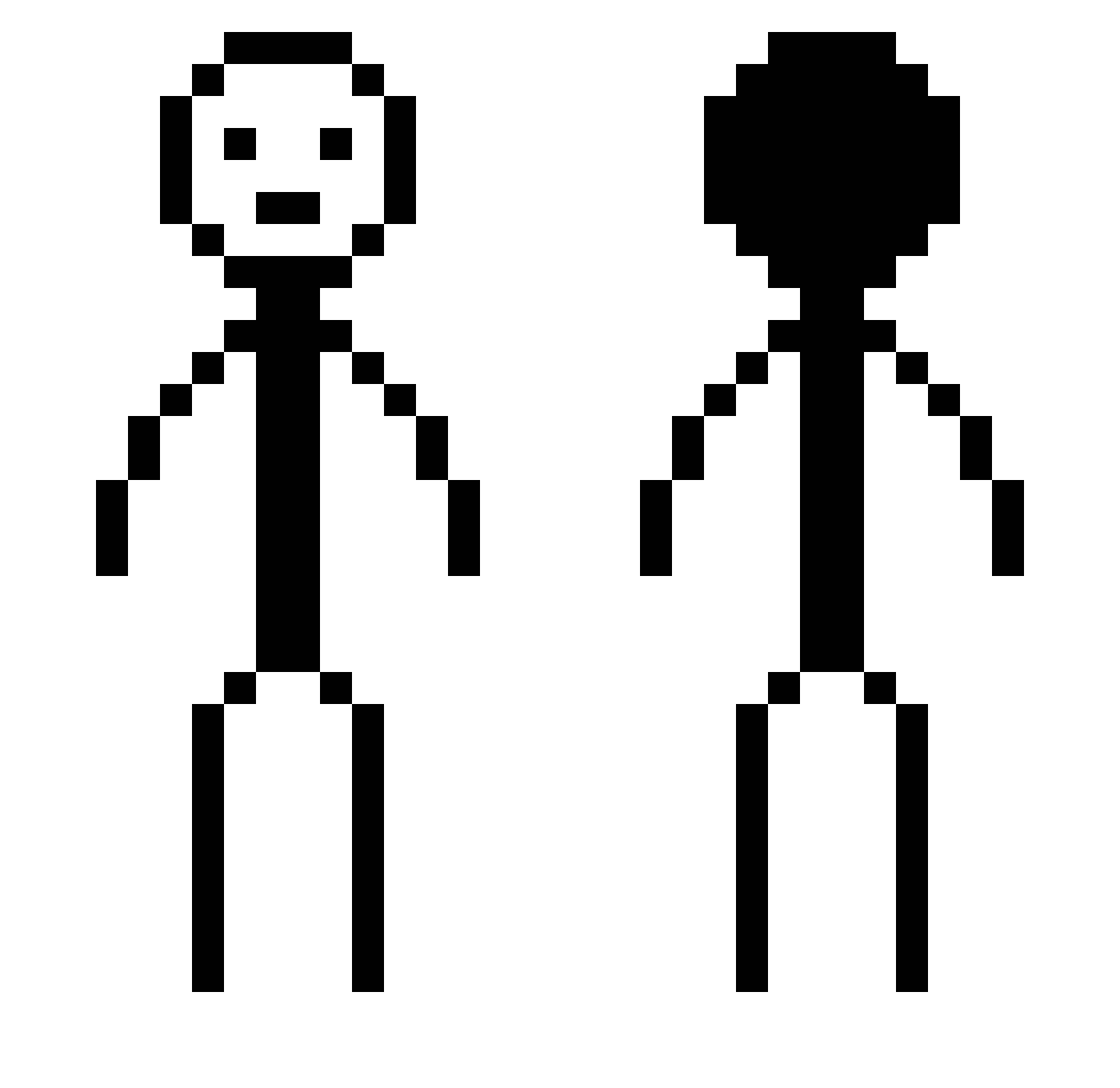
Minecraft skin of ZainAnak_. Rotate the 3D model with your mouse or finger to view the skin from every angle, then download it as a PNG file and use it in Minecraft: Bedrock Edition or Java Edition for free. Rate the skin with stars to help other players find the best skins in our collection.
How to install the ZainAnak_ skin
- Press the Download button above to save the skin as a PNG file.
- Minecraft: Bedrock Edition (PE): open the Dressing Room from the main menu (or tap your character → Edit Character), go to Classic Skins → Owned, press the + (new skin) button, choose the downloaded PNG and pick the Classic (Steve) model. Works on PC and mobile; consoles cannot import custom skins.
- Minecraft: Java Edition: open the Minecraft Launcher, go to the Skins tab, click New Skin, load the PNG, pick the Classic (Steve) model and press Save & Use. You can also upload it at minecraft.net → Profile → Change Skin.
The skin does not show up after import - what should I do?
Restart Minecraft and open the Dressing Room again - imported skins sometimes appear only after a restart. Also make sure you selected the imported skin and picked the Classic (Steve) model.
Which model should I choose, Classic or Slim?
This skin is designed for the Classic (Steve) model. If you pick the wrong model, the arms of the skin will look stretched or squeezed.
Is this skin free to use?
Yes. Press Download, save the PNG file and use it in Minecraft: Bedrock Edition or Java Edition - no payment or registration needed. The skin also works on multiplayer servers and Realms.
More Stick Figure Minecraft skins
More skins
Looking for more? Go back to all Minecraft skins and check the top skins of the week, month and all time, or find any player's skin by nickname.