
HmBE534 - Minecraft Skins & Skin History
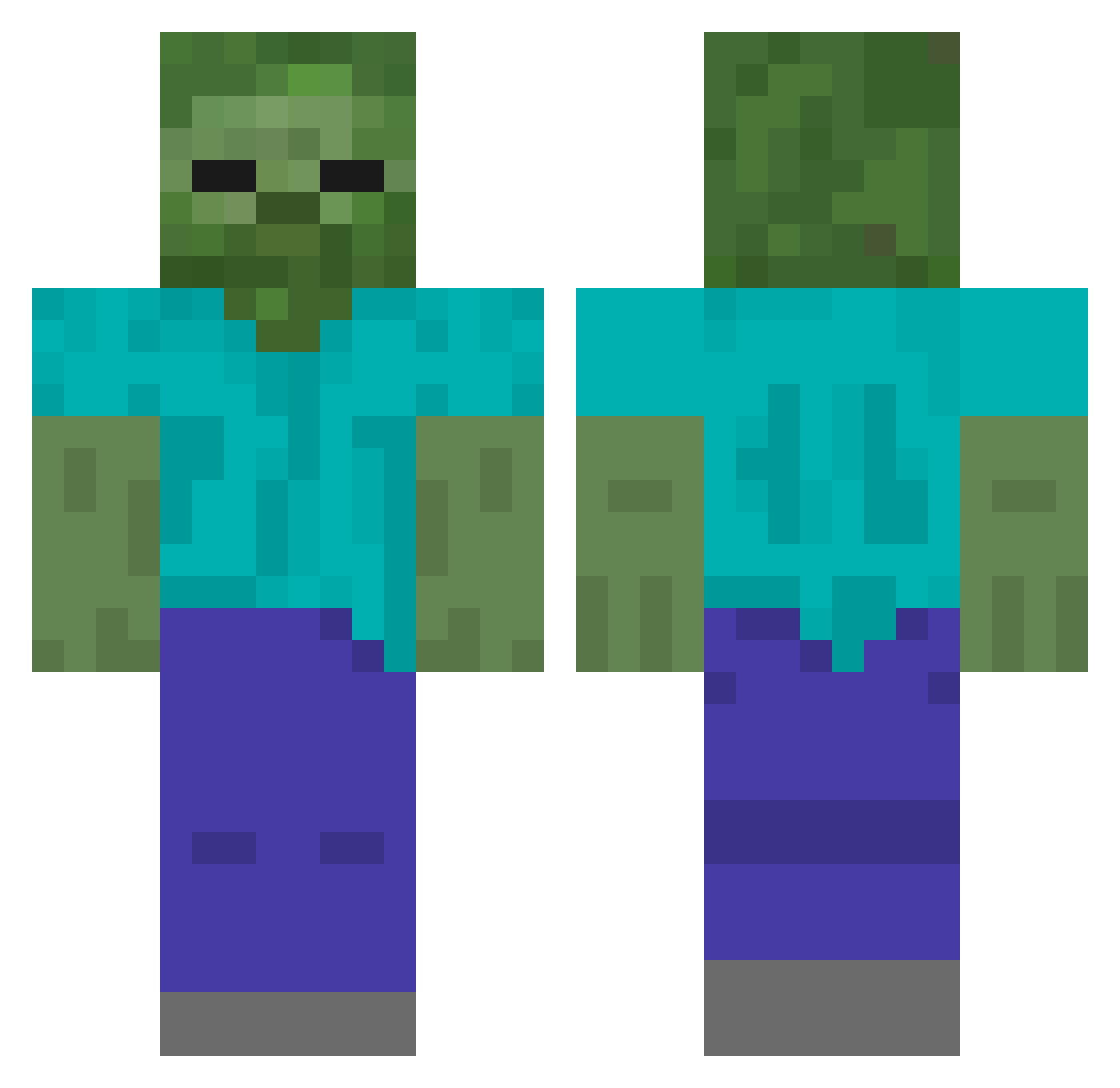
Current Minecraft skin of the player HmBE534, loaded from the official Mojang API. Rotate the 3D model with your mouse or finger, then download the skin as a PNG file and use it in Minecraft: Bedrock Edition or Java Edition for free. When HmBE534 changes their skin, this page updates automatically and the old skin stays in the history below.
Other players with this skin (440)
HmBE534 was the 50th player we have seen with this skin, first spotted on 04.08.2026. The same skin was seen on these players. Open a nickname to see their current skin and skin history.
 Forever1887 ANYNC apple1666 millieward1997 hjhawcs HUNK635 CCYYZ DDD520 VANgame1 zhangxuemao HnWU68 wuyuo FlaxGamr7 fanfan2333 HcwK528 engengeng 159sdf Diamond_doge mirai_152 Kiana1220 zwt123 Mengxi520 drchuan123 BurningRaid laotansuancai165 CSXXZ HeeeeZ wcsop
 Bedonan Sirajidin Popoking jksa Sakura_beast xiaobinplayer Hnvb469 Feiv66 QWQ_XX stlwdl dzg114514 ktaeho Hart_Hard NotBruh26 Dimple0_0 Bmgzjer M_Chennn majiaqi123 Orange9115 deadpoolko larryzzzzzz pjsw4 Yyyoungs LaoBacancry zzlele HCEJ667 HIoh806 _afei_1 xiaomali721 hkyawa
 wudizr HdHE598
More Undead Minecraft skins
How to install the HmBE534 skin
- Press the Download button above to save the skin as a PNG file.
- Minecraft: Bedrock Edition (PE): open the Dressing Room from the main menu (or tap your character → Edit Character), go to Classic Skins → Owned, press the + (new skin) button, choose the downloaded PNG and pick the Classic (Steve) model. Works on PC and mobile; consoles cannot import custom skins.
- Minecraft: Java Edition: open the Minecraft Launcher, go to the Skins tab, click New Skin, load the PNG, pick the Classic (Steve) model and press Save & Use. You can also upload it at minecraft.net → Profile → Change Skin.
The skin does not show up after import - what should I do?
Restart Minecraft and open the Dressing Room again - imported skins sometimes appear only after a restart. Also make sure you selected the imported skin and picked the Classic (Steve) model.
Which model should I choose, Classic or Slim?
This skin is designed for the Classic (Steve) model. If you pick the wrong model, the arms of the skin will look stretched or squeezed.
Is the skin of HmBE534 free to download?
Yes. Press Download, save the PNG file and use it in Minecraft: Bedrock Edition or Java Edition - no payment or registration needed. The skin also works on multiplayer servers and Realms.
More skins
Looking for more? Go back to all Minecraft skins and check the top skins of the week, month and all time, or find any player's skin by nickname.