
 pdonohue16 Sterian dragonbrgamer tottotrpg HajimeNoGuts Mister_Carpoo ksazou L_A_O Snackat4am Ja_Krispy rikkun1127 miikoo69 HellAkira Junior_15 Marki_DK jkamcr robinflorindo jaewan3 Jp2007x aLdaGOD ThatBoredDude JP_4848 serginhofn67 kemkem00 lennoxistcool loutardo chadis_E dombendoh09 Sweetestsugar05 theod2009 juanpczv rtk10bala yuyanchennn Bones223 _cool_name_ akitosatou BalaGayGay HunterNoLife flymanp TABOC4 zakazaza2 tacos5353 WIROSE mio20080227 AlerLucas shaoyong67 Ekdona dorxx0 setun23456 oshiruko1030 QuiXniX_ Creeperstone3798 Jerry_Durban joeykarate Dkdano2003 LeftExp chrisi8809 colorfulkids poloBOB LionBunny_
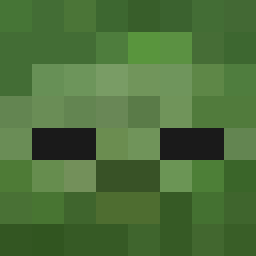
Minecraft skin of MinecrafterXXL. Rotate the 3D model with your mouse or finger to view the skin from every angle, then download it as a PNG file and use it in Minecraft: Bedrock Edition or Java Edition for free. Rate the skin with stars to help other players find the best skins in our collection.
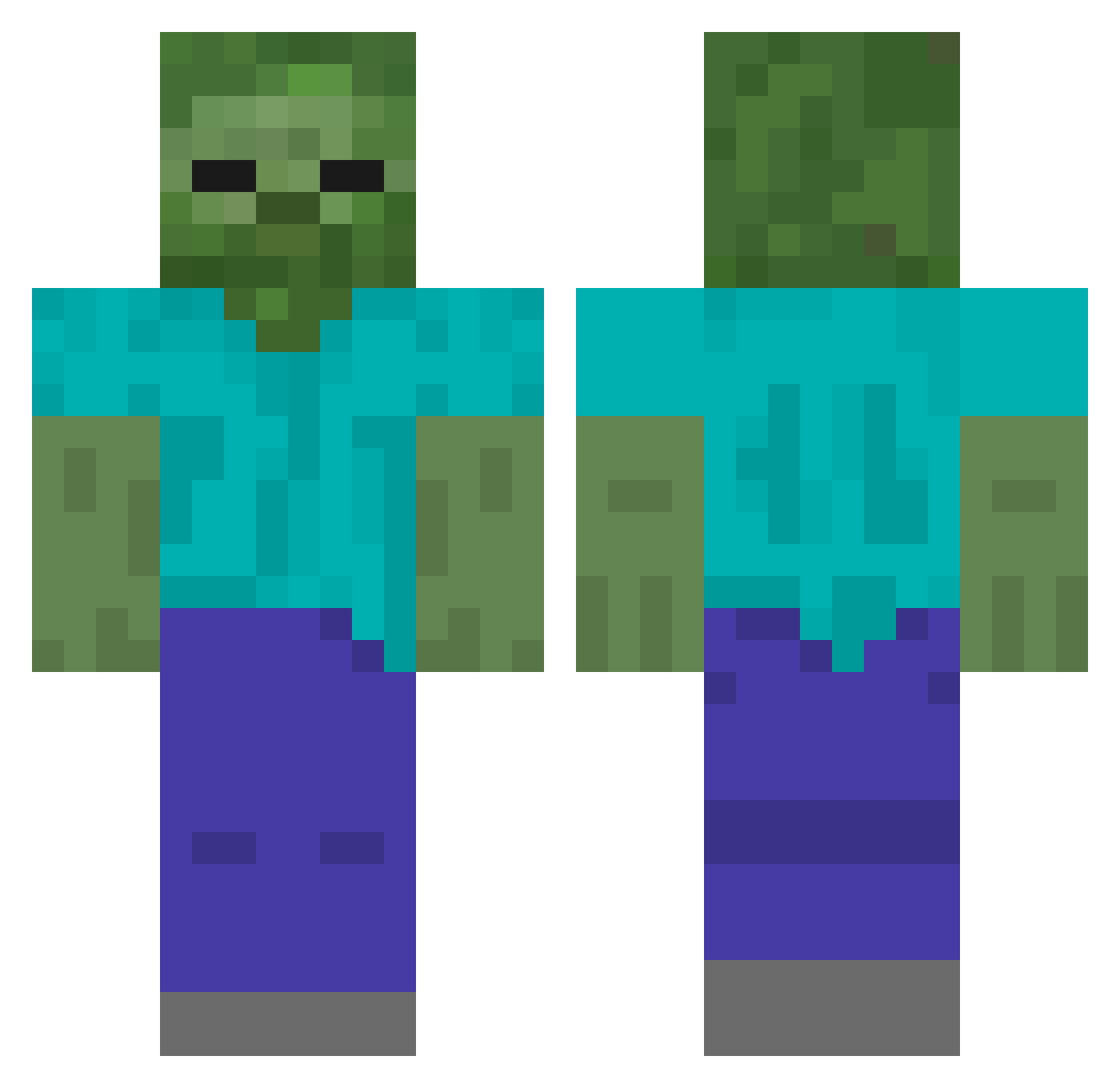
How to install the MinecrafterXXL skin
- Press the Download button above to save the skin as a PNG file.
- Minecraft: Bedrock Edition (PE): open the Dressing Room from the main menu (or tap your character → Edit Character), go to Classic Skins → Owned, press the + (new skin) button, choose the downloaded PNG and pick the Classic (Steve) model. Works on PC and mobile; consoles cannot import custom skins.
- Minecraft: Java Edition: open the Minecraft Launcher, go to the Skins tab, click New Skin, load the PNG, pick the Classic (Steve) model and press Save & Use. You can also upload it at minecraft.net → Profile → Change Skin.
The skin does not show up after import - what should I do?
Restart Minecraft and open the Dressing Room again - imported skins sometimes appear only after a restart. Also make sure you selected the imported skin and picked the Classic (Steve) model.
Which model should I choose, Classic or Slim?
This skin is designed for the Classic (Steve) model. If you pick the wrong model, the arms of the skin will look stretched or squeezed.
Is this skin free to use?
Yes. Press Download, save the PNG file and use it in Minecraft: Bedrock Edition or Java Edition - no payment or registration needed. The skin also works on multiplayer servers and Realms.
More Undead Minecraft skins
More skins
Looking for more? Go back to all Minecraft skins and check the top skins of the week, month and all time, or find any player's skin by nickname.