
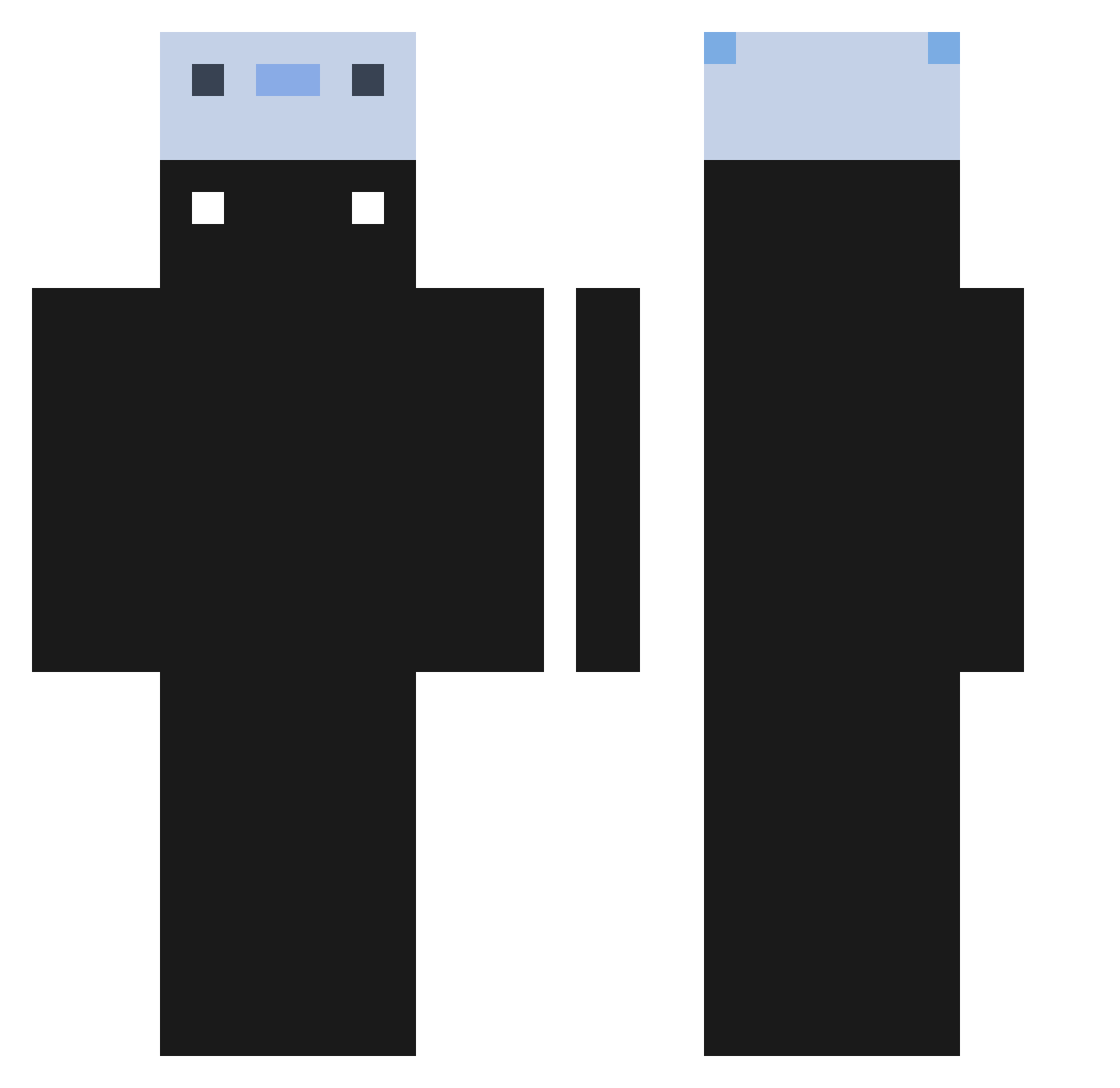
Current Minecraft skin of the player GetStarted, loaded from the official Mojang API. Rotate the 3D model with your mouse or finger, then download the skin as a PNG file and use it in Minecraft: Bedrock Edition or Java Edition for free. When GetStarted changes their skin, this page updates automatically and the old skin stays in the history below.
Other players with this skin (190)
GetStarted was the 48th player we have seen with this skin, first spotted on 15.08.2026. The same skin was seen on these players. Open a nickname to see their current skin and skin history.
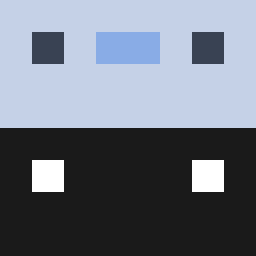 Leonidas___ Poissirene kohaikunn TC6Zeux5154 waterbottle20202 suisen_16 Ozirya Domino_0108 BlackMugiwara DamiGamerYT 0113200 Confidentaxolotl wjdrmfrjwl Mushmellxw EnoPlum XBIELXOP
 MuhArit Efeigs TodoroniCheese Thesey siyeon1234 pockazoi ii_Demo Sprinklelela Burak1OO Shibayuyu ikimos jpxiis Novia_Tr BlindManJimbo Hooniking pamthom1 ganooo Noowzy 1kHours Squidkid47930 Jackarro veanous C4GOLEM 6Juicy9 siwoo0801 aneRbot Sasam2 _IchKannNichts_ hankyeol7587 Vicblackk AdGunner 63b flirtthis Monngo123VN LIRAN1545 UdongE43 1R0SS Snaxlol Fullinvis Tinkerbell002 Leqfy Ethor23war YoloReis g4yk1d123
How to install the GetStarted skin
- Press the Download button above to save the skin as a PNG file.
- Minecraft: Bedrock Edition (PE): open the Dressing Room from the main menu (or tap your character → Edit Character), go to Classic Skins → Owned, press the + (new skin) button, choose the downloaded PNG and pick the Classic (Steve) model. Works on PC and mobile; consoles cannot import custom skins.
- Minecraft: Java Edition: open the Minecraft Launcher, go to the Skins tab, click New Skin, load the PNG, pick the Classic (Steve) model and press Save & Use. You can also upload it at minecraft.net → Profile → Change Skin.
The skin does not show up after import - what should I do?
Restart Minecraft and open the Dressing Room again - imported skins sometimes appear only after a restart. Also make sure you selected the imported skin and picked the Classic (Steve) model.
Which model should I choose, Classic or Slim?
This skin is designed for the Classic (Steve) model. If you pick the wrong model, the arms of the skin will look stretched or squeezed.
Is the skin of GetStarted free to download?
Yes. Press Download, save the PNG file and use it in Minecraft: Bedrock Edition or Java Edition - no payment or registration needed. The skin also works on multiplayer servers and Realms.
More skins
Looking for more? Go back to all Minecraft skins and check the top skins of the week, month and all time, or find any player's skin by nickname.