
 DWDragon robinski007 Ethor23war immune_wheat_63 Lynsx4k Z3roS4n TheHypNos0 EduKen BELUGAAA__ HMblack Moizo58 bread1881 By_Aryvox Roboticc hxx5854 mimanchi_ ikimos 7465 Gabi30_08 slapssroof Ruft_ sztkx kineno codeninjashe1 Phaswi Rocod passkey pumathekid BR3VY Hiphoplilli Helyna7 By75 Helix_blyat Vexedly _BlackChes_ xpietroz Louis0051 Nyxpo LachNichtMehr Pigeon_GuGU_ IDusty101I Twitch_LuvSpeedz 97321 zDudaax Snrfy Dalin__Lu iTzXScop3Zz dimi_xd jlucas26 flirtthis CanjearProducto Mysticxpoofy Firgin4Life Linkoo_ oNolifing NotSimpin cxq_ Vinniny alsl0524 NzudemIKE
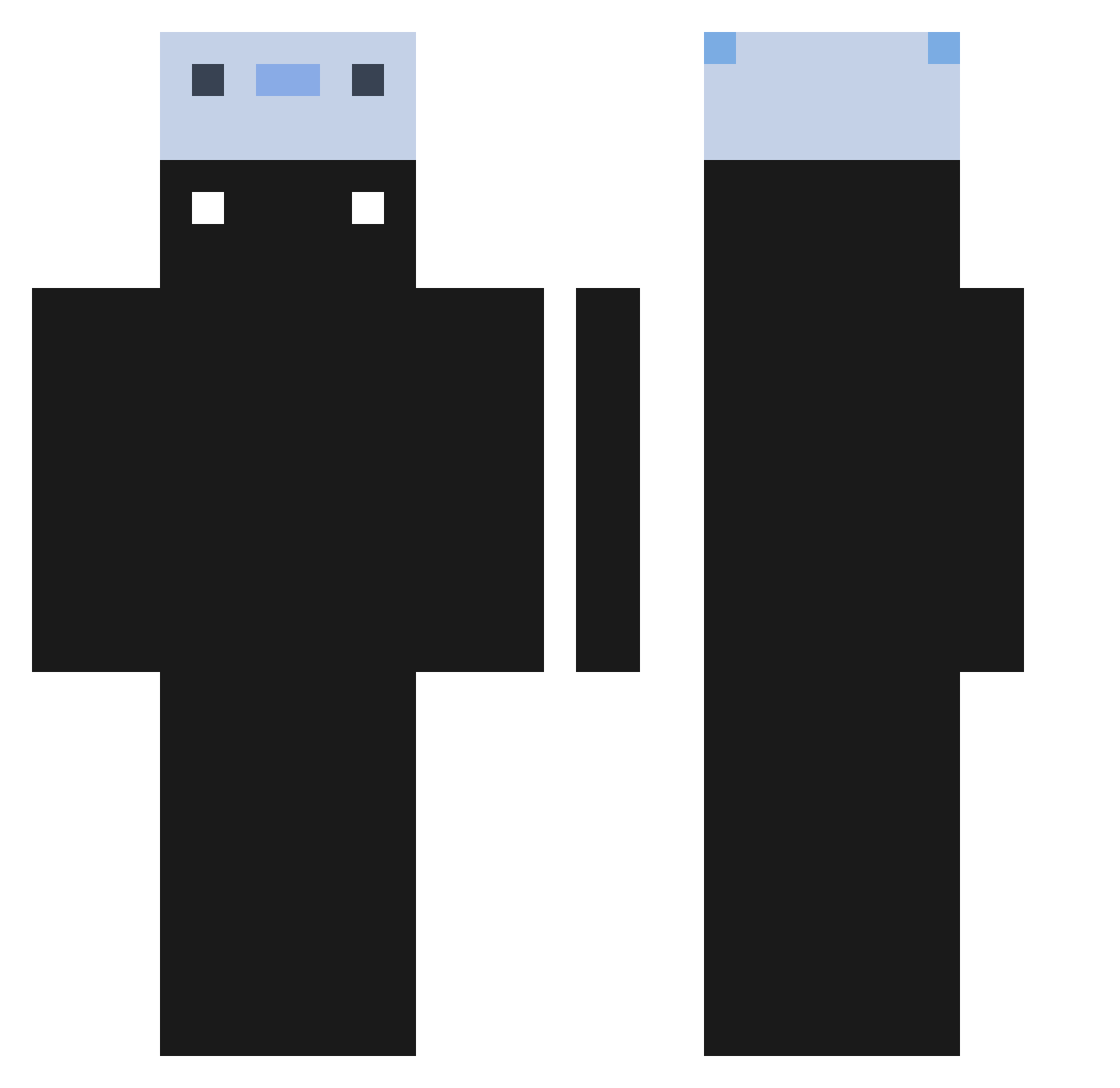
Minecraft skin of eadith. Rotate the 3D model with your mouse or finger to view the skin from every angle, then download it as a PNG file and use it in Minecraft: Bedrock Edition or Java Edition for free. Rate the skin with stars to help other players find the best skins in our collection.
How to install the eadith skin
- Press the Download button above to save the skin as a PNG file.
- Minecraft: Bedrock Edition (PE): open the Dressing Room from the main menu (or tap your character → Edit Character), go to Classic Skins → Owned, press the + (new skin) button, choose the downloaded PNG and pick the Classic (Steve) model. Works on PC and mobile; consoles cannot import custom skins.
- Minecraft: Java Edition: open the Minecraft Launcher, go to the Skins tab, click New Skin, load the PNG, pick the Classic (Steve) model and press Save & Use. You can also upload it at minecraft.net → Profile → Change Skin.
The skin does not show up after import - what should I do?
Restart Minecraft and open the Dressing Room again - imported skins sometimes appear only after a restart. Also make sure you selected the imported skin and picked the Classic (Steve) model.
Which model should I choose, Classic or Slim?
This skin is designed for the Classic (Steve) model. If you pick the wrong model, the arms of the skin will look stretched or squeezed.
Is this skin free to use?
Yes. Press Download, save the PNG file and use it in Minecraft: Bedrock Edition or Java Edition - no payment or registration needed. The skin also works on multiplayer servers and Realms.
More skins
Looking for more? Go back to all Minecraft skins and check the top skins of the week, month and all time, or find any player's skin by nickname.