
Friendly__NEKO - Minecraft Skins & Skin History
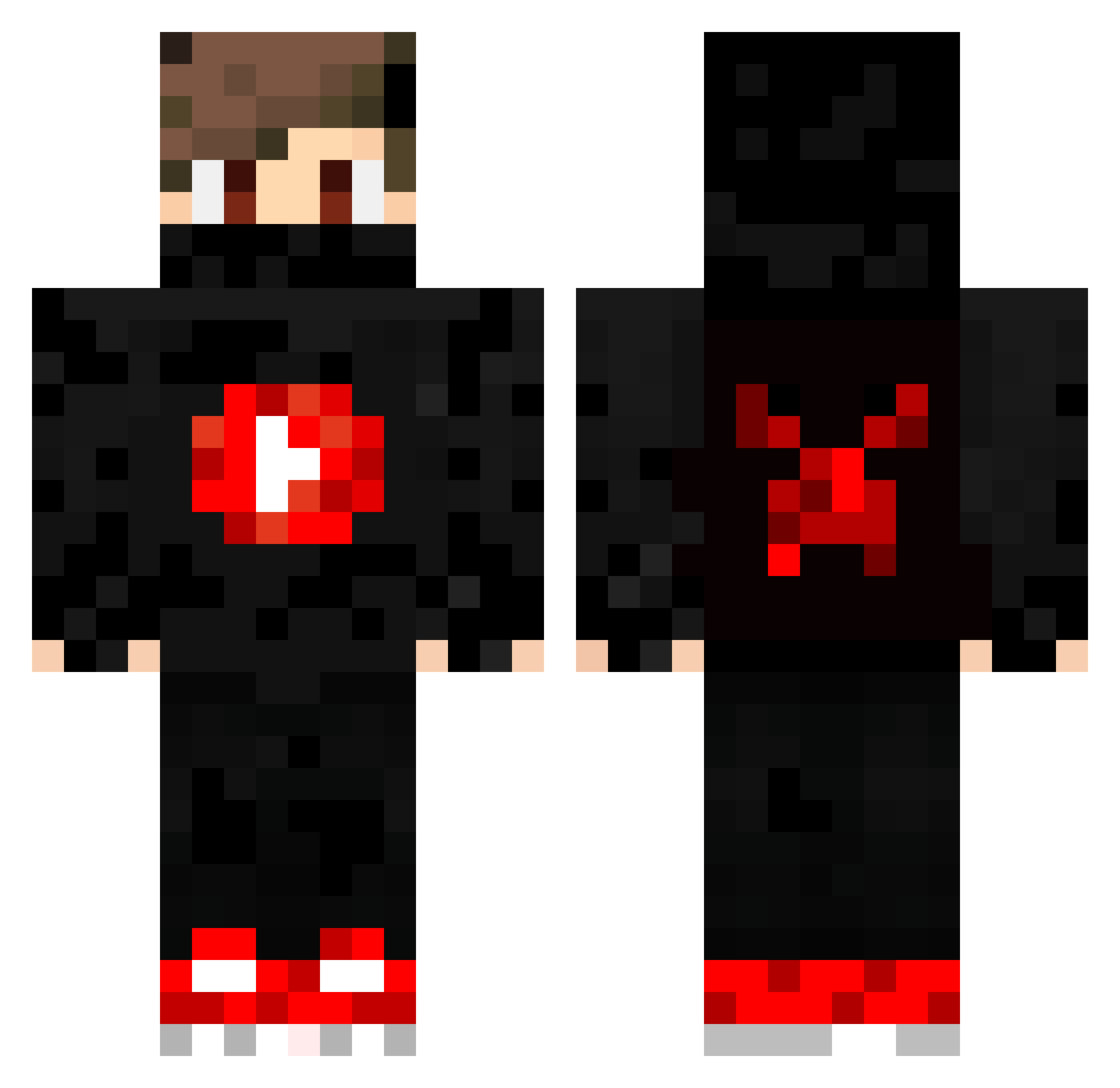
Current Minecraft skin of the player Friendly__NEKO, loaded from the official Mojang API. Rotate the 3D model with your mouse or finger, then download the skin as a PNG file and use it in Minecraft: Bedrock Edition or Java Edition for free. When Friendly__NEKO changes their skin, this page updates automatically and the old skin stays in the history below.
Other players with this skin (381)
Friendly__NEKO was the 27th player we have seen with this skin, first spotted on 31.07.2026. The same skin was seen on these players. Open a nickname to see their current skin and skin history.
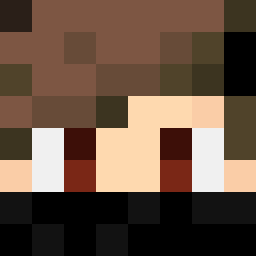 Henrydu0706 vini2341 9xx_Huzz_bgt xXOmerXx Adham11 Bananaa123 KAROLO303 kikothestreet FredyIV ultra_jao LediLed BISU_VN SosoGeek xLoGic78 FabiHpe pave2143 Hansen123 Nath_ours xoudoud NertyxCZ Swekzter bastogmr Crokete MiningSu MrRodrigoFS PEDROGAME10 Hemcraxy Guyinator Tostbr0t Orlando_Zhu vsavx Shand88 OoBRUXOoO YTZidanAhmad GameplayerSK JoaoMRP MrMirok luskasocafofo MacAdam_YT Casino077 FrameAim Aishimc_ TokinhaXD Craftianos Desbr4vador PitaTR Hotraider aslove2115 Bajzi petr_tv Omega0ssi hanan_ysn Gomi1 JoTech_Gaming furkanb59 sebyoutuber gotaga123 Raimi07 C0vered_Edge Kalubis47
More Mask Minecraft skins
How to install the Friendly__NEKO skin
- Press the Download button above to save the skin as a PNG file.
- Minecraft: Bedrock Edition (PE): open the Dressing Room from the main menu (or tap your character → Edit Character), go to Classic Skins → Owned, press the + (new skin) button, choose the downloaded PNG and pick the Classic (Steve) model. Works on PC and mobile; consoles cannot import custom skins.
- Minecraft: Java Edition: open the Minecraft Launcher, go to the Skins tab, click New Skin, load the PNG, pick the Classic (Steve) model and press Save & Use. You can also upload it at minecraft.net → Profile → Change Skin.
The skin does not show up after import - what should I do?
Restart Minecraft and open the Dressing Room again - imported skins sometimes appear only after a restart. Also make sure you selected the imported skin and picked the Classic (Steve) model.
Which model should I choose, Classic or Slim?
This skin is designed for the Classic (Steve) model. If you pick the wrong model, the arms of the skin will look stretched or squeezed.
Is the skin of Friendly__NEKO free to download?
Yes. Press Download, save the PNG file and use it in Minecraft: Bedrock Edition or Java Edition - no payment or registration needed. The skin also works on multiplayer servers and Realms.
More skins
Looking for more? Go back to all Minecraft skins and check the top skins of the week, month and all time, or find any player's skin by nickname.