
Frerien - Minecraft Skins & Skin History
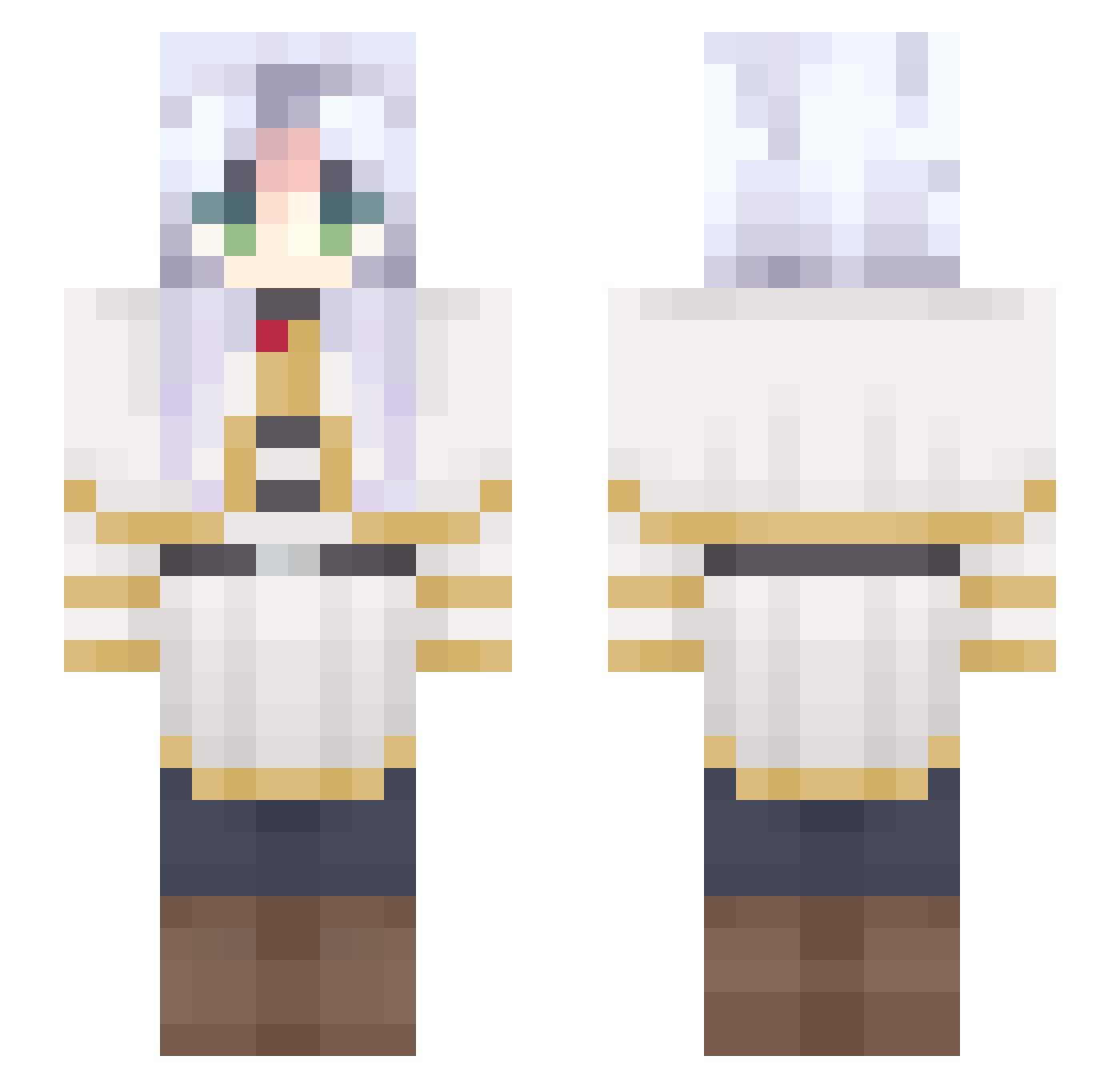
Current Minecraft skin of the player Frerien, loaded from the official Mojang API. Rotate the 3D model with your mouse or finger, then download the skin as a PNG file and use it in Minecraft: Bedrock Edition or Java Edition for free. When Frerien changes their skin, this page updates automatically and the old skin stays in the history below.
Other players with this skin (651)
Frerien was the 97th player we have seen with this skin, first spotted on 08.08.2026. The same skin was seen on these players. Open a nickname to see their current skin and skin history.
 Ruined_Dragon
 FriereH aurum0305 cucudas_ naierusan Helennie Yurieo
 EmilyOwO736 Vicingames Samarisco_ ThiccThighsx Yuna_Mayo MeikoSempai Cokotta
 stupidstuffgamer Shtyle ChickenMuncher39
 JulianPolska JustSomeWeirdo6 Playyer1 sxnnrs Camille84 Chinchulina EuN_gineer KengBaBaYaGa ryusuii_
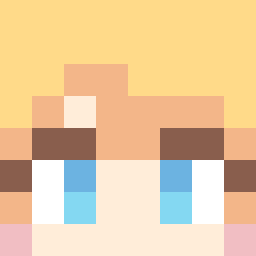 analangel1
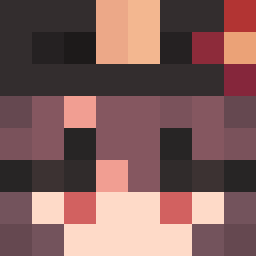 Refrying Silkyphania JoanT13 freya_max OnVolMonBlaz NoveaIVaesh sheepTW TheErrorOne LostHalliwell small_Ray_gamer rich4rdz nukowo SnakeVenom715 Canelita01234 Trajano_0 Daniely_6767 Asveraa Neikea Yvele Nag11s P_B_Y Winoth
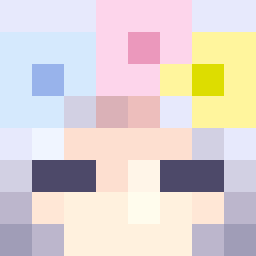 fall9852456 yAurora killeguri BigYes13
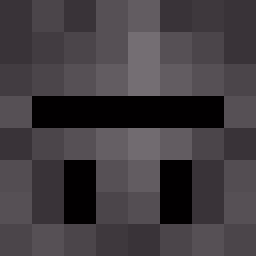 midali33
 zMichisan YuuiHana LouisDeValentino SzerneczL9 Netinho_Craft Ruhya
More Frieren Beyond Journeys End Minecraft skins
See all 129 Frieren Beyond Journeys End skins
How to install the Frerien skin
- Press the Download button above to save the skin as a PNG file.
- Minecraft: Bedrock Edition (PE): open the Dressing Room from the main menu (or tap your character → Edit Character), go to Classic Skins → Owned, press the + (new skin) button, choose the downloaded PNG and pick the Slim (Alex) model. Works on PC and mobile; consoles cannot import custom skins.
- Minecraft: Java Edition: open the Minecraft Launcher, go to the Skins tab, click New Skin, load the PNG, pick the Slim (Alex) model and press Save & Use. You can also upload it at minecraft.net → Profile → Change Skin.
The skin does not show up after import - what should I do?
Restart Minecraft and open the Dressing Room again - imported skins sometimes appear only after a restart. Also make sure you selected the imported skin and picked the Slim (Alex) model.
Which model should I choose, Classic or Slim?
This skin is designed for the Slim (Alex) model. If you pick the wrong model, the arms of the skin will look stretched or squeezed.
Is the skin of Frerien free to download?
Yes. Press Download, save the PNG file and use it in Minecraft: Bedrock Edition or Java Edition - no payment or registration needed. The skin also works on multiplayer servers and Realms.
More skins
Looking for more? Go back to all Minecraft skins and check the top skins of the week, month and all time, or find any player's skin by nickname.