
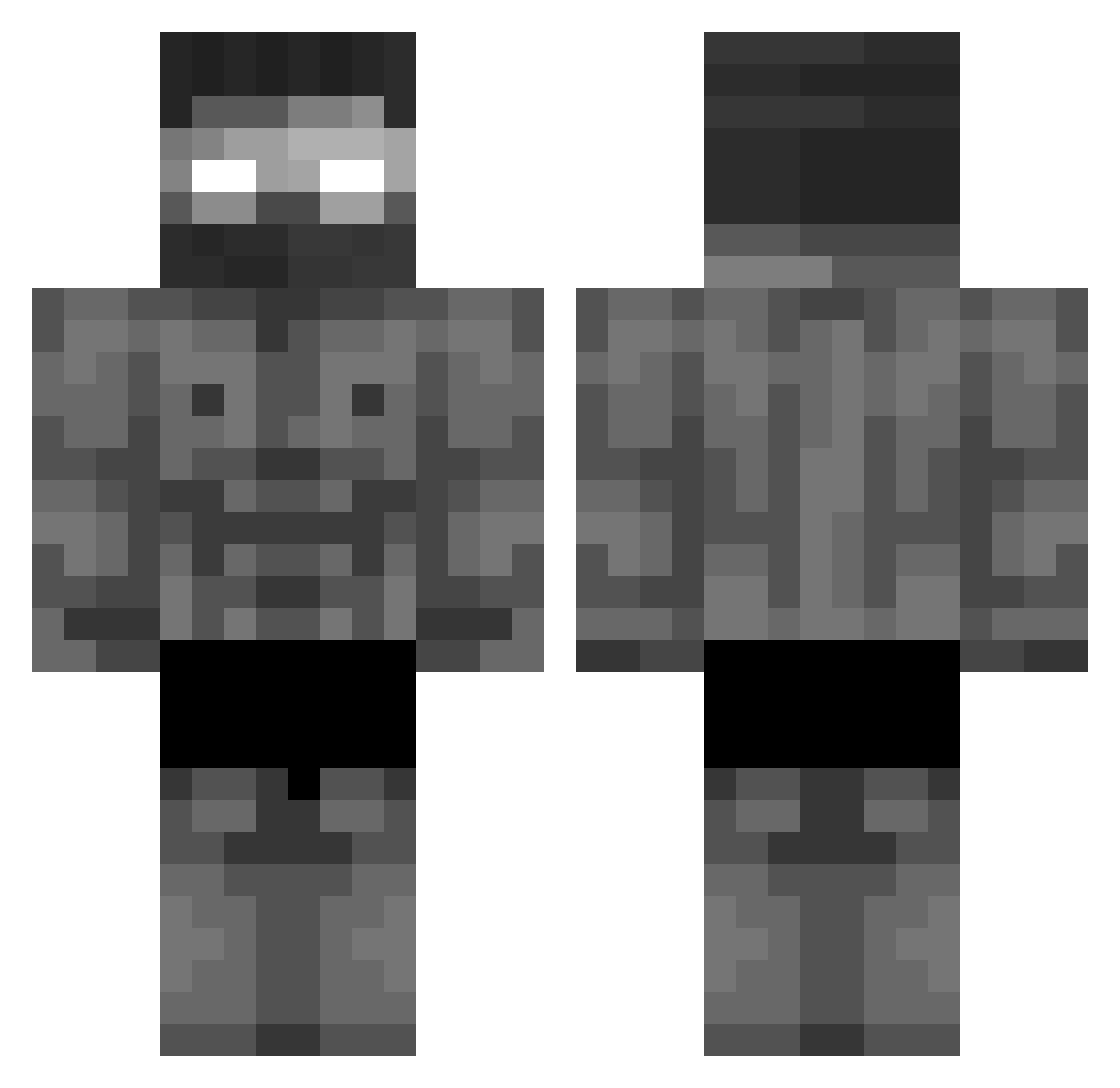
Current Minecraft skin of the player FireStormzz2112, loaded from the official Mojang API. Rotate the 3D model with your mouse or finger, then download the skin as a PNG file and use it in Minecraft: Bedrock Edition or Java Edition for free. When FireStormzz2112 changes their skin, this page updates automatically and the old skin stays in the history below.
Other players with this skin (375)
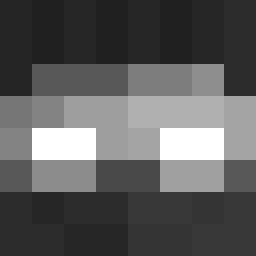
FireStormzz2112 was the 288th player we have seen with this skin, first spotted on 29.09.2026. The same skin was seen on these players. Open a nickname to see their current skin and skin history.
 Rivbow Floybrock capitainne_water LaWueaEsa phDDeyy OnlineVolcano34 TryToFollowMe darevilo NEOXyan Yannex69 MIMIR_7 santiag_8 Kominar beshow 1TSASecurity FlewRox_ TajnyZiomek IRFANaga atomisstaken12 jeyness KrulAlvarez ardayabansu Vaislane rA_vacine DoctorGoon4901 TerroDucky DadsApRo godji64 Donymcdondon Natalaa20 aoutlop SFI65 Simba_70 FagyiGaming500 Shayrxn uMacho Marci1204 Ostyxu FurMetal powerradi evangames505 Preduard detvit kimkimlshg lollu1221 NotTurKi_ JOJO123412 erinbow ChelxSea1 boxyburrito T3xture_09 Mweog Youtube_gabzezfr SIlveirawzz bogdenof Darknith_Victeur SugarBunni2 Kizameg huandalepringl Herobrain9999
More Buff Minecraft skins
How to install the FireStormzz2112 skin
- Press the Download button above to save the skin as a PNG file.
- Minecraft: Bedrock Edition (PE): open the Dressing Room from the main menu (or tap your character → Edit Character), go to Classic Skins → Owned, press the + (new skin) button, choose the downloaded PNG and pick the Classic (Steve) model. Works on PC and mobile; consoles cannot import custom skins.
- Minecraft: Java Edition: open the Minecraft Launcher, go to the Skins tab, click New Skin, load the PNG, pick the Classic (Steve) model and press Save & Use. You can also upload it at minecraft.net → Profile → Change Skin.
The skin does not show up after import - what should I do?
Restart Minecraft and open the Dressing Room again - imported skins sometimes appear only after a restart. Also make sure you selected the imported skin and picked the Classic (Steve) model.
Which model should I choose, Classic or Slim?
This skin is designed for the Classic (Steve) model. If you pick the wrong model, the arms of the skin will look stretched or squeezed.
Is the skin of FireStormzz2112 free to download?
Yes. Press Download, save the PNG file and use it in Minecraft: Bedrock Edition or Java Edition - no payment or registration needed. The skin also works on multiplayer servers and Realms.
More skins
Looking for more? Go back to all Minecraft skins and check the top skins of the week, month and all time, or find any player's skin by nickname.