
Feng0820 - Minecraft Skins & Skin History
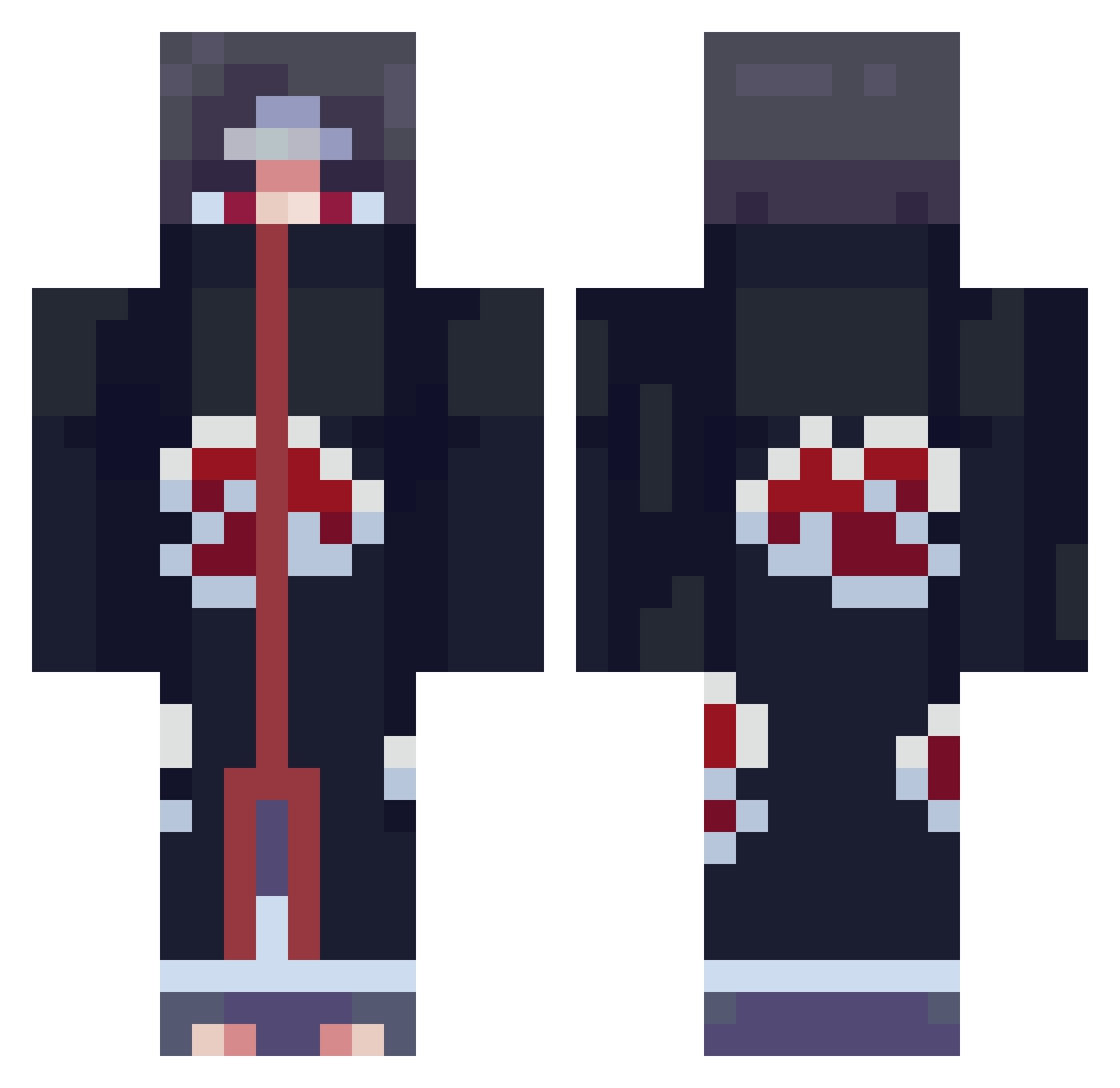
Current Minecraft skin of the player Feng0820, loaded from the official Mojang API. Rotate the 3D model with your mouse or finger, then download the skin as a PNG file and use it in Minecraft: Bedrock Edition or Java Edition for free. When Feng0820 changes their skin, this page updates automatically and the old skin stays in the history below.
Other players with this skin (803)
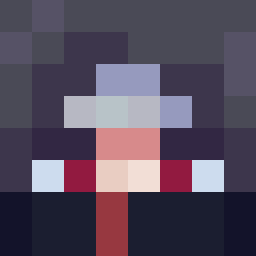
Feng0820 was the 476th player we have seen with this skin, first spotted on 28.09.2026. The same skin was seen on these players. Open a nickname to see their current skin and skin history.
 allah_EjwU0_1111 Schrammbo98 Nacisty fatwoods OrigineHD andiesjr Zruahs Noah864 futuretaskghost fhgsgurgjf _Tyhren_ kyuubi_no LazyTurtle27 ChorizoMinecraft ItsYaBoiRoger69 touming2 cho_Kawai viiiierrrr Enes1892 kuanlu CJ_Bot Swagpillow Elexem Wosongton Gengstout s1ze ItsBasix Dromnyr Pranay_Jod jugglerwill Stinky_monkey420 Rick_by sparrowwer gunddde Niakwee _ImPanda TheLegendRoy JadenD3 Andromeda_SV Darkblade_308 SimsiMoser12 ZeusG59 Noch_Red Perezo316 Wasmo21 Naeem95 Syke287 DrastyV1 Dolunayhubx Melaniosa Elixirate KRbobobo tusuegra1 bobobulut Wura_ BullyBottom NeVeRLosEs87 Flokun RagnarBH Syn_tac
More Itachi Uchiha Minecraft skins
See all 346 Itachi Uchiha skins
How to install the Feng0820 skin
- Press the Download button above to save the skin as a PNG file.
- Minecraft: Bedrock Edition (PE): open the Dressing Room from the main menu (or tap your character → Edit Character), go to Classic Skins → Owned, press the + (new skin) button, choose the downloaded PNG and pick the Classic (Steve) model. Works on PC and mobile; consoles cannot import custom skins.
- Minecraft: Java Edition: open the Minecraft Launcher, go to the Skins tab, click New Skin, load the PNG, pick the Classic (Steve) model and press Save & Use. You can also upload it at minecraft.net → Profile → Change Skin.
The skin does not show up after import - what should I do?
Restart Minecraft and open the Dressing Room again - imported skins sometimes appear only after a restart. Also make sure you selected the imported skin and picked the Classic (Steve) model.
Which model should I choose, Classic or Slim?
This skin is designed for the Classic (Steve) model. If you pick the wrong model, the arms of the skin will look stretched or squeezed.
Is the skin of Feng0820 free to download?
Yes. Press Download, save the PNG file and use it in Minecraft: Bedrock Edition or Java Edition - no payment or registration needed. The skin also works on multiplayer servers and Realms.
More skins
Looking for more? Go back to all Minecraft skins and check the top skins of the week, month and all time, or find any player's skin by nickname.