
 Salmat goose_onna_noose JKeyLocker TrippieSan Dormire Dexster_Jettster Marc123456 suan_yuan Duoxx1 Nano3598 jimmy_456 M0hammedal1 Kahoshin JetArch daymut Kihhamster cruciol Fizkinz Faze_Filt Relivious SuguhaKirigaya Jokingxl realmarv_ Gondim09 chrisgames2k LostMyKnife IXlxlXI IGreyl creamqie Azramenta Labuche69 pstelz misanem Shakkaa gbrx13 shrek_dad aviv_moyal Pelgrim12 greget_ayam abrahamslendi Ventley Darklordpopo MikeHawk4201 VixenteOver Psychox65 Itachi1400 Uekiz BANNED_ACC _matteo_vivies_ GISSEY Reenekton _Julon_ zealboyy PrestoSlayer ESORSSIK MigottoFB SkyYoh _Croissant____ MareXXV peeckzo
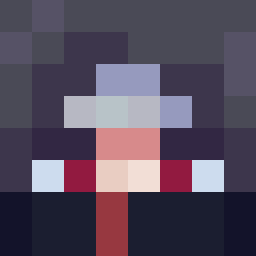
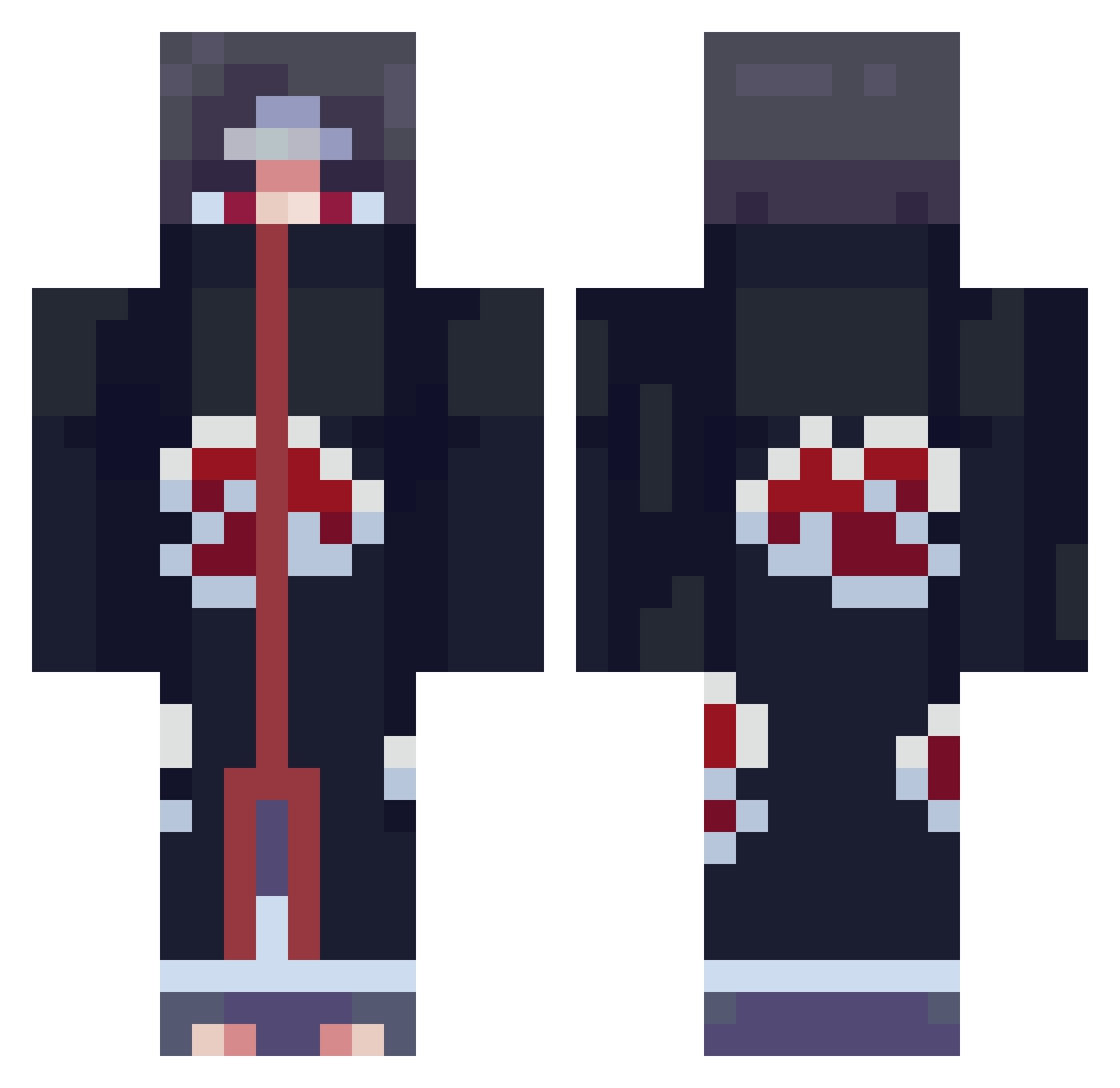
Minecraft skin of corri. Rotate the 3D model with your mouse or finger to view the skin from every angle, then download it as a PNG file and use it in Minecraft: Bedrock Edition or Java Edition for free. Rate the skin with stars to help other players find the best skins in our collection.
How to install the corri skin
- Press the Download button above to save the skin as a PNG file.
- Minecraft: Bedrock Edition (PE): open the Dressing Room from the main menu (or tap your character → Edit Character), go to Classic Skins → Owned, press the + (new skin) button, choose the downloaded PNG and pick the Classic (Steve) model. Works on PC and mobile; consoles cannot import custom skins.
- Minecraft: Java Edition: open the Minecraft Launcher, go to the Skins tab, click New Skin, load the PNG, pick the Classic (Steve) model and press Save & Use. You can also upload it at minecraft.net → Profile → Change Skin.
The skin does not show up after import - what should I do?
Restart Minecraft and open the Dressing Room again - imported skins sometimes appear only after a restart. Also make sure you selected the imported skin and picked the Classic (Steve) model.
Which model should I choose, Classic or Slim?
This skin is designed for the Classic (Steve) model. If you pick the wrong model, the arms of the skin will look stretched or squeezed.
Is this skin free to use?
Yes. Press Download, save the PNG file and use it in Minecraft: Bedrock Edition or Java Edition - no payment or registration needed. The skin also works on multiplayer servers and Realms.
More Itachi Uchiha Minecraft skins
See all 358 Itachi Uchiha skins
More skins
Looking for more? Go back to all Minecraft skins and check the top skins of the week, month and all time, or find any player's skin by nickname.