
Ethanipack - Minecraft Skins & Skin History
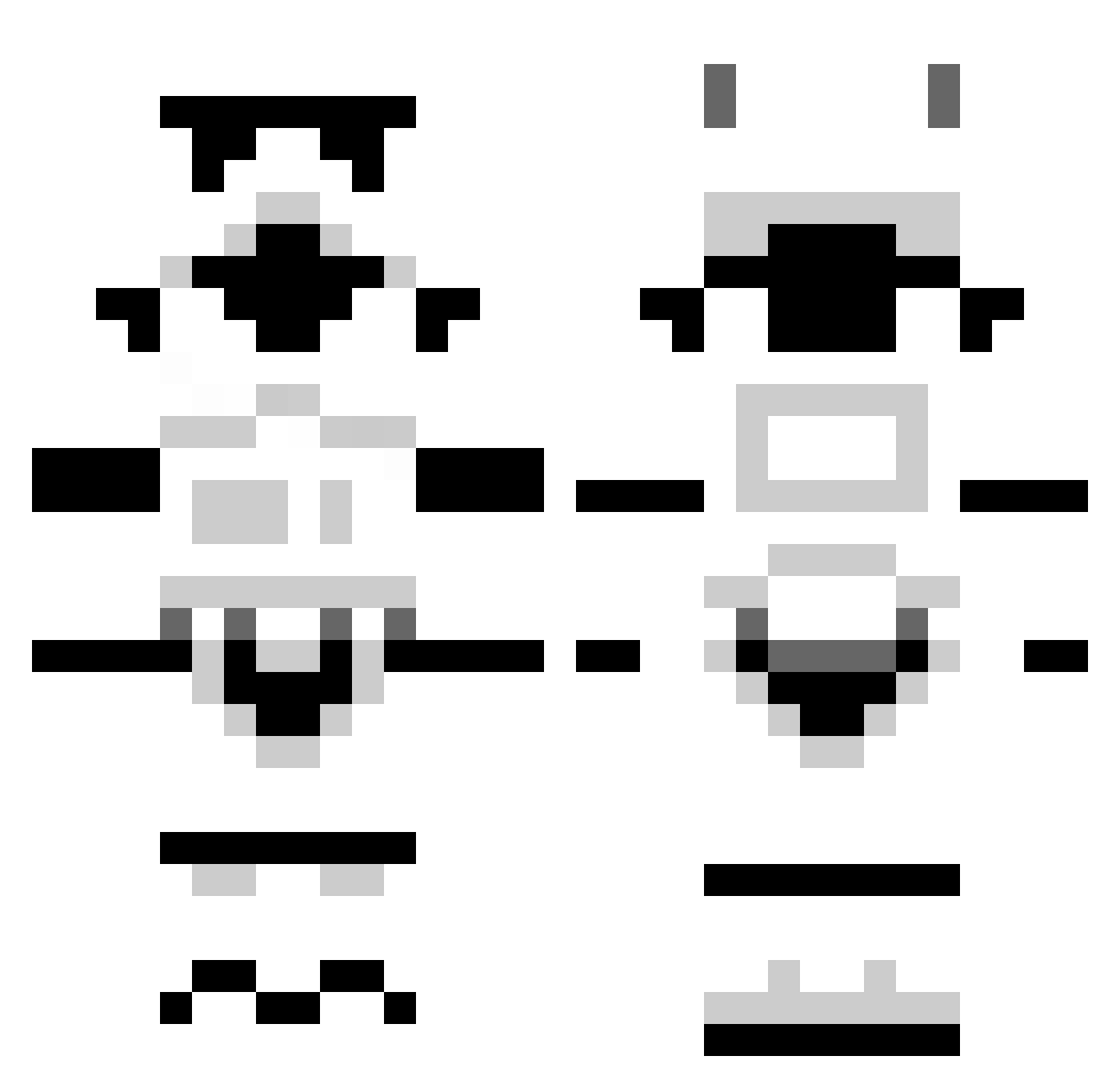
Current Minecraft skin of the player Ethanipack, loaded from the official Mojang API. Rotate the 3D model with your mouse or finger, then download the skin as a PNG file and use it in Minecraft: Bedrock Edition or Java Edition for free. When Ethanipack changes their skin, this page updates automatically and the old skin stays in the history below.
Other players with this skin (1296)
Ethanipack was the 88th player we have seen with this skin, first spotted on 01.08.2026. The same skin was seen on these players. Open a nickname to see their current skin and skin history.
 Stevetho SoggyLake iamdacreeper _Ralf_ gaelgc Lima3069 krotac FR3DFR3DBURG3R6 puddincups StillMad23 HAVOKAWAITS SnooppDawgy Brandon_Boss12 _PAGANDA_ phillycanuck goldeninsanity XDervMetalX X_Oreosnmilk_X Heathead789 THEFORKMEISTER mandaplease Sonic92 its_schoon_bro SlimeCraft_ Janobald FigNukem II_Dynamic_II Jannikan NothingtoProve JonB123 squamato13 doubleteamu sebb_88 agentg2014 Jepod LOCKYCHOW DrMortalitas Cinemattika Saint1137 AgeOfTacos cloozed jurassicdino94 ThomasB37 Guywithaclub Tanipuap Battle_God_00 Bowtuk jacques_4 brndn93 rapx100pre tottot88 Loki8484 nagol2011 tonybife MrHoldingUK Busmeister ShadowOfChaos123 zinho1 BlackoutBambo sloWr
More Stormtrooper Minecraft skins
See all 528 Stormtrooper skins
How to install the Ethanipack skin
- Press the Download button above to save the skin as a PNG file.
- Minecraft: Bedrock Edition (PE): open the Dressing Room from the main menu (or tap your character → Edit Character), go to Classic Skins → Owned, press the + (new skin) button, choose the downloaded PNG and pick the Classic (Steve) model. Works on PC and mobile; consoles cannot import custom skins.
- Minecraft: Java Edition: open the Minecraft Launcher, go to the Skins tab, click New Skin, load the PNG, pick the Classic (Steve) model and press Save & Use. You can also upload it at minecraft.net → Profile → Change Skin.
The skin does not show up after import - what should I do?
Restart Minecraft and open the Dressing Room again - imported skins sometimes appear only after a restart. Also make sure you selected the imported skin and picked the Classic (Steve) model.
Which model should I choose, Classic or Slim?
This skin is designed for the Classic (Steve) model. If you pick the wrong model, the arms of the skin will look stretched or squeezed.
Is the skin of Ethanipack free to download?
Yes. Press Download, save the PNG file and use it in Minecraft: Bedrock Edition or Java Edition - no payment or registration needed. The skin also works on multiplayer servers and Realms.
More skins
Looking for more? Go back to all Minecraft skins and check the top skins of the week, month and all time, or find any player's skin by nickname.