
Ekaryon - Minecraft Skins & Skin History
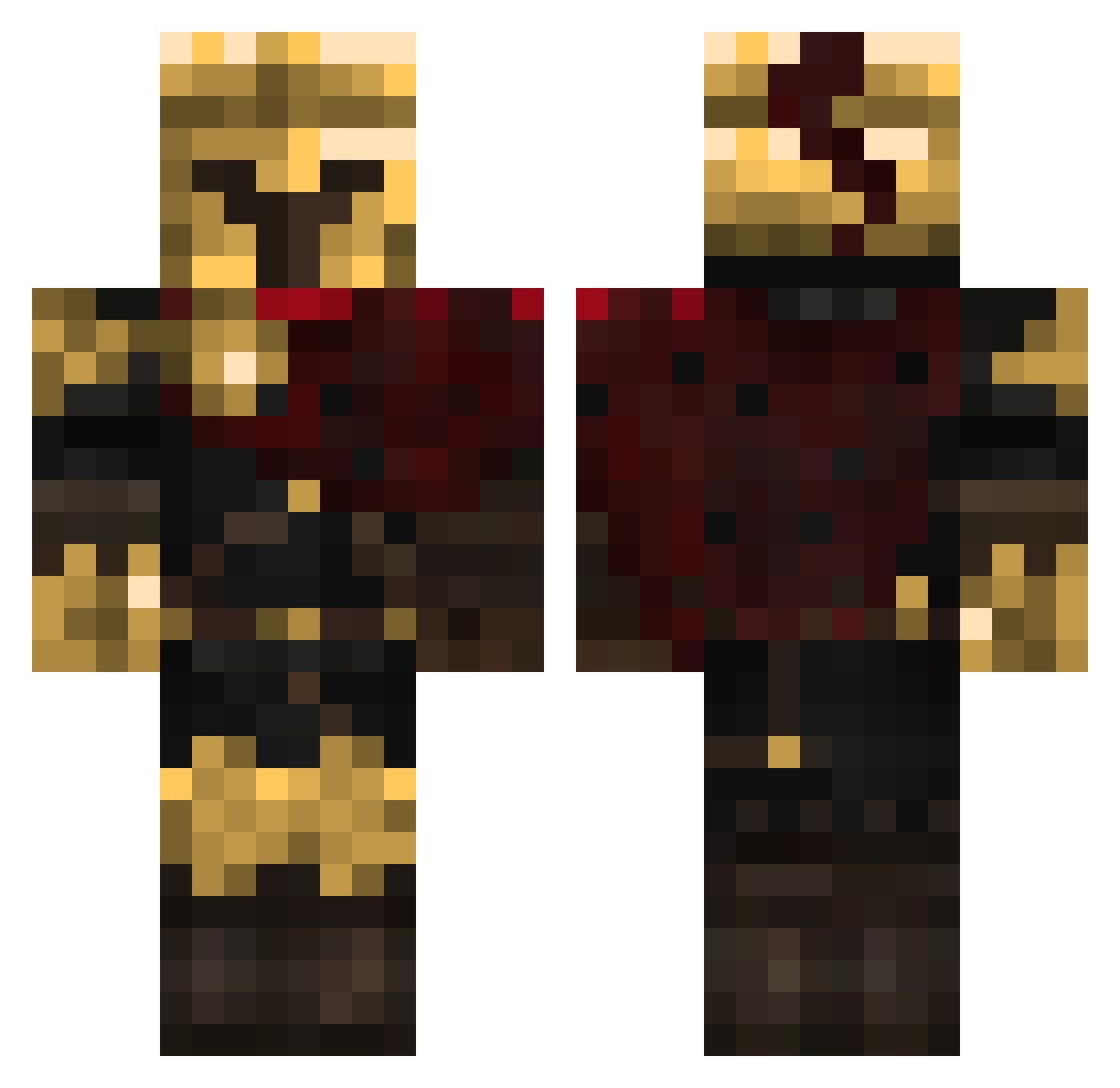
Current Minecraft skin of the player Ekaryon, loaded from the official Mojang API. Rotate the 3D model with your mouse or finger, then download the skin as a PNG file and use it in Minecraft: Bedrock Edition or Java Edition for free. When Ekaryon changes their skin, this page updates automatically and the old skin stays in the history below.
Other players with this skin (320)
Ekaryon was the 66th player we have seen with this skin, first spotted on 11.08.2026. The same skin was seen on these players. Open a nickname to see their current skin and skin history.
 Akari1
 F3stroYT
 Axolotl_King06 Laurenthk shorebuddy MARVELbeast8 KRISTY_LAI
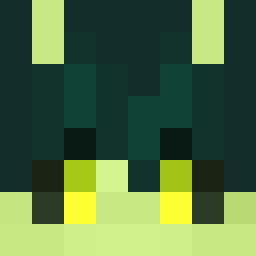 echobyte_ _Rainedrop_ CasualGamer098 MillerekKillerek fishie_wish Waffles_00 ZexoSzFN MatrixVc bot_galaxy2 LeafyLucas OssiMCindahood Libro22 Jack150507 Jetstream09
 Voortaken
 XxXMustyXxX JayemPogi DisaCk rovballemandd
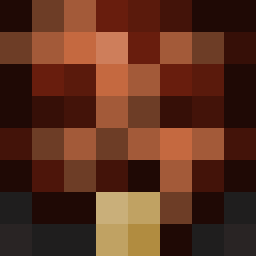 rancid_angel midesMC12
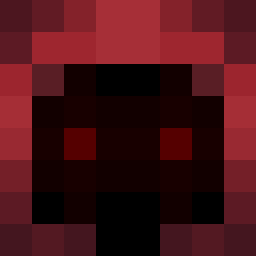 Toplyak NixAzazel LocalScavenger Netyoudark80 Ghost_765 DazedRebel214 Kotel_heh
 Compacts_ Destro2538
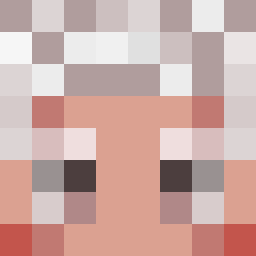 Cecil_LIA
 verotrx Sandokan2d cataldinhopro ArtexGaming HappyChimpy Ivo01BG DocSolitary BeTonder SwiftCannot Luis23777 Peeper_2 AlphaDias immortal2009 xlpq Thatoneguy2782 AshamedAries TankyTwister Icy_Szn_ EnsoCein SolovyevA123
 Homskiy
 sillybilly1223
More Spartan Minecraft skins
How to install the Ekaryon skin
- Press the Download button above to save the skin as a PNG file.
- Minecraft: Bedrock Edition (PE): open the Dressing Room from the main menu (or tap your character → Edit Character), go to Classic Skins → Owned, press the + (new skin) button, choose the downloaded PNG and pick the Classic (Steve) model. Works on PC and mobile; consoles cannot import custom skins.
- Minecraft: Java Edition: open the Minecraft Launcher, go to the Skins tab, click New Skin, load the PNG, pick the Classic (Steve) model and press Save & Use. You can also upload it at minecraft.net → Profile → Change Skin.
The skin does not show up after import - what should I do?
Restart Minecraft and open the Dressing Room again - imported skins sometimes appear only after a restart. Also make sure you selected the imported skin and picked the Classic (Steve) model.
Which model should I choose, Classic or Slim?
This skin is designed for the Classic (Steve) model. If you pick the wrong model, the arms of the skin will look stretched or squeezed.
Is the skin of Ekaryon free to download?
Yes. Press Download, save the PNG file and use it in Minecraft: Bedrock Edition or Java Edition - no payment or registration needed. The skin also works on multiplayer servers and Realms.
More skins
Looking for more? Go back to all Minecraft skins and check the top skins of the week, month and all time, or find any player's skin by nickname.