
EnsoCein - Minecraft Skins & Skin History
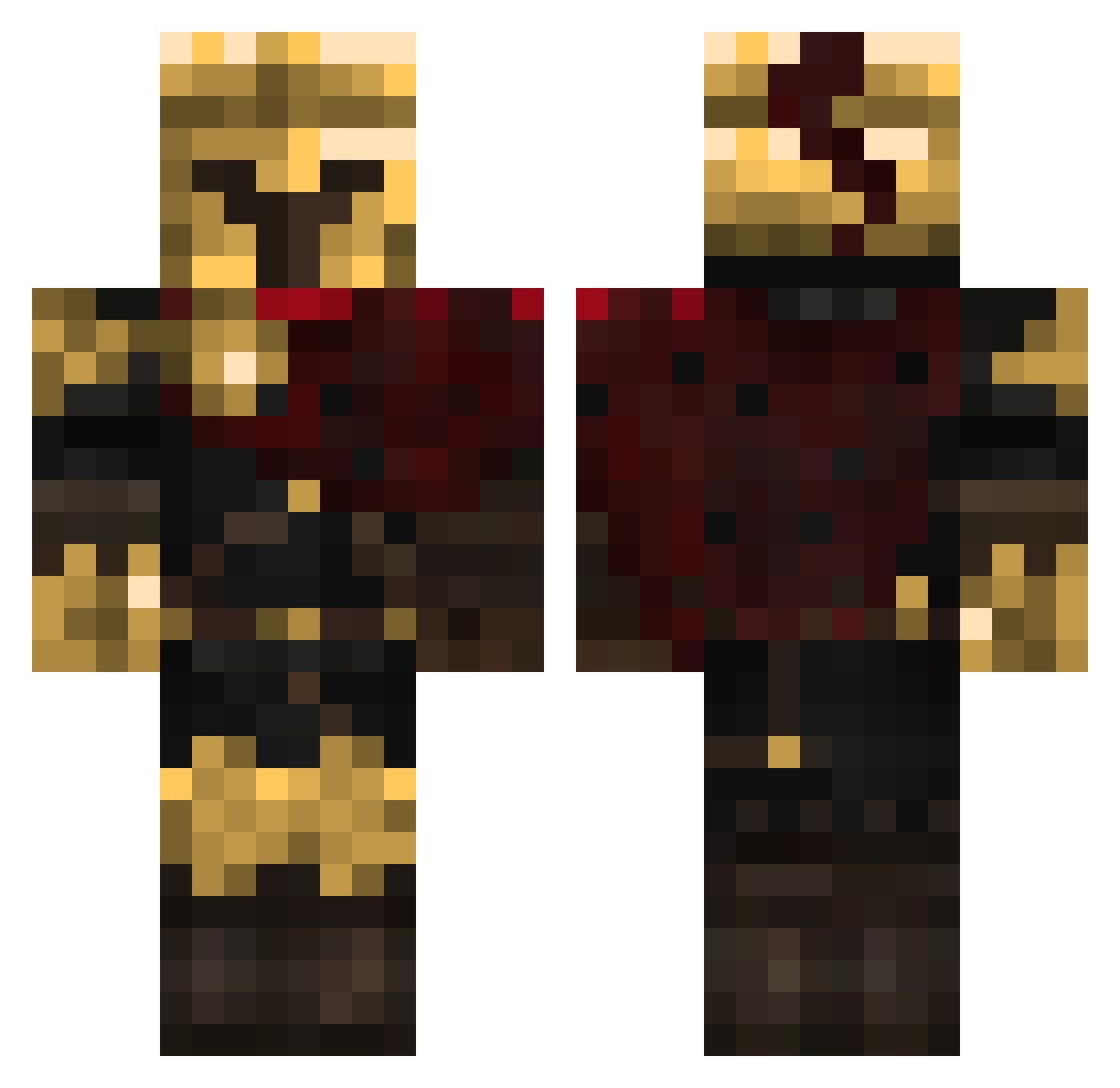
Current Minecraft skin of the player EnsoCein, loaded from the official Mojang API. Rotate the 3D model with your mouse or finger, then download the skin as a PNG file and use it in Minecraft: Bedrock Edition or Java Edition for free. When EnsoCein changes their skin, this page updates automatically and the old skin stays in the history below.
Other players with this skin (319)
EnsoCein was the 31st player we have seen with this skin, first spotted on 01.08.2026. The same skin was seen on these players. Open a nickname to see their current skin and skin history.
 TankyTwister MottoJr xlpq immortal2009 GhostOrchid1363 AlphaDias Luis23777
 Stricken1 DocSolitary Ivo01BG ArtexGaming _avoided L_eau_rang
 merpderp
 i_need_help_yt Timpano cataldinhopro Sandokan2d gozzer1 FarkoLoLy
 verotrx
 Cecil_LIA MaskedHeroOfTime
 Compacts_ Netyoudark80
 Toplyak midesMC12 JamarM11 Golden_Freddy39
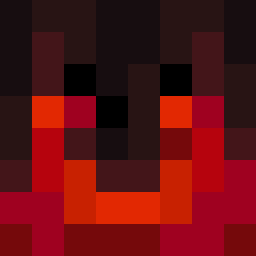 eyewishes gojo_12 rovballemandd Rei8maaarNT Azlelium
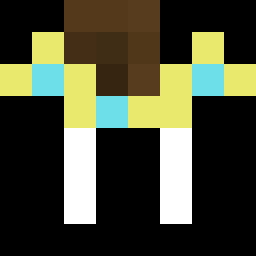 Dinklebamp_1944
 GUISANTITONOHACK JayemPogi
 XxXMustyXxX
 Voortaken SebGreedy Epic_Shark Jetstream09
 AlphaGoonerr Libro22 OssiMCindahood bot_galaxy2 ZexoSzFN Waffles_00 fishie_wish CasualGamer098 _Rainedrop_
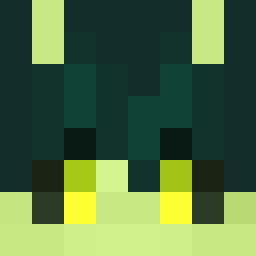 echobyte_ getpwnd shorebuddy 4r0m4
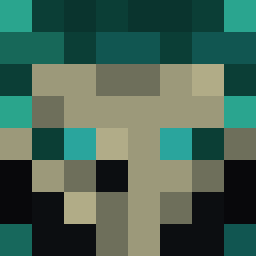 Axolotl_King06 F3stroYT
 Akari1 Darklover52 miguelthegoat33
More Spartan Minecraft skins
How to install the EnsoCein skin
- Press the Download button above to save the skin as a PNG file.
- Minecraft: Bedrock Edition (PE): open the Dressing Room from the main menu (or tap your character → Edit Character), go to Classic Skins → Owned, press the + (new skin) button, choose the downloaded PNG and pick the Classic (Steve) model. Works on PC and mobile; consoles cannot import custom skins.
- Minecraft: Java Edition: open the Minecraft Launcher, go to the Skins tab, click New Skin, load the PNG, pick the Classic (Steve) model and press Save & Use. You can also upload it at minecraft.net → Profile → Change Skin.
The skin does not show up after import - what should I do?
Restart Minecraft and open the Dressing Room again - imported skins sometimes appear only after a restart. Also make sure you selected the imported skin and picked the Classic (Steve) model.
Which model should I choose, Classic or Slim?
This skin is designed for the Classic (Steve) model. If you pick the wrong model, the arms of the skin will look stretched or squeezed.
Is the skin of EnsoCein free to download?
Yes. Press Download, save the PNG file and use it in Minecraft: Bedrock Edition or Java Edition - no payment or registration needed. The skin also works on multiplayer servers and Realms.
More skins
Looking for more? Go back to all Minecraft skins and check the top skins of the week, month and all time, or find any player's skin by nickname.