
EggoPickle - Minecraft Skins & Skin History
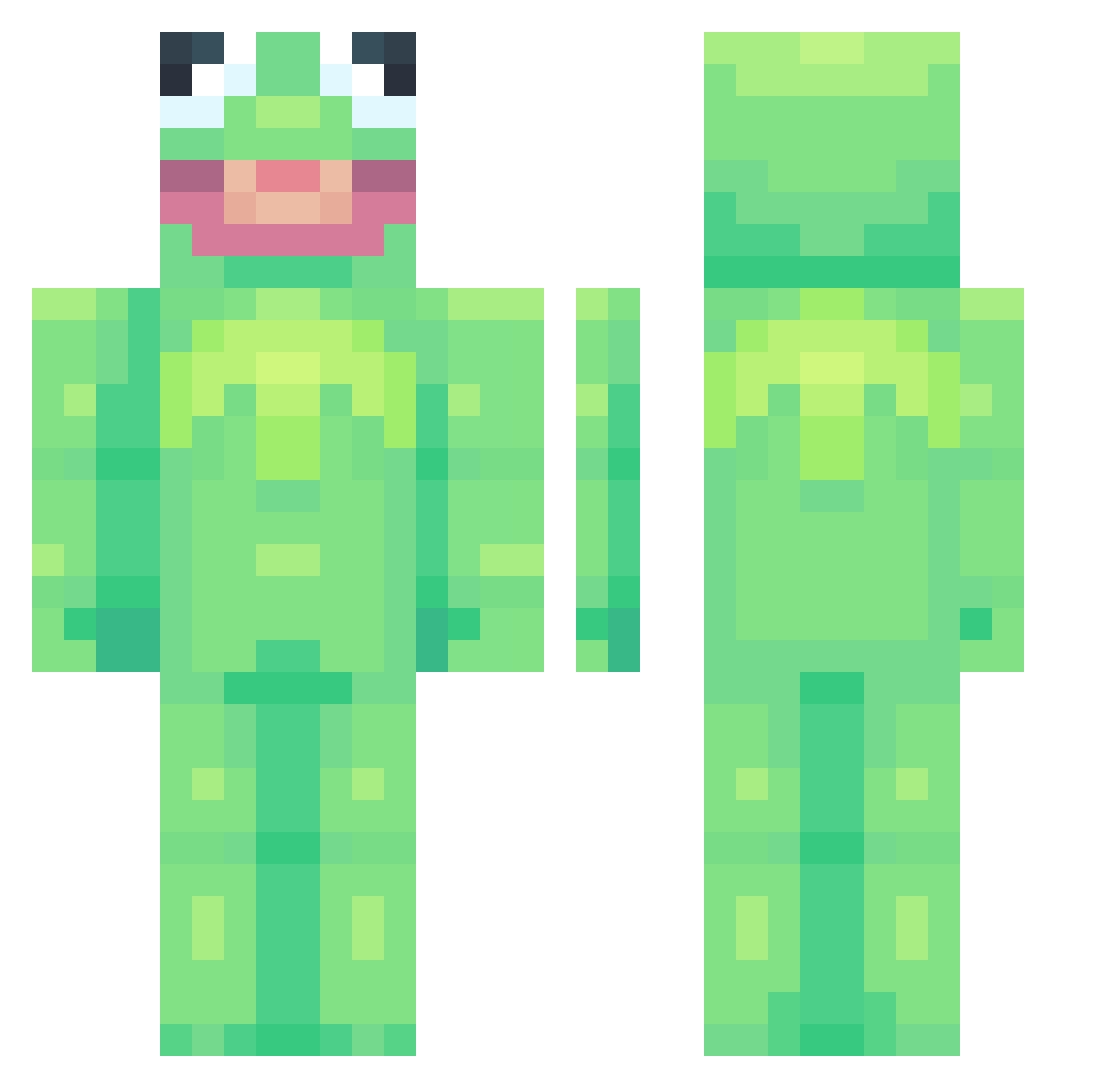
Current Minecraft skin of the player EggoPickle, loaded from the official Mojang API. Rotate the 3D model with your mouse or finger, then download the skin as a PNG file and use it in Minecraft: Bedrock Edition or Java Edition for free. When EggoPickle changes their skin, this page updates automatically and the old skin stays in the history below.
Other players with this skin (753)
EggoPickle was the 244th player we have seen with this skin, first spotted on 29.08.2026. The same skin was seen on these players. Open a nickname to see their current skin and skin history.
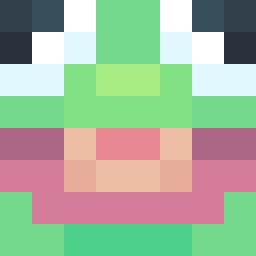 CodeXPs Soapinmyeye Saber__14 SophieJoyal DaBadBunny Samssquanch _Paeten_ AsianAnde room4one Goopgurt Fisheeee ioyy_ WraithsOP CherryNobyl TedChiang7 DuolingoSucks Haleigh_ froggynoah kiwi0_o DUDE213 appelsabjes Speque Bop_Bread Jaco_bob_oh_bob Smart_bot360 gnarlycharlyy Masalonn BushbabyG LeahMariaTV flaminngtaco 9438 _Lil_Taco_ rroni12 Specs77 giilligan BirdmanJenkins ZelkovaKami Doul_1106 DanielaNav Snokyo Pixelated4316 Corona_VIRUS_69 XxDiegonchuxX JekieFPS Kaisenshi HasteFlash Warmer_ jacob023 Myro_med balenciagathroat fbh118 FoxTail_l Grawkins daZZle_gsnipesYT Stink_Dinky avada_kedavra_ Clau54e1 alperonoberto EpicWarriorRy DustyDrewski
More Kermit The Frog Minecraft skins
See all 418 Kermit The Frog skins
How to install the EggoPickle skin
- Press the Download button above to save the skin as a PNG file.
- Minecraft: Bedrock Edition (PE): open the Dressing Room from the main menu (or tap your character → Edit Character), go to Classic Skins → Owned, press the + (new skin) button, choose the downloaded PNG and pick the Classic (Steve) model. Works on PC and mobile; consoles cannot import custom skins.
- Minecraft: Java Edition: open the Minecraft Launcher, go to the Skins tab, click New Skin, load the PNG, pick the Classic (Steve) model and press Save & Use. You can also upload it at minecraft.net → Profile → Change Skin.
The skin does not show up after import - what should I do?
Restart Minecraft and open the Dressing Room again - imported skins sometimes appear only after a restart. Also make sure you selected the imported skin and picked the Classic (Steve) model.
Which model should I choose, Classic or Slim?
This skin is designed for the Classic (Steve) model. If you pick the wrong model, the arms of the skin will look stretched or squeezed.
Is the skin of EggoPickle free to download?
Yes. Press Download, save the PNG file and use it in Minecraft: Bedrock Edition or Java Edition - no payment or registration needed. The skin also works on multiplayer servers and Realms.
More skins
Looking for more? Go back to all Minecraft skins and check the top skins of the week, month and all time, or find any player's skin by nickname.