
Dunnoo12 - Minecraft Skins & Skin History
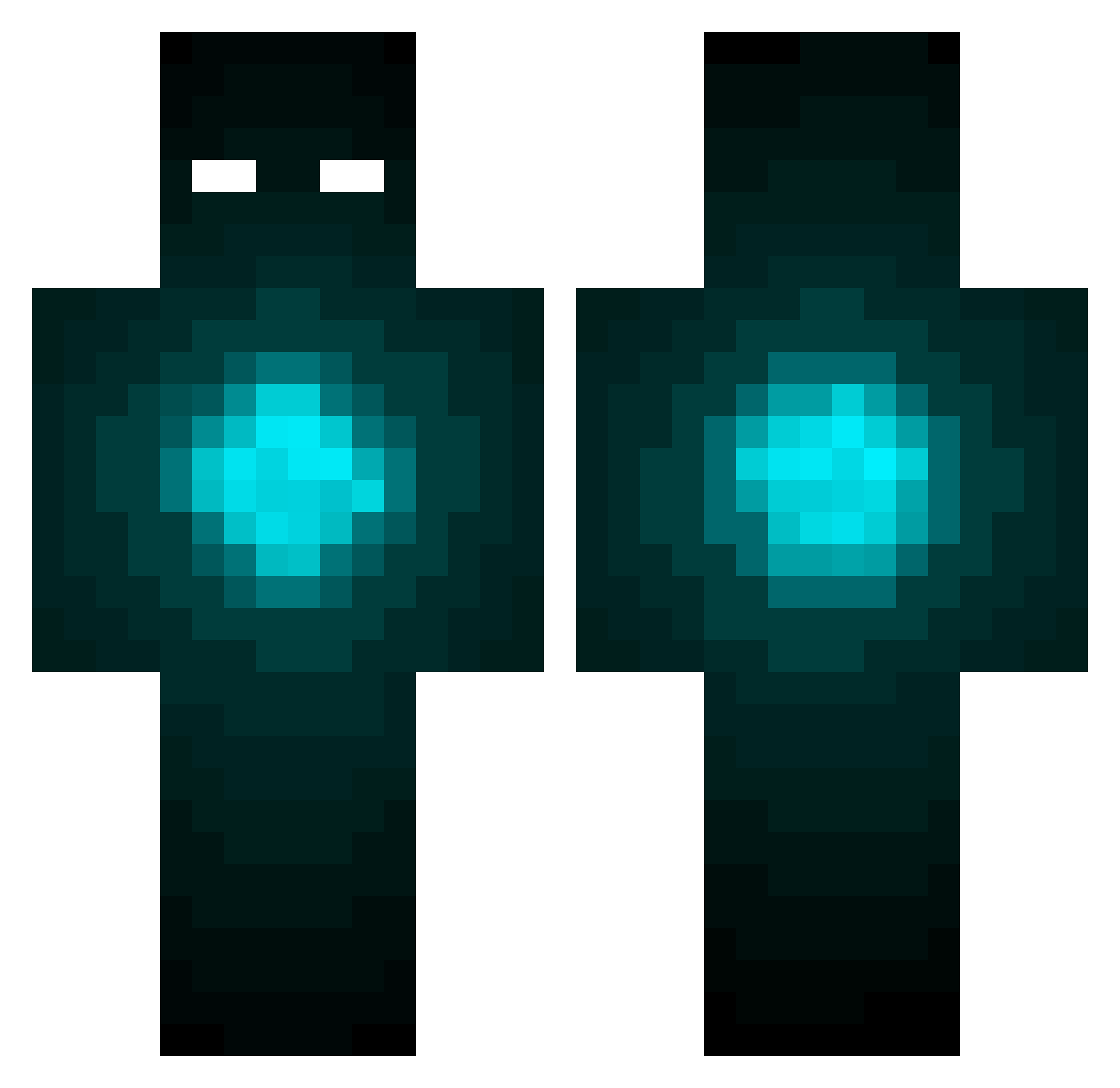
Current Minecraft skin of the player Dunnoo12, loaded from the official Mojang API. Rotate the 3D model with your mouse or finger, then download the skin as a PNG file and use it in Minecraft: Bedrock Edition or Java Edition for free. When Dunnoo12 changes their skin, this page updates automatically and the old skin stays in the history below.
Other players with this skin (424)
Dunnoo12 was the 363rd player we have seen with this skin, first spotted on 19.10.2026. The same skin was seen on these players. Open a nickname to see their current skin and skin history.
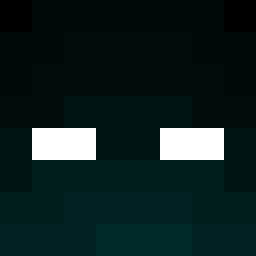 Mclong Butler29 iZeroPlayz chippy221 Philosk Valdemar_Haar SHREDDAAA Thiccbean420 Calsion FrankBlue DarkeStryker lifesaver331 skyreaper11 HelixSupernova Fantasmo_123 DAPD98 l_peng47 Whitebear73 markmasui Robbie0301 mr_gole dismo87 ThatRandomMuffin mv8796 Crummy1 Bytotoxx FEBI_NIL Sulpherous Cookie_ninja1 Khaosbringer StopIt kac2006 brooketeck dafiz gregmiller01 Ralken87 Pjeks Tranman Jade_Bobocescu CueHD xWillsGaming ItzRiver MalicJester Brooksyyy7 xXM0BERXx rush162534 _CrackS_ benrocks95 Miguelito9874233 Titef69 brody00704 Gabriel_Kofler nitrogen5112 dbergs TheWankingReflex Sweet_Cyanide TTthekid Panther_14 monsiito Proto_Type_Rival
More Glowing Eyes Minecraft skins
See all 2667 Glowing Eyes skins
How to install the Dunnoo12 skin
- Press the Download button above to save the skin as a PNG file.
- Minecraft: Bedrock Edition (PE): open the Dressing Room from the main menu (or tap your character → Edit Character), go to Classic Skins → Owned, press the + (new skin) button, choose the downloaded PNG and pick the Classic (Steve) model. Works on PC and mobile; consoles cannot import custom skins.
- Minecraft: Java Edition: open the Minecraft Launcher, go to the Skins tab, click New Skin, load the PNG, pick the Classic (Steve) model and press Save & Use. You can also upload it at minecraft.net → Profile → Change Skin.
The skin does not show up after import - what should I do?
Restart Minecraft and open the Dressing Room again - imported skins sometimes appear only after a restart. Also make sure you selected the imported skin and picked the Classic (Steve) model.
Which model should I choose, Classic or Slim?
This skin is designed for the Classic (Steve) model. If you pick the wrong model, the arms of the skin will look stretched or squeezed.
Is the skin of Dunnoo12 free to download?
Yes. Press Download, save the PNG file and use it in Minecraft: Bedrock Edition or Java Edition - no payment or registration needed. The skin also works on multiplayer servers and Realms.
More skins
Looking for more? Go back to all Minecraft skins and check the top skins of the week, month and all time, or find any player's skin by nickname.