
DraneLixX - Minecraft Skins & Skin History
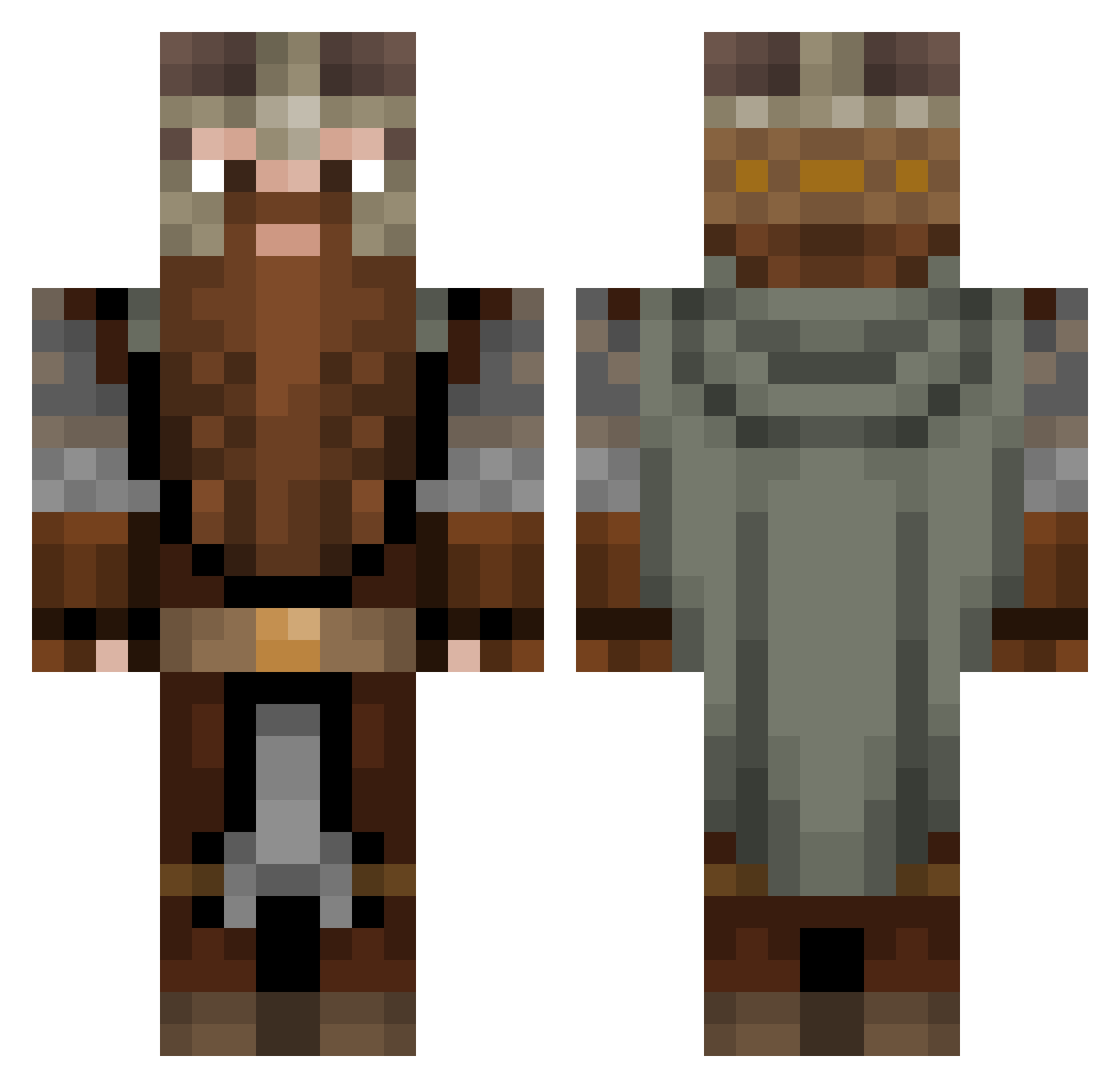
Current Minecraft skin of the player DraneLixX, loaded from the official Mojang API. Rotate the 3D model with your mouse or finger, then download the skin as a PNG file and use it in Minecraft: Bedrock Edition or Java Edition for free. When DraneLixX changes their skin, this page updates automatically and the old skin stays in the history below.
Other players with this skin (1083)
DraneLixX was the 545th player we have seen with this skin, first spotted on 19.09.2026. The same skin was seen on these players. Open a nickname to see their current skin and skin history.
 Librarian_Lebs KolleBolle11 Arthur_0824 warwolfVHZ Cirvaq xPapaSlav bartek7_ PartiallySober Kazumd BlueEyeDevil aapjes5000 HeikoLpWG Spatula1580 Three007 BasherAsher Filibotti Nugbert TheSov1etUn1on Poummi liquidkingslayer IgorMinari d0ppia_P Master31 SimGamgee KwauGG Paprota4 Rafiki96 Assdrubal Rawr2198 EarMan15 poluccio GulaschKevin63 milky_scent Olisters StewProductions ButteryToast3611 Behelial93 Valinoir laloojos Agent_Weebowski Lupo_Brando BrotherBenning NickGuzzy Dietrich0021 Xwollf990 Fayown Matorg landrixx JustRenzy _Lejon BIG_T5 FatKid6942069 mega_mojo rodooc Pay_Dey iopcito Kataryniarzo_o Crunchy_Cat_ Lightw0lf Gangeek
More Dwarf Minecraft skins
How to install the DraneLixX skin
- Press the Download button above to save the skin as a PNG file.
- Minecraft: Bedrock Edition (PE): open the Dressing Room from the main menu (or tap your character → Edit Character), go to Classic Skins → Owned, press the + (new skin) button, choose the downloaded PNG and pick the Classic (Steve) model. Works on PC and mobile; consoles cannot import custom skins.
- Minecraft: Java Edition: open the Minecraft Launcher, go to the Skins tab, click New Skin, load the PNG, pick the Classic (Steve) model and press Save & Use. You can also upload it at minecraft.net → Profile → Change Skin.
The skin does not show up after import - what should I do?
Restart Minecraft and open the Dressing Room again - imported skins sometimes appear only after a restart. Also make sure you selected the imported skin and picked the Classic (Steve) model.
Which model should I choose, Classic or Slim?
This skin is designed for the Classic (Steve) model. If you pick the wrong model, the arms of the skin will look stretched or squeezed.
Is the skin of DraneLixX free to download?
Yes. Press Download, save the PNG file and use it in Minecraft: Bedrock Edition or Java Edition - no payment or registration needed. The skin also works on multiplayer servers and Realms.
More skins
Looking for more? Go back to all Minecraft skins and check the top skins of the week, month and all time, or find any player's skin by nickname.