
DoriTosEfe - Minecraft Skins & Skin History
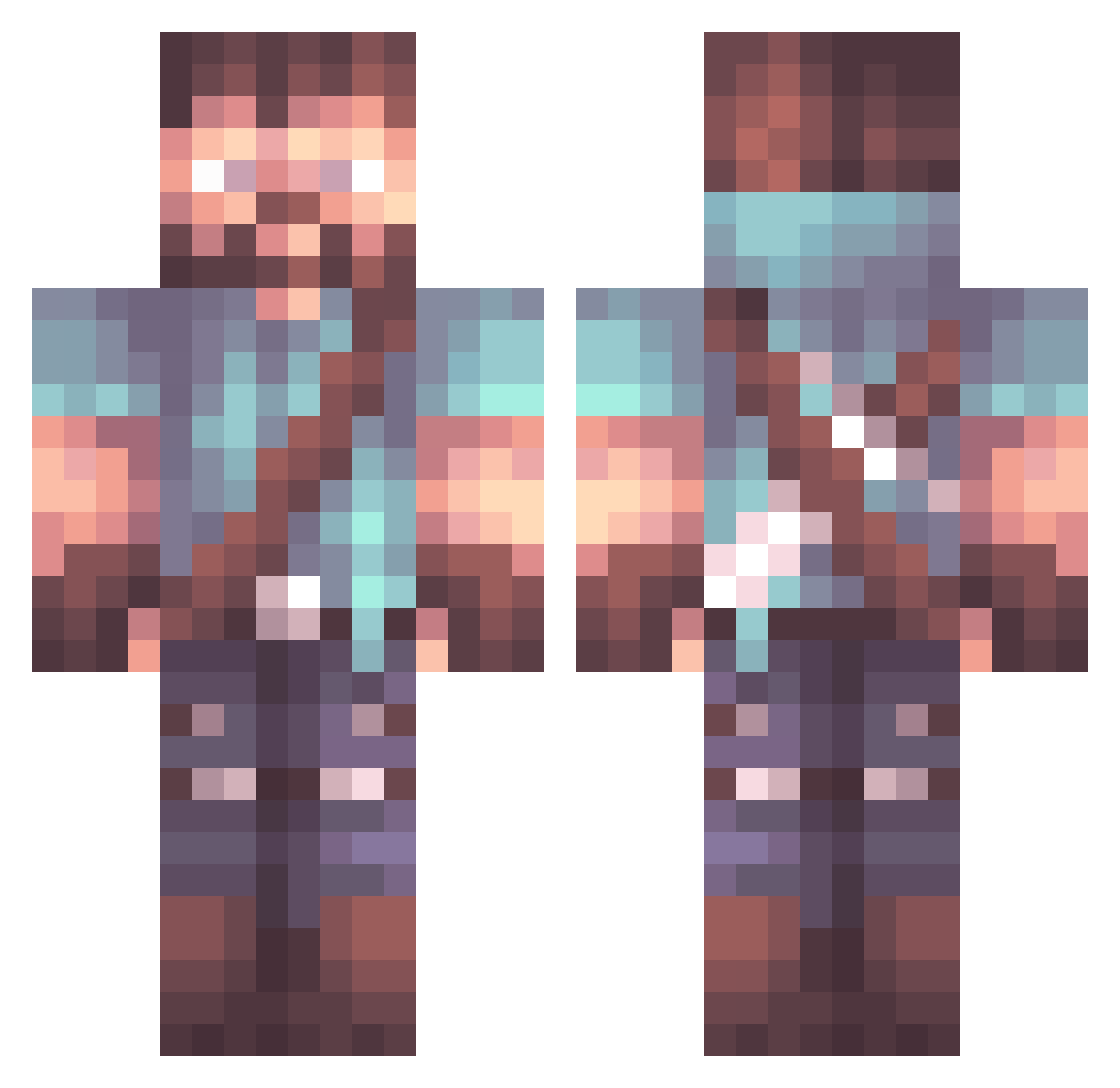
Current Minecraft skin of the player DoriTosEfe, loaded from the official Mojang API. Rotate the 3D model with your mouse or finger, then download the skin as a PNG file and use it in Minecraft: Bedrock Edition or Java Edition for free. When DoriTosEfe changes their skin, this page updates automatically and the old skin stays in the history below.
Other players with this skin (1063)
DoriTosEfe was the 364th player we have seen with this skin, first spotted on 02.09.2026. The same skin was seen on these players. Open a nickname to see their current skin and skin history.
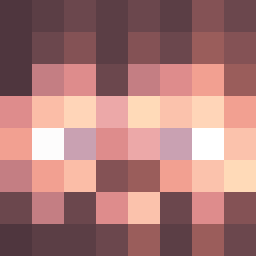 Avenger664 xX_iTzAtlas_Xx _Under__Score_ whyL0cr1an_ Donutt_Mann Biggylow Lisersh mattias_b01 TechnologicApe Seightra xArkanEx TrulleN DoneyCog Exotik1 GhostKiller1868 WowCollin MarioMDMA MaterWellon mccena17 GLENBOYZ2018 lexusYTG conutsea xBRW Wingoma BeefeyWhom baizboy AverousGeorge Crimsonshado SpoonFingers KMFox84 Gazma129 Tigaris ISlicked UMichWolverine N7sunix Mads_t99 HankLParker bedboierik EliteSlash99 HeyItsSwing ikun__67 Captain_M1313 Hanji73 Evixio Vynec ArashTheFlash Luxflux1 Blckby Mako1815 ParalyzedDonkey Baltzenger Aceps_Gevoya Kade_P Affynit BaconMAAN trahoyober Kizwald MadJames60 TheRaceEngineer Champagne_
More Herobrine Minecraft skins
How to install the DoriTosEfe skin
- Press the Download button above to save the skin as a PNG file.
- Minecraft: Bedrock Edition (PE): open the Dressing Room from the main menu (or tap your character → Edit Character), go to Classic Skins → Owned, press the + (new skin) button, choose the downloaded PNG and pick the Classic (Steve) model. Works on PC and mobile; consoles cannot import custom skins.
- Minecraft: Java Edition: open the Minecraft Launcher, go to the Skins tab, click New Skin, load the PNG, pick the Classic (Steve) model and press Save & Use. You can also upload it at minecraft.net → Profile → Change Skin.
The skin does not show up after import - what should I do?
Restart Minecraft and open the Dressing Room again - imported skins sometimes appear only after a restart. Also make sure you selected the imported skin and picked the Classic (Steve) model.
Which model should I choose, Classic or Slim?
This skin is designed for the Classic (Steve) model. If you pick the wrong model, the arms of the skin will look stretched or squeezed.
Is the skin of DoriTosEfe free to download?
Yes. Press Download, save the PNG file and use it in Minecraft: Bedrock Edition or Java Edition - no payment or registration needed. The skin also works on multiplayer servers and Realms.
More skins
Looking for more? Go back to all Minecraft skins and check the top skins of the week, month and all time, or find any player's skin by nickname.