
Dopp3l - Minecraft Skins & Skin History
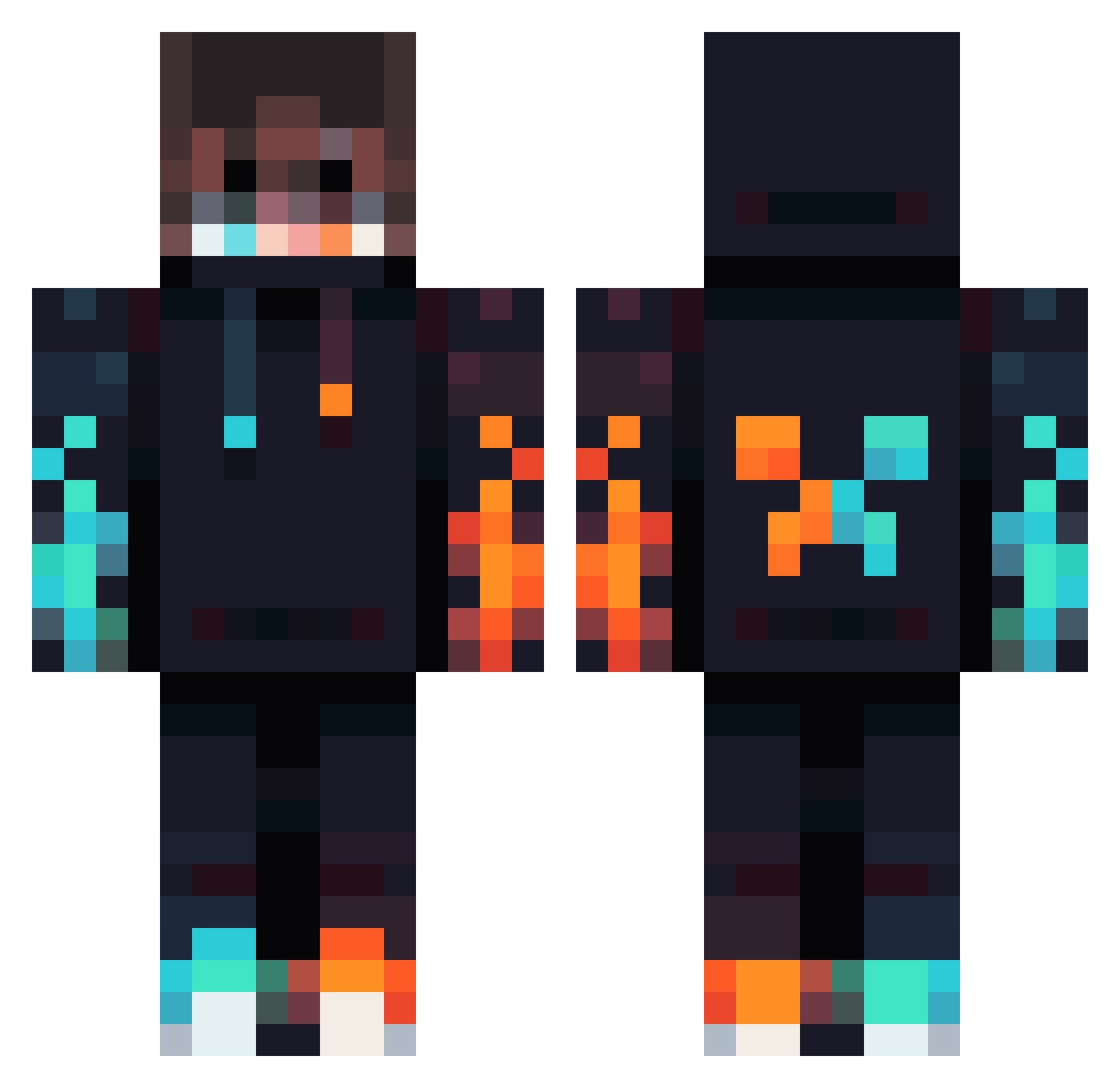
Current Minecraft skin of the player Dopp3l, loaded from the official Mojang API. Rotate the 3D model with your mouse or finger, then download the skin as a PNG file and use it in Minecraft: Bedrock Edition or Java Edition for free. When Dopp3l changes their skin, this page updates automatically and the old skin stays in the history below.
Other players with this skin (834)
Dopp3l was the 37th player we have seen with this skin, first spotted on 29.07.2026. The same skin was seen on these players. Open a nickname to see their current skin and skin history.
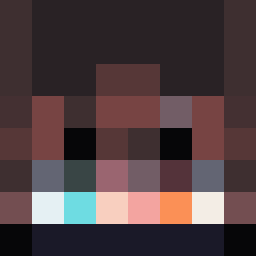 sRIO2730 titiloli FxP12345 TITANO2010 Corruptionnn ItsGlitz ntmrgn H10sand JelloYummy stefanator44 Freakingfrye XLuke312X fabian213211 OwO3136 Alek_999 JoseMCP1 Impact64_GD Matt_I_Am_ sykoslushi ChillDude8844 Troytheboy234 Sigmaster69 _Cobes JxV69 FEDEGAMER_2013 Bean818 hillybilly69 BowlingNutz Shrek1654 DCTwix B3S7I4 StzooSo PaatrickoO Williamstoy Mc130n LordDominator777 leilo_pro Nrx00 HakeeMraz BlackWing23 RabidMonkey2 Recpentangle ciasteczkowy24 Dexid32 qi6_ WhiteDemonHM Sheep_Duck312 VANSH_XD Hazerage YEE123YEE SuperBanana__ Jptheman123 EggTart1123 Jazzup48 6DEBUTS9 javamc970425 Cookie_Monster_7 Dawsila342 tupapaesgayXD SpicyFisherman
More Fire Minecraft skins
How to install the Dopp3l skin
- Press the Download button above to save the skin as a PNG file.
- Minecraft: Bedrock Edition (PE): open the Dressing Room from the main menu (or tap your character → Edit Character), go to Classic Skins → Owned, press the + (new skin) button, choose the downloaded PNG and pick the Classic (Steve) model. Works on PC and mobile; consoles cannot import custom skins.
- Minecraft: Java Edition: open the Minecraft Launcher, go to the Skins tab, click New Skin, load the PNG, pick the Classic (Steve) model and press Save & Use. You can also upload it at minecraft.net → Profile → Change Skin.
The skin does not show up after import - what should I do?
Restart Minecraft and open the Dressing Room again - imported skins sometimes appear only after a restart. Also make sure you selected the imported skin and picked the Classic (Steve) model.
Which model should I choose, Classic or Slim?
This skin is designed for the Classic (Steve) model. If you pick the wrong model, the arms of the skin will look stretched or squeezed.
Is the skin of Dopp3l free to download?
Yes. Press Download, save the PNG file and use it in Minecraft: Bedrock Edition or Java Edition - no payment or registration needed. The skin also works on multiplayer servers and Realms.
More skins
Looking for more? Go back to all Minecraft skins and check the top skins of the week, month and all time, or find any player's skin by nickname.