
DizzyBrah - Minecraft Skins & Skin History
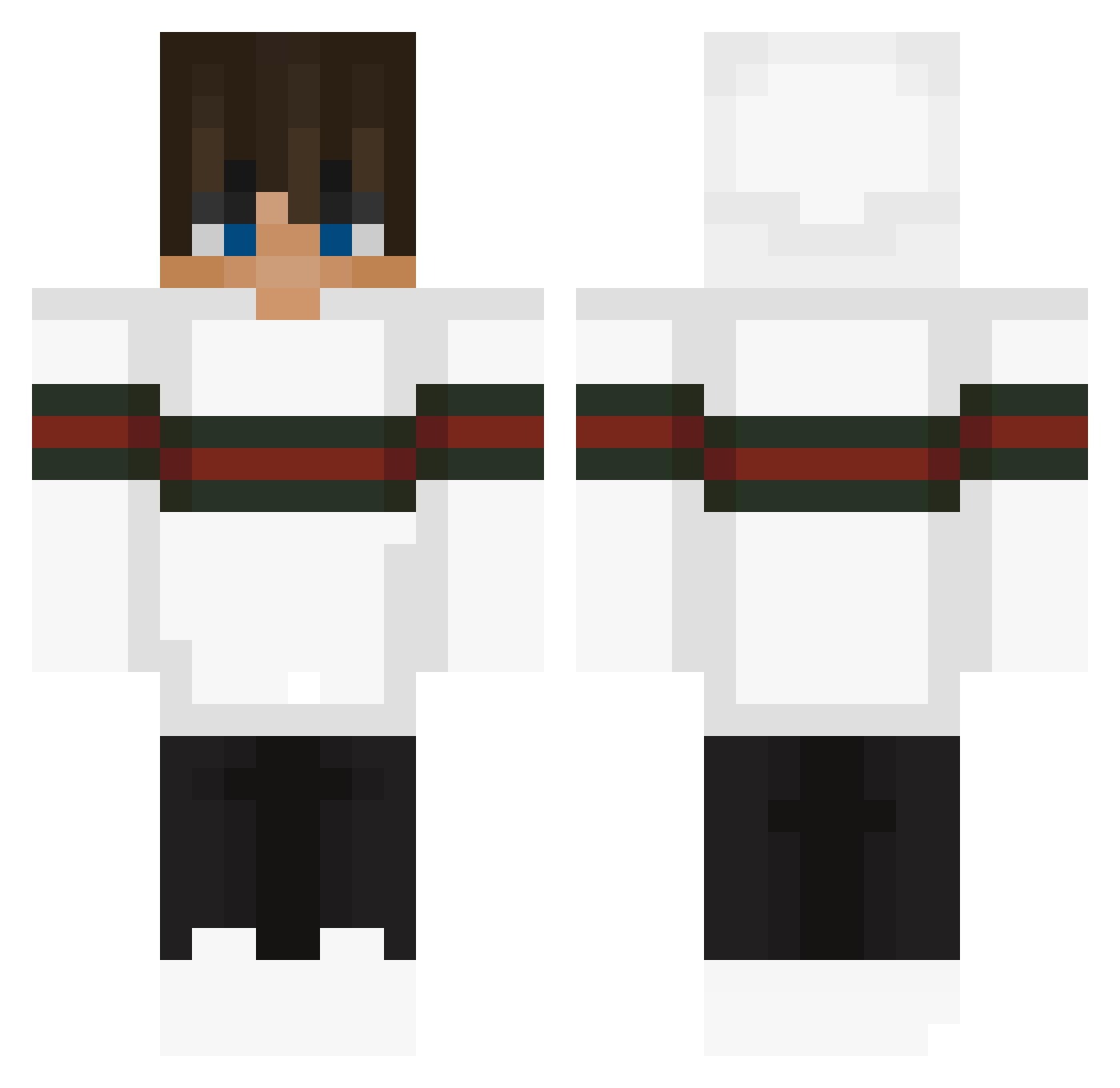
Current Minecraft skin of the player DizzyBrah, loaded from the official Mojang API. Rotate the 3D model with your mouse or finger, then download the skin as a PNG file and use it in Minecraft: Bedrock Edition or Java Edition for free. When DizzyBrah changes their skin, this page updates automatically and the old skin stays in the history below.
Other players with this skin (290)
DizzyBrah was the 26th player we have seen with this skin, first spotted on 04.08.2026. The same skin was seen on these players. Open a nickname to see their current skin and skin history.
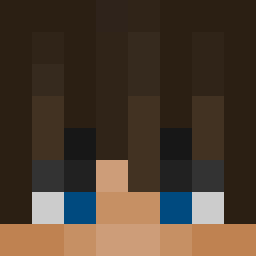 Loon22 Oskar12b Ronin911 nicogamer507 izik69420 Haloxd56 StarrySleepy ThatBoiHunt newEra_Haziira
 jesusdlrv Derekbraum MenGo_Home Hawkster8 alol12 WEIWIE0213 YiQian1000 LuckyLegend002 Jefftan22222 p3t1c3k PLAZASK8T3R Mikson735 whitefire234 Mango_Foxbat Tatayyiscool Curlyfrr JormoXD Blblblblblbl123 LeoAnnX Jack_Fighter01 MoGaming1223 Danielol213 444mimiao444 BigMac1400999 Ryantot123 ZenJudoJore Silky_Soap07 NACIREMA42 fuxk_uu DareU2tryme itzyuyu lilruddie Onefps_ MaverickScoped ThatsMetalDawg NotGuilty505 wiggesh_singh zWillSchlqfen Herpules Maximizzar72 basseman2007 kewingarnusz4512 AsIcarES zWillSchlafen Pedro_madriz DoggoComunista_ Porch77 AstroGiuli lameplayer66 lil_luke2009 piguudong
More Streetwear Minecraft skins
How to install the DizzyBrah skin
- Press the Download button above to save the skin as a PNG file.
- Minecraft: Bedrock Edition (PE): open the Dressing Room from the main menu (or tap your character → Edit Character), go to Classic Skins → Owned, press the + (new skin) button, choose the downloaded PNG and pick the Classic (Steve) model. Works on PC and mobile; consoles cannot import custom skins.
- Minecraft: Java Edition: open the Minecraft Launcher, go to the Skins tab, click New Skin, load the PNG, pick the Classic (Steve) model and press Save & Use. You can also upload it at minecraft.net → Profile → Change Skin.
The skin does not show up after import - what should I do?
Restart Minecraft and open the Dressing Room again - imported skins sometimes appear only after a restart. Also make sure you selected the imported skin and picked the Classic (Steve) model.
Which model should I choose, Classic or Slim?
This skin is designed for the Classic (Steve) model. If you pick the wrong model, the arms of the skin will look stretched or squeezed.
Is the skin of DizzyBrah free to download?
Yes. Press Download, save the PNG file and use it in Minecraft: Bedrock Edition or Java Edition - no payment or registration needed. The skin also works on multiplayer servers and Realms.
More skins
Looking for more? Go back to all Minecraft skins and check the top skins of the week, month and all time, or find any player's skin by nickname.