
 yuyuyu0110 fate001 kjzn yuseiX echo23333 octo_dadog Scapeeeee morel2012 sakatashun hinjai0814 EntityHunterXD Spicy_Goodness Aitter mc_zihuan tabby0308 Arvxy ankuratto Glad2bhelp KAZUMA0422 L0RE__ Senpai_Zenny nerine87 Eisssssss icyndex LaserJogaMine_ James9457 noah2940 kerem08_ ginga0912 PrinceLyx227 Enzo23 Zeddylex LittleXiaoXiao Aaron_Choi EmreUnluTR SEN07300 hennneseyy luvkayden captainjack4598 jeahy321 Hayasi_rice2525 7_yuuu ksvn hirA_Key kohaku_0717 ituki0926 Alex21Jared Favchas Xynif Break1ngR0d matupariii cat114514 tex433 SquidLanucer Yuukilios wesley23614 i5_Gen3 RaZoR_OP Manuelit0h 27_Miyamura
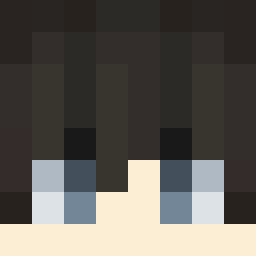
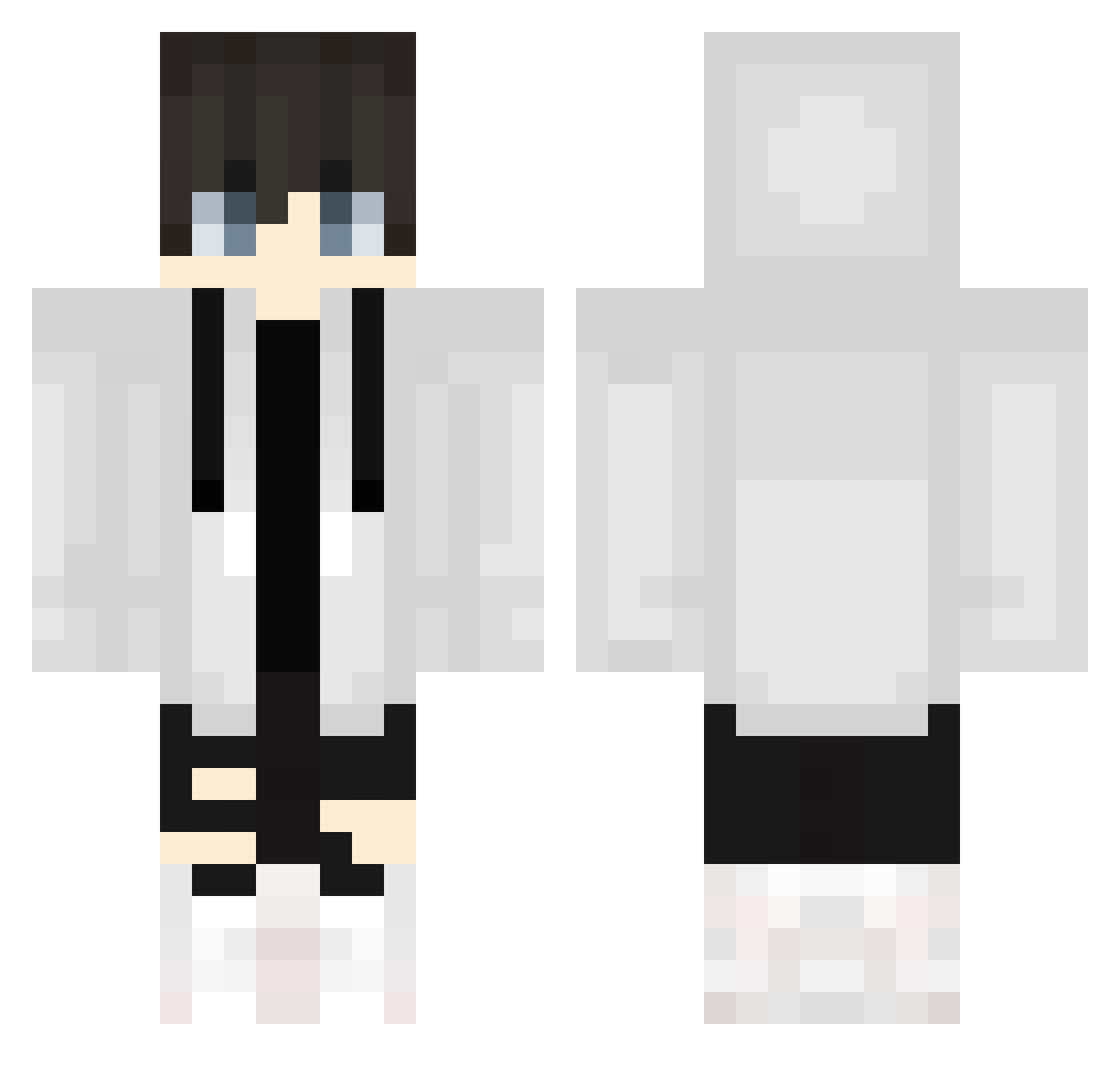
Minecraft skin of supermineshafter. Rotate the 3D model with your mouse or finger to view the skin from every angle, then download it as a PNG file and use it in Minecraft: Bedrock Edition or Java Edition for free. Rate the skin with stars to help other players find the best skins in our collection.
How to install the supermineshafter skin
- Press the Download button above to save the skin as a PNG file.
- Minecraft: Bedrock Edition (PE): open the Dressing Room from the main menu (or tap your character → Edit Character), go to Classic Skins → Owned, press the + (new skin) button, choose the downloaded PNG and pick the Classic (Steve) model. Works on PC and mobile; consoles cannot import custom skins.
- Minecraft: Java Edition: open the Minecraft Launcher, go to the Skins tab, click New Skin, load the PNG, pick the Classic (Steve) model and press Save & Use. You can also upload it at minecraft.net → Profile → Change Skin.
The skin does not show up after import - what should I do?
Restart Minecraft and open the Dressing Room again - imported skins sometimes appear only after a restart. Also make sure you selected the imported skin and picked the Classic (Steve) model.
Which model should I choose, Classic or Slim?
This skin is designed for the Classic (Steve) model. If you pick the wrong model, the arms of the skin will look stretched or squeezed.
Is this skin free to use?
Yes. Press Download, save the PNG file and use it in Minecraft: Bedrock Edition or Java Edition - no payment or registration needed. The skin also works on multiplayer servers and Realms.
More Streetwear Minecraft skins
More skins
Looking for more? Go back to all Minecraft skins and check the top skins of the week, month and all time, or find any player's skin by nickname.