
 nemyys Yato212 Krakeli Drooxy999 Mishaaa27 Spitxful BRIANNAIR8 BuQi_Yu CentEngine Fusionek1234 DomiN6 Mason4237 L3rn Intendings zjordy1998 Said_05 Seung_joo1031 Splatzar Nexeyjozik decy0904 Shzings mangodice_ boxostopozaur 78tgw Truman1103 Jack0b eMadani LilAsnee AlexSK00 THEJOK3R27 thatOnebrownie Ever9923 DerLurk 00elmexy SeyyarOk lavh444 ZkLasTRide LksDerechte kyungmin12 HojiU1203 Jonas5191 Falling_Sky Nick_0412 NLEPOPPA Emre3481 yangjiwan TIHAGUIN Oping_27 Panticcc Desperados001 Luciano_643 Bombasticgull62 Dennismr X0ticcc Fluker100 Skybobie Andwoo69 PPebbles0812 Ro_man___777 Scarrrp
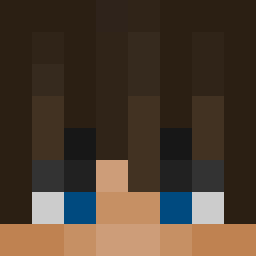
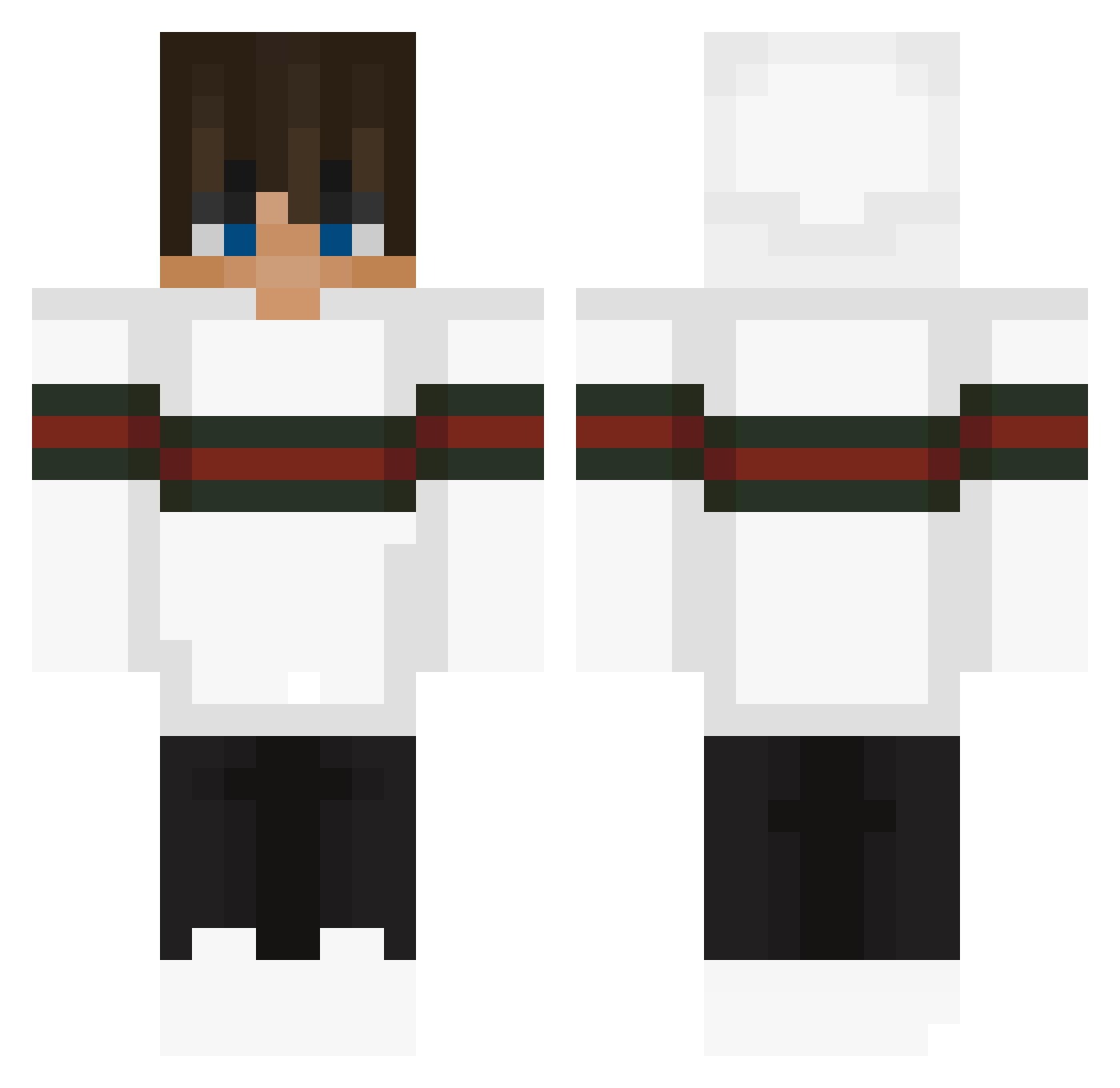
Minecraft skin of imfasterthanya. Rotate the 3D model with your mouse or finger to view the skin from every angle, then download it as a PNG file and use it in Minecraft: Bedrock Edition or Java Edition for free. Rate the skin with stars to help other players find the best skins in our collection.
How to install the imfasterthanya skin
- Press the Download button above to save the skin as a PNG file.
- Minecraft: Bedrock Edition (PE): open the Dressing Room from the main menu (or tap your character → Edit Character), go to Classic Skins → Owned, press the + (new skin) button, choose the downloaded PNG and pick the Classic (Steve) model. Works on PC and mobile; consoles cannot import custom skins.
- Minecraft: Java Edition: open the Minecraft Launcher, go to the Skins tab, click New Skin, load the PNG, pick the Classic (Steve) model and press Save & Use. You can also upload it at minecraft.net → Profile → Change Skin.
The skin does not show up after import - what should I do?
Restart Minecraft and open the Dressing Room again - imported skins sometimes appear only after a restart. Also make sure you selected the imported skin and picked the Classic (Steve) model.
Which model should I choose, Classic or Slim?
This skin is designed for the Classic (Steve) model. If you pick the wrong model, the arms of the skin will look stretched or squeezed.
Is this skin free to use?
Yes. Press Download, save the PNG file and use it in Minecraft: Bedrock Edition or Java Edition - no payment or registration needed. The skin also works on multiplayer servers and Realms.
More Streetwear Minecraft skins
More skins
Looking for more? Go back to all Minecraft skins and check the top skins of the week, month and all time, or find any player's skin by nickname.