
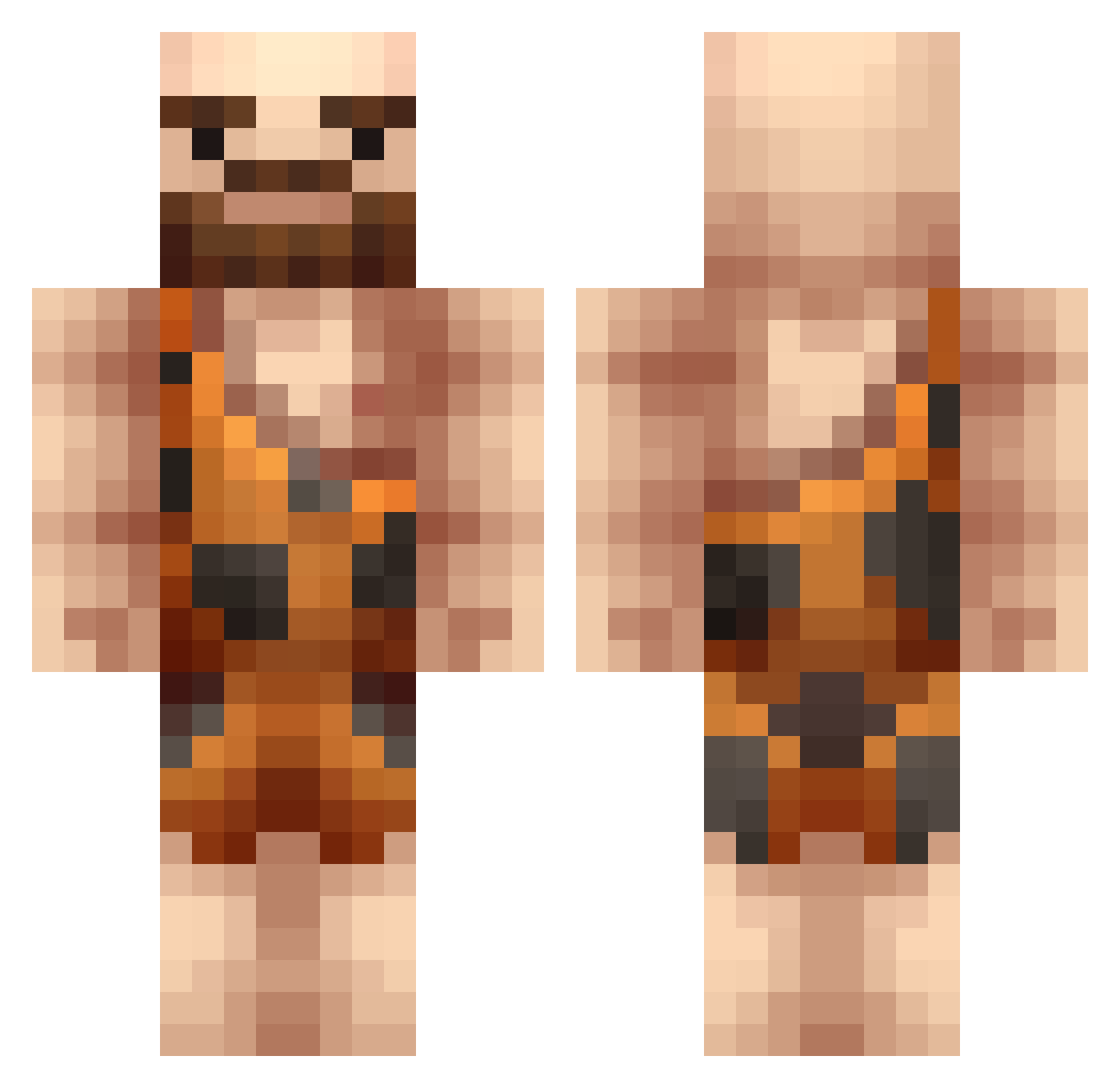
Current Minecraft skin of the player DiversityComet, loaded from the official Mojang API. Rotate the 3D model with your mouse or finger, then download the skin as a PNG file and use it in Minecraft: Bedrock Edition or Java Edition for free. When DiversityComet changes their skin, this page updates automatically and the old skin stays in the history below.
Other players with this skin (289)
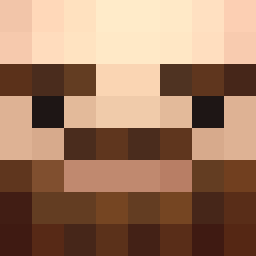
DiversityComet was the 110th player we have seen with this skin, first spotted on 29.08.2026. The same skin was seen on these players. Open a nickname to see their current skin and skin history.
 Bobtheapple2 SansElytra brobida jung895 UlricRon DutchGameFAN hjjdog GeronimoGC Morgrius BlackMath49 BeachBum824 Refiner womar CheapCreeper KEW2023 Rissen02 J45N Sandalot 1Nilo Szakach Dfor010 bingocrazy11 Brinsky christhebeast98 ErdbeerCookie emorainbowcat thomas_kilian ChamoLand Mhroczny meatcraft1 macaroscar Derrick_Ahoy mrkooleo1 Matthewbarrs2004 Artfull_Dodger xorbo27 Xprave Fatboy67 se7ensouls Bcrands larssven sk1e OrangePiII Lolazarus Buffet_Beef xGraham_Crackerx MuckyMuck maxmaier12 tyro15 MasterPhi ToeCheese RyubinS conalcan jonte6592 NyXeDD Daeagon Marek93 Jak_Stone war_caveman Underdog2001
More Caveman Minecraft skins
How to install the DiversityComet skin
- Press the Download button above to save the skin as a PNG file.
- Minecraft: Bedrock Edition (PE): open the Dressing Room from the main menu (or tap your character → Edit Character), go to Classic Skins → Owned, press the + (new skin) button, choose the downloaded PNG and pick the Classic (Steve) model. Works on PC and mobile; consoles cannot import custom skins.
- Minecraft: Java Edition: open the Minecraft Launcher, go to the Skins tab, click New Skin, load the PNG, pick the Classic (Steve) model and press Save & Use. You can also upload it at minecraft.net → Profile → Change Skin.
The skin does not show up after import - what should I do?
Restart Minecraft and open the Dressing Room again - imported skins sometimes appear only after a restart. Also make sure you selected the imported skin and picked the Classic (Steve) model.
Which model should I choose, Classic or Slim?
This skin is designed for the Classic (Steve) model. If you pick the wrong model, the arms of the skin will look stretched or squeezed.
Is the skin of DiversityComet free to download?
Yes. Press Download, save the PNG file and use it in Minecraft: Bedrock Edition or Java Edition - no payment or registration needed. The skin also works on multiplayer servers and Realms.
More skins
Looking for more? Go back to all Minecraft skins and check the top skins of the week, month and all time, or find any player's skin by nickname.