
 Refiner Octopux martijntjeh1 Morgos xClaudio360 gabe_newman Artugustesk SkilledGunnie fl4sh_back Eppix pchlster chilledumz rushone2009 Holmi_ cookj23 MrCaveMan ground_owl dizzy001 Austinn1996 reddog_1605 iDouCh romitho d7my99 Glaubinho Stantione Iksaen Ahdamn risto888 Yelray ZapperLive Rooster8888 DutchGuy88 ApersonUdontLike Lejums Rhael_ nakedgirl Gjkeeee EddieLombard Weldforce1 Jheisen FrankyChe Siemja DavidLin1112 jooooke D_DanDan Kerwan57 Dziundze_ Choche08 Groundhog707 twice_as_rekt EvolvedOni Lorianais bachmannpi EinfachHeino wiz1196 Jayy_D0G nickh787 BlastyBits Mac_an_Cheese7 gwn_hidde
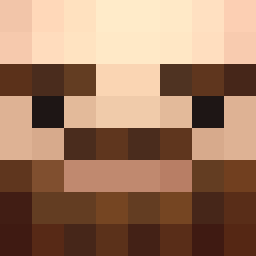
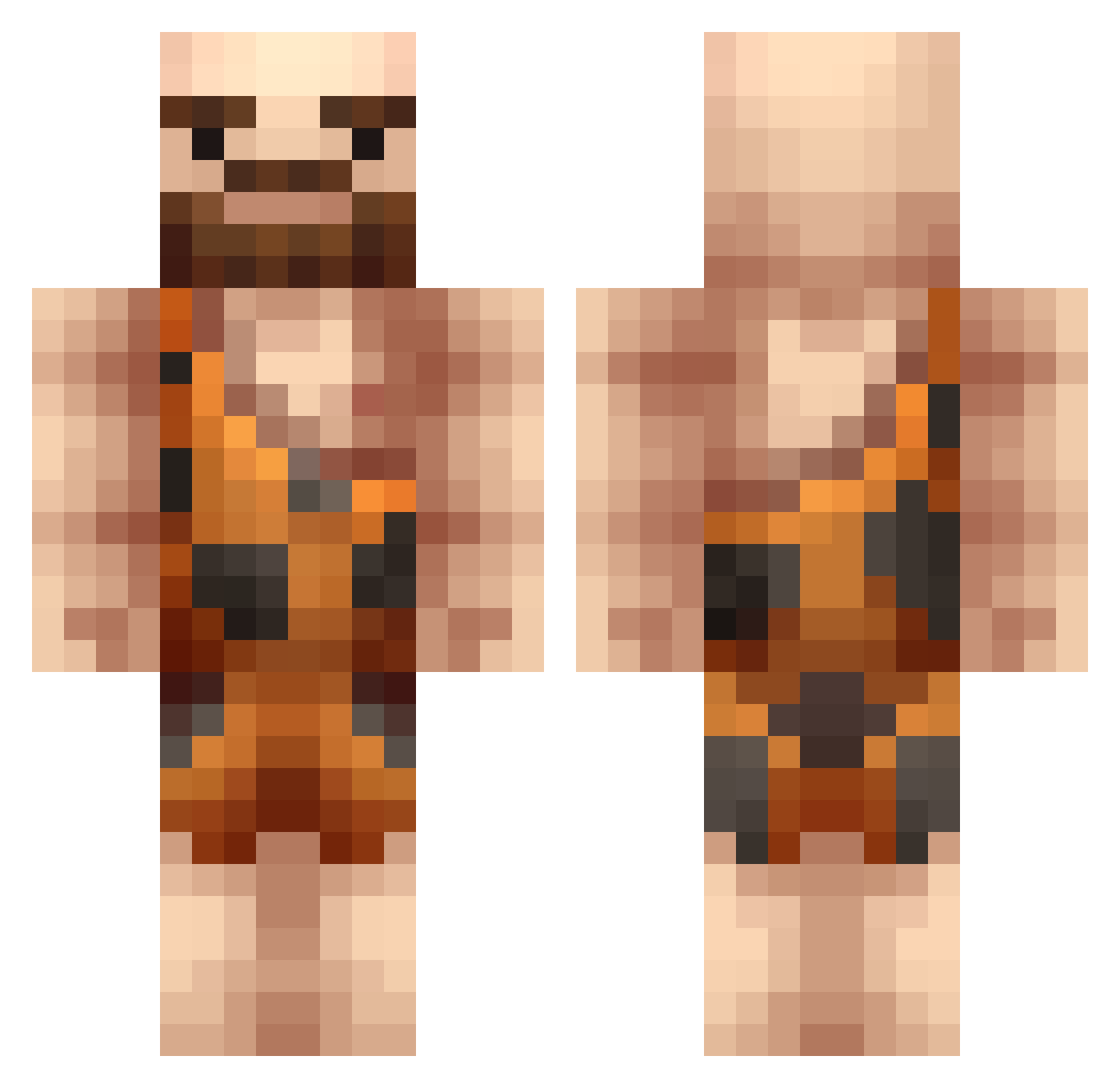
Minecraft skin of Aaren. Rotate the 3D model with your mouse or finger to view the skin from every angle, then download it as a PNG file and use it in Minecraft: Bedrock Edition or Java Edition for free. Rate the skin with stars to help other players find the best skins in our collection.
How to install the Aaren skin
- Press the Download button above to save the skin as a PNG file.
- Minecraft: Bedrock Edition (PE): open the Dressing Room from the main menu (or tap your character → Edit Character), go to Classic Skins → Owned, press the + (new skin) button, choose the downloaded PNG and pick the Classic (Steve) model. Works on PC and mobile; consoles cannot import custom skins.
- Minecraft: Java Edition: open the Minecraft Launcher, go to the Skins tab, click New Skin, load the PNG, pick the Classic (Steve) model and press Save & Use. You can also upload it at minecraft.net → Profile → Change Skin.
The skin does not show up after import - what should I do?
Restart Minecraft and open the Dressing Room again - imported skins sometimes appear only after a restart. Also make sure you selected the imported skin and picked the Classic (Steve) model.
Which model should I choose, Classic or Slim?
This skin is designed for the Classic (Steve) model. If you pick the wrong model, the arms of the skin will look stretched or squeezed.
Is this skin free to use?
Yes. Press Download, save the PNG file and use it in Minecraft: Bedrock Edition or Java Edition - no payment or registration needed. The skin also works on multiplayer servers and Realms.
More Caveman Minecraft skins
More skins
Looking for more? Go back to all Minecraft skins and check the top skins of the week, month and all time, or find any player's skin by nickname.