
DioguinhoGamer - Minecraft Skins & Skin History
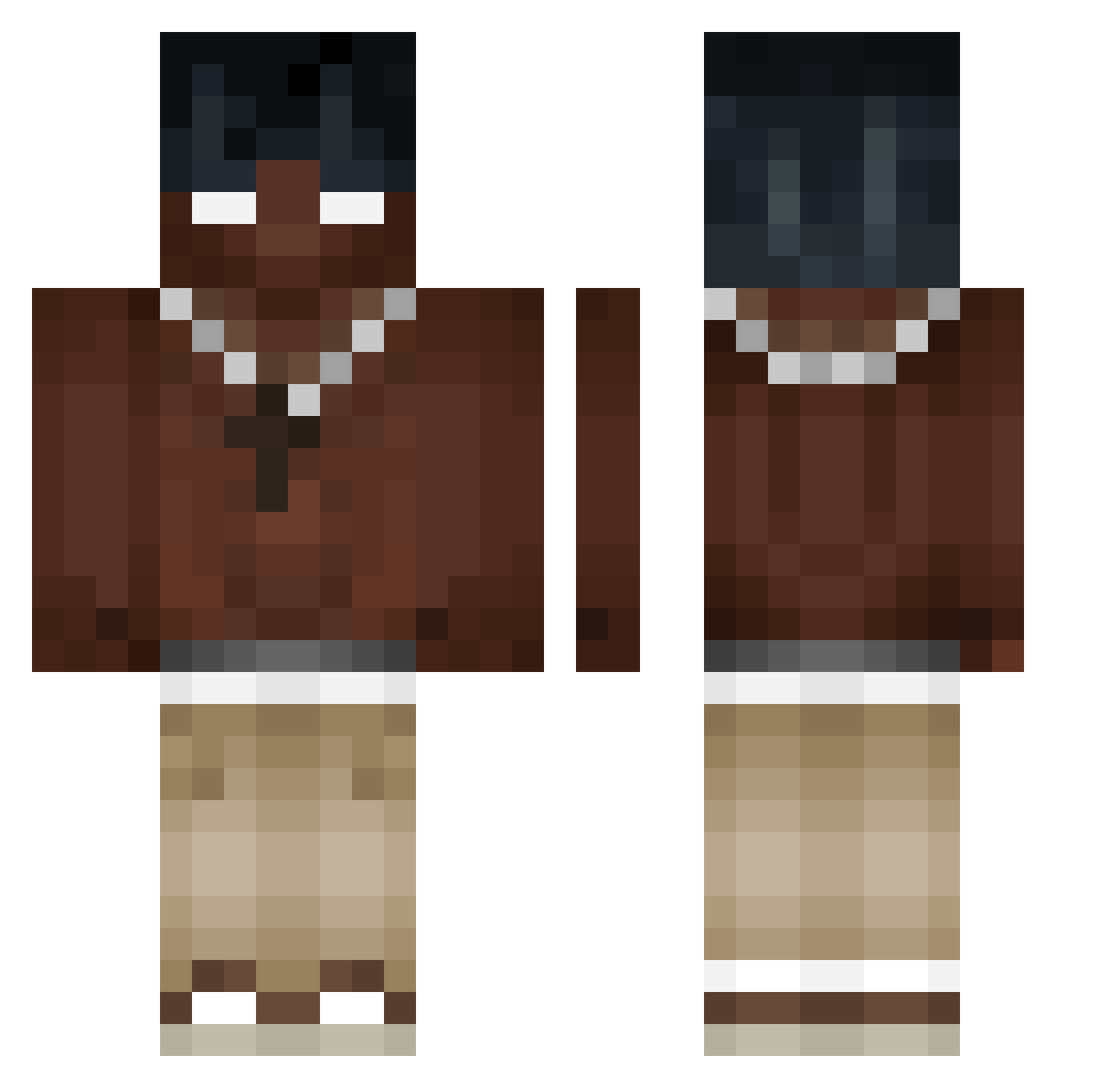
Current Minecraft skin of the player DioguinhoGamer, loaded from the official Mojang API. Rotate the 3D model with your mouse or finger, then download the skin as a PNG file and use it in Minecraft: Bedrock Edition or Java Edition for free. When DioguinhoGamer changes their skin, this page updates automatically and the old skin stays in the history below.
Other players with this skin (488)
DioguinhoGamer was the 160th player we have seen with this skin, first spotted on 24.08.2026. The same skin was seen on these players. Open a nickname to see their current skin and skin history.
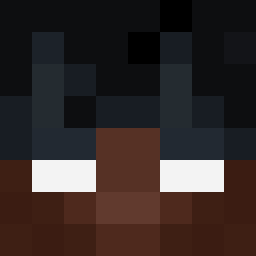 Bass4r4n15 Ngorex WarfeR78 Zaku2137 YWZ0127 MvJsP jsdp56 Draki78 GuBenz Jojonni02 Adrian_1610 KevinD15N_ 62moha ironstar675 mrciapek IloveApple1223 Bosniak Apple2168 JulaM13 DaviSprit erentyouglad TXeira_17 RoyHp RS21i Divya_8055 ZylBence Keriimm carritoje Sassydesire D3LTA_NOXUS_69 20bu08 LeMonkey_Kang NausicaaLove askh huhuu155 Biganha rato444 Enzoribeiro_ ship289 ximasi shok3r_ Simonlicov SaturnKummer tvoyasovest SchuPaul32 pienearmind FloChaos33 snoovv somedieold_ Yazir11 COlnesss Hat717 KuniSx clarenceoof Demonamd waltim09 BalthazarOP METW2012 Frost4728 yungRZE
More Necklace Minecraft skins
How to install the DioguinhoGamer skin
- Press the Download button above to save the skin as a PNG file.
- Minecraft: Bedrock Edition (PE): open the Dressing Room from the main menu (or tap your character → Edit Character), go to Classic Skins → Owned, press the + (new skin) button, choose the downloaded PNG and pick the Classic (Steve) model. Works on PC and mobile; consoles cannot import custom skins.
- Minecraft: Java Edition: open the Minecraft Launcher, go to the Skins tab, click New Skin, load the PNG, pick the Classic (Steve) model and press Save & Use. You can also upload it at minecraft.net → Profile → Change Skin.
The skin does not show up after import - what should I do?
Restart Minecraft and open the Dressing Room again - imported skins sometimes appear only after a restart. Also make sure you selected the imported skin and picked the Classic (Steve) model.
Which model should I choose, Classic or Slim?
This skin is designed for the Classic (Steve) model. If you pick the wrong model, the arms of the skin will look stretched or squeezed.
Is the skin of DioguinhoGamer free to download?
Yes. Press Download, save the PNG file and use it in Minecraft: Bedrock Edition or Java Edition - no payment or registration needed. The skin also works on multiplayer servers and Realms.
More skins
Looking for more? Go back to all Minecraft skins and check the top skins of the week, month and all time, or find any player's skin by nickname.