
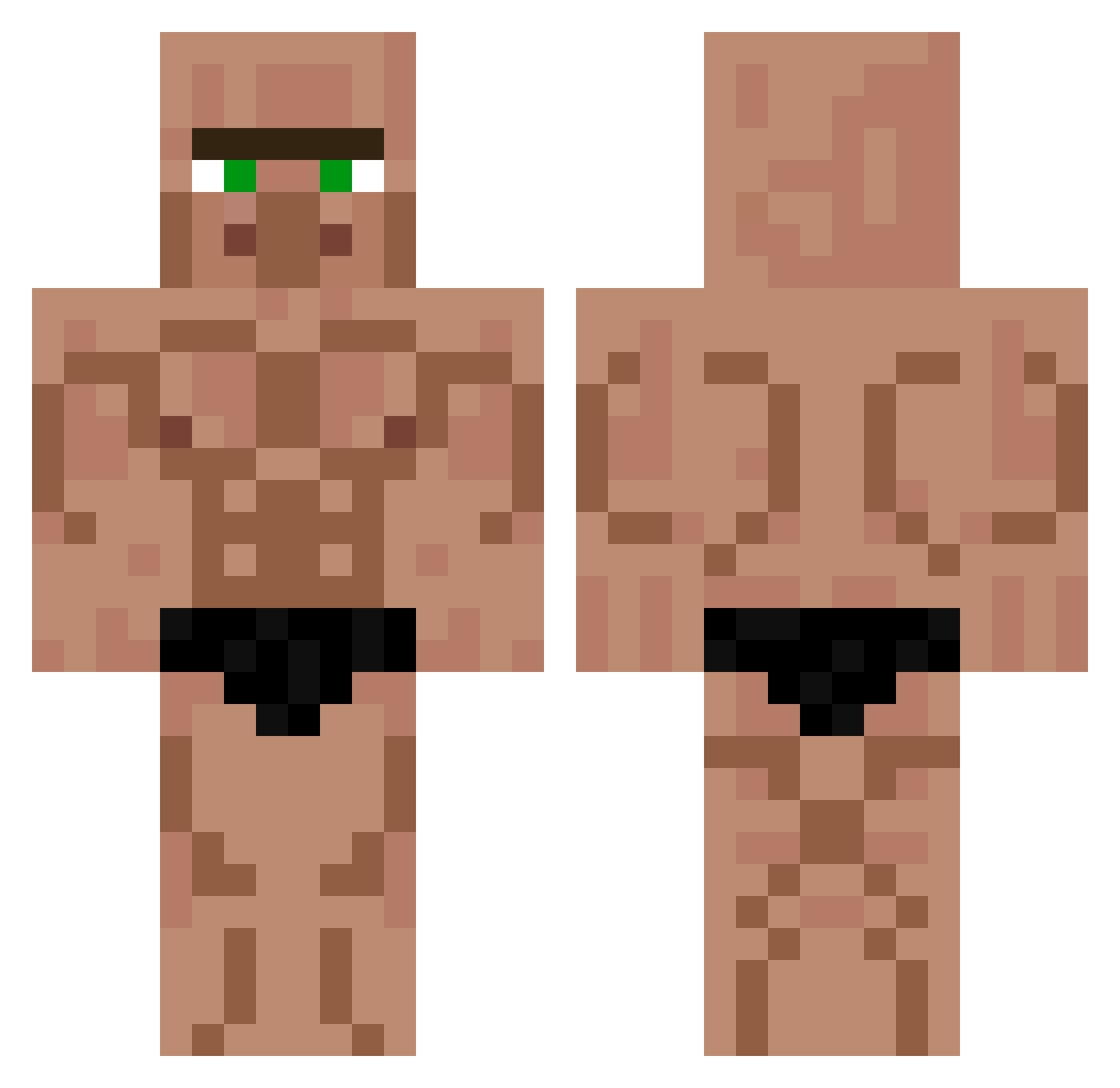
Current Minecraft skin of the player Dextro_06, loaded from the official Mojang API. Rotate the 3D model with your mouse or finger, then download the skin as a PNG file and use it in Minecraft: Bedrock Edition or Java Edition for free. When Dextro_06 changes their skin, this page updates automatically and the old skin stays in the history below.
Other players with this skin (529)
Dextro_06 was the 290th player we have seen with this skin, first spotted on 15.09.2026. The same skin was seen on these players. Open a nickname to see their current skin and skin history.
 Guddy_ FunkyExplorer590 sinisterzs mukjik42 Indoor_Cheese Vovanks Mortanzi Filipek65410
 dlawnddyd11 SAOO5 NiclasKi scpWyatt UncookedMeat PeterPahn2009 Dark_Mustang_75 _say_boyy_ ___cart SoundSky asrogoh kaido00 Fingerlicking24 NHINKOFER dudeblaize yacubj lexi00228 Pulpbro1 hardlasagna GITAG Vinny310805 OCaranoob AnikanSkyw4lker2 Lorfo Marcelo_Gu_70 tomerCS hellnogg Sorrow1918 PablitoElMasCapo storyedjet209 ElGuapoDeLaAldea Cookin4real Niedzwiedzi 1rln ChikinOfTheWoods nicopro2007 Sonicplayz23 W9nd3r Kekosword Esattttt idkiller8118 albe454 1043TKC FENHAUN AlfonsoRo Gouss 3BLOXWASTAKEN Dopelama SuperPiper6 DomUzumaki Junose xxTwwt
More Buff Minecraft skins
How to install the Dextro_06 skin
- Press the Download button above to save the skin as a PNG file.
- Minecraft: Bedrock Edition (PE): open the Dressing Room from the main menu (or tap your character → Edit Character), go to Classic Skins → Owned, press the + (new skin) button, choose the downloaded PNG and pick the Classic (Steve) model. Works on PC and mobile; consoles cannot import custom skins.
- Minecraft: Java Edition: open the Minecraft Launcher, go to the Skins tab, click New Skin, load the PNG, pick the Classic (Steve) model and press Save & Use. You can also upload it at minecraft.net → Profile → Change Skin.
The skin does not show up after import - what should I do?
Restart Minecraft and open the Dressing Room again - imported skins sometimes appear only after a restart. Also make sure you selected the imported skin and picked the Classic (Steve) model.
Which model should I choose, Classic or Slim?
This skin is designed for the Classic (Steve) model. If you pick the wrong model, the arms of the skin will look stretched or squeezed.
Is the skin of Dextro_06 free to download?
Yes. Press Download, save the PNG file and use it in Minecraft: Bedrock Edition or Java Edition - no payment or registration needed. The skin also works on multiplayer servers and Realms.
More skins
Looking for more? Go back to all Minecraft skins and check the top skins of the week, month and all time, or find any player's skin by nickname.