
Deltronk - Minecraft Skins & Skin History
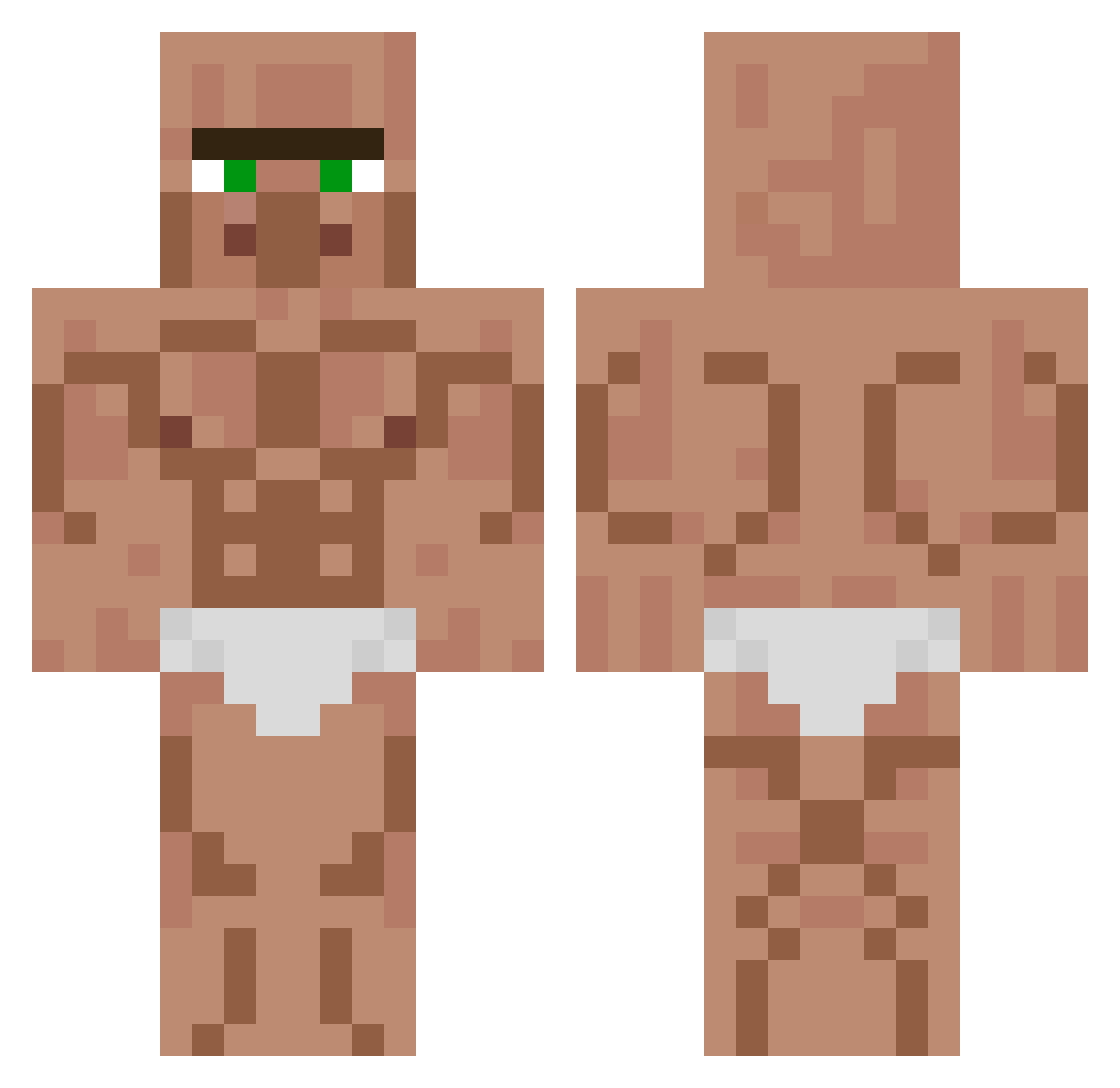
Current Minecraft skin of the player Deltronk, loaded from the official Mojang API. Rotate the 3D model with your mouse or finger, then download the skin as a PNG file and use it in Minecraft: Bedrock Edition or Java Edition for free. When Deltronk changes their skin, this page updates automatically and the old skin stays in the history below.
Other players with this skin (160)
Deltronk was the 90th player we have seen with this skin, first spotted on 20.09.2026. The same skin was seen on these players. Open a nickname to see their current skin and skin history.
 HuenchenMitReis6 CarloGod Ant0Knee philipmineer rkrjsdn okagexd Cll3msy LuvSaad Damboss963 gullyver15 NemesiX_ Echon_ Rikuno Kasztan_v2 pif4 Zne239 SimpHunter1147 Phiones Mr_BananaPeter Jorge887 adxz7 wanchop Indep3ndent sorayu7 0athless ll_Spartacus_ll PGUTISUAR gustavo_gamerr11 Millenum Maolo4550 leeyedamDDongGGO mino327 TheGucciFish KEYNER_A Bucko2 Double_Can MineplayCrafter Budloo DuckyDrip2077 EliasSippiAyri NightWolf7799 paraparaj cutsomecheese Paddy_theKing
 avocadoamexico
 Humorous_ PB2020 Auxochrome min1123 Toranokami BowDennor OpenYourMind Spoilez brxxndo Random739 Throatzillaa ruin____ egorgore ViktUS0 Z3BL
More Buff Minecraft skins
How to install the Deltronk skin
- Press the Download button above to save the skin as a PNG file.
- Minecraft: Bedrock Edition (PE): open the Dressing Room from the main menu (or tap your character → Edit Character), go to Classic Skins → Owned, press the + (new skin) button, choose the downloaded PNG and pick the Classic (Steve) model. Works on PC and mobile; consoles cannot import custom skins.
- Minecraft: Java Edition: open the Minecraft Launcher, go to the Skins tab, click New Skin, load the PNG, pick the Classic (Steve) model and press Save & Use. You can also upload it at minecraft.net → Profile → Change Skin.
The skin does not show up after import - what should I do?
Restart Minecraft and open the Dressing Room again - imported skins sometimes appear only after a restart. Also make sure you selected the imported skin and picked the Classic (Steve) model.
Which model should I choose, Classic or Slim?
This skin is designed for the Classic (Steve) model. If you pick the wrong model, the arms of the skin will look stretched or squeezed.
Is the skin of Deltronk free to download?
Yes. Press Download, save the PNG file and use it in Minecraft: Bedrock Edition or Java Edition - no payment or registration needed. The skin also works on multiplayer servers and Realms.
More skins
Looking for more? Go back to all Minecraft skins and check the top skins of the week, month and all time, or find any player's skin by nickname.