
Dani_Bones - Minecraft Skins & Skin History
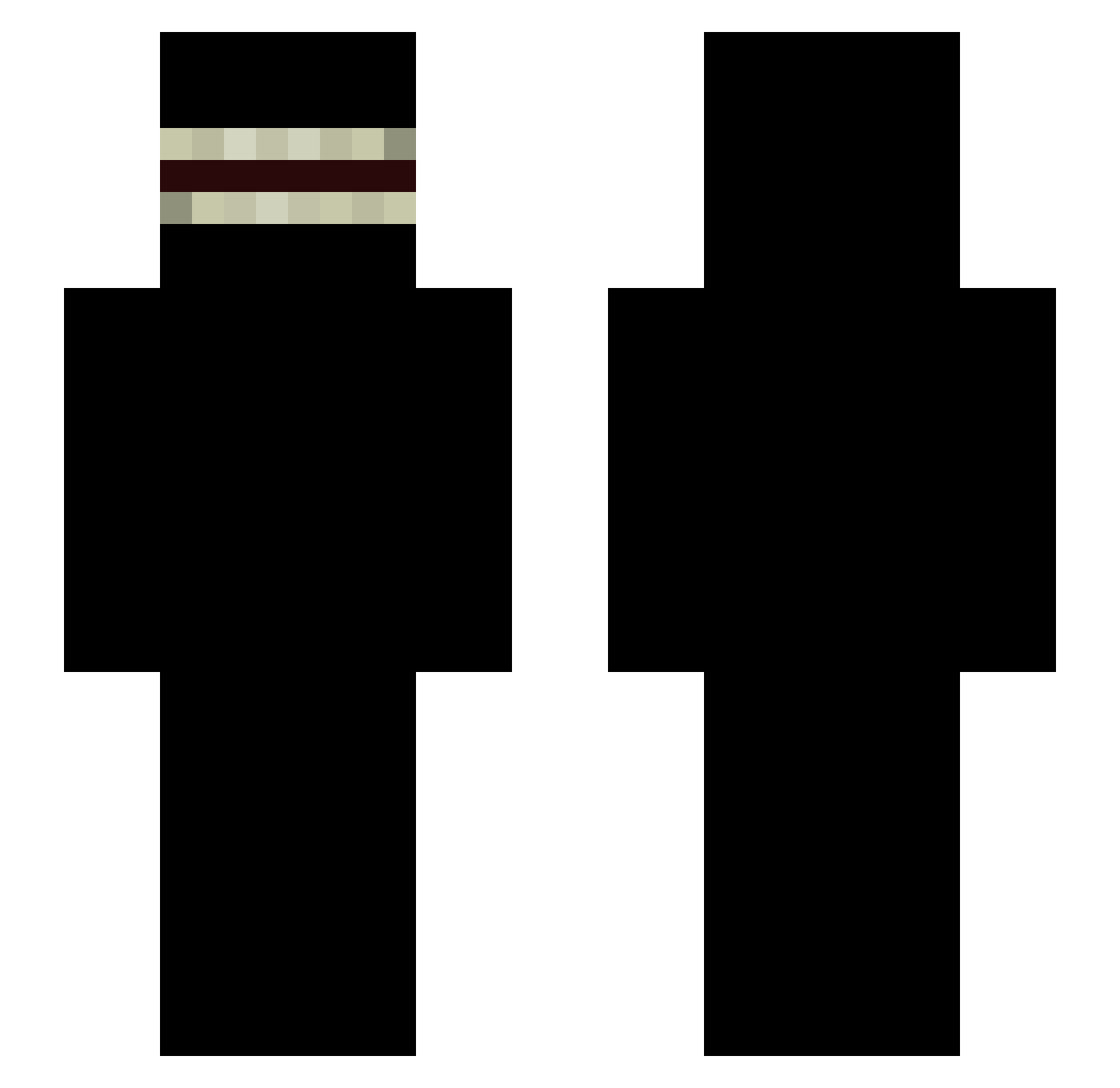
Current Minecraft skin of the player Dani_Bones, loaded from the official Mojang API. Rotate the 3D model with your mouse or finger, then download the skin as a PNG file and use it in Minecraft: Bedrock Edition or Java Edition for free. When Dani_Bones changes their skin, this page updates automatically and the old skin stays in the history below.
Other players with this skin (336)
Dani_Bones was the 75th player we have seen with this skin, first spotted on 16.08.2026. The same skin was seen on these players. Open a nickname to see their current skin and skin history.
 EngelProxy MaciusPlemniczek NnnnnnATSU Stomachache1 therealdarkrunne SaraCrocs DefineTox1c Marcelm20 Br00kSN ZiYue__ BluMarl1n Lunderbus55 Braidezz tutuizin Alexvus ly_TNU9T_0301 Raphael_415 lnerisa1l bradlyourwacc Zaklepka mogged_u _NaoF legon1234 grii Mephistphels xxKIKOn1 konnu09 Xbileske SussyAqua markbutfancy Editzu_27 VikingNexar Rasista69 The10Gamerr vvvak 3Emil oMachoNaoVirgem JeffCheing fjerr Theliserd Nikitauri EarlJHickey1969 Sanfavebati FacuPsl AshenOwe Janis069 Gluex JuicedITup stankgamer7890 Kovyd15 Marioruiz_19 PJJAYP fregss
 Canttouchme500 uMorbeck MokenyBooteBalls ROtten24 Zueki IMOTEPSITO Nayviro
More Shadow Minecraft skins
How to install the Dani_Bones skin
- Press the Download button above to save the skin as a PNG file.
- Minecraft: Bedrock Edition (PE): open the Dressing Room from the main menu (or tap your character → Edit Character), go to Classic Skins → Owned, press the + (new skin) button, choose the downloaded PNG and pick the Slim (Alex) model. Works on PC and mobile; consoles cannot import custom skins.
- Minecraft: Java Edition: open the Minecraft Launcher, go to the Skins tab, click New Skin, load the PNG, pick the Slim (Alex) model and press Save & Use. You can also upload it at minecraft.net → Profile → Change Skin.
The skin does not show up after import - what should I do?
Restart Minecraft and open the Dressing Room again - imported skins sometimes appear only after a restart. Also make sure you selected the imported skin and picked the Slim (Alex) model.
Which model should I choose, Classic or Slim?
This skin is designed for the Slim (Alex) model. If you pick the wrong model, the arms of the skin will look stretched or squeezed.
Is the skin of Dani_Bones free to download?
Yes. Press Download, save the PNG file and use it in Minecraft: Bedrock Edition or Java Edition - no payment or registration needed. The skin also works on multiplayer servers and Realms.
More skins
Looking for more? Go back to all Minecraft skins and check the top skins of the week, month and all time, or find any player's skin by nickname.