
DangerfeldNewby - Minecraft Skins & Skin History
Current Minecraft skin of the player DangerfeldNewby, loaded from the official Mojang API. Rotate the 3D model with your mouse or finger, then download the skin as a PNG file and use it in Minecraft: Bedrock Edition or Java Edition for free. When DangerfeldNewby changes their skin, this page updates automatically and the old skin stays in the history below.
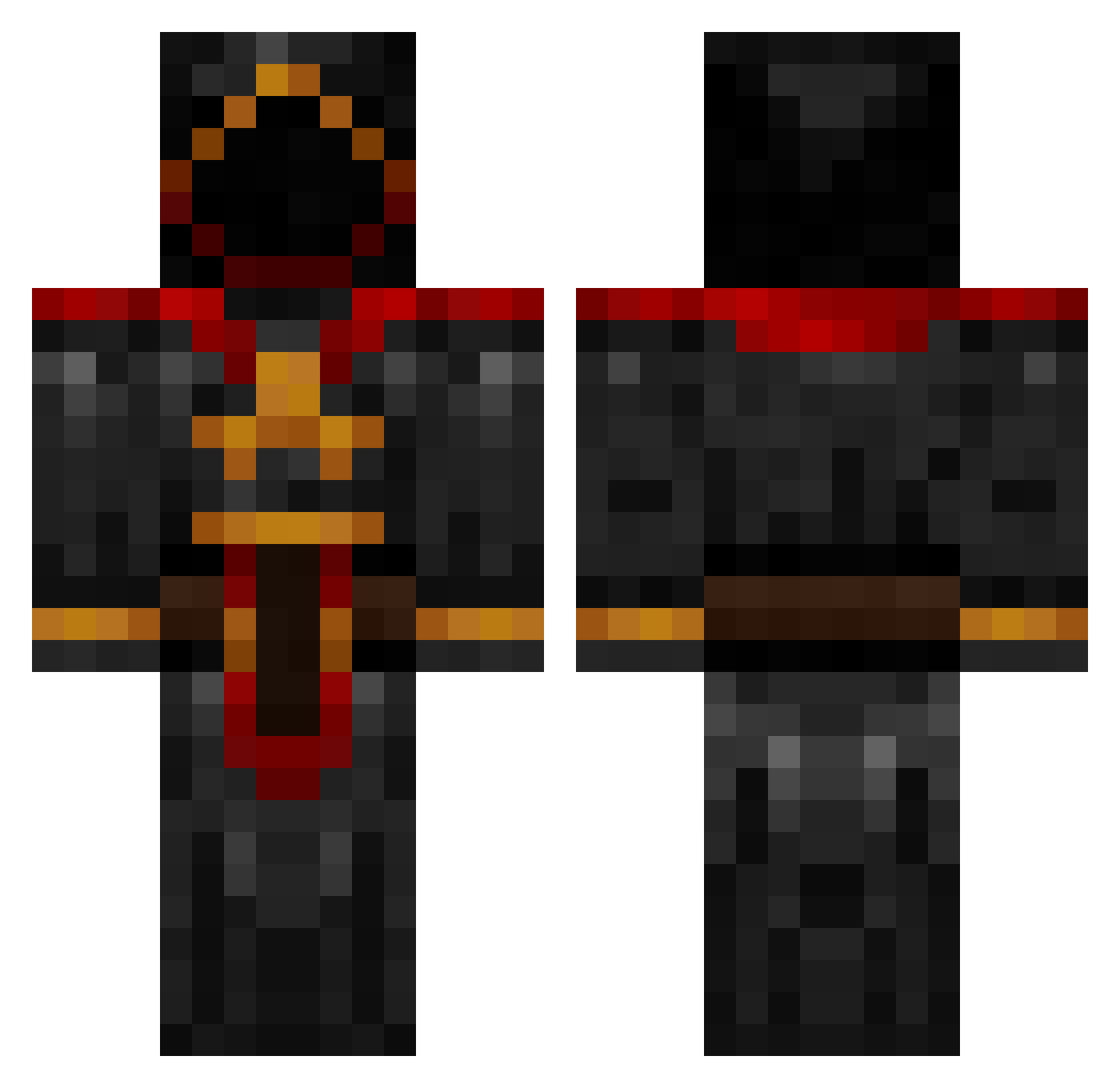
Other players with this skin (883)
DangerfeldNewby was the 821st player we have seen with this skin, first spotted on 25.10.2026. The same skin was seen on these players. Open a nickname to see their current skin and skin history.
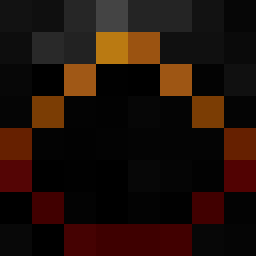 verkie ChevyTaco finers2 jrdc9 megabilliam NudelSnack Scincidae scottyboynash konrado792 The__Miner Tobigogo Yer__Maw Demized Hecticbeetle Sarestro rman367 Rangelz louder6pounder nicholas414 JimmyJ Nuolityar MA11HEW dingyhead chadmk189 The_Usurper ESava Tavick fonzie1128 TheYerDa modus0 CB232 ThatGuyIsAight thriveinchaos Aizik Friptura Pa_Pendragon CakeAlt12 Xturkeyownz Skellshot jopieteams Roope03 Zircus RedPhoenix73 redratsnake rebelturk FlawFN Dkoko lolebol Elite_Paradox Wizardie CoreSeeker JDP0120 Noxon95 chriscooney Dawhite05 Infinite2040 omettoaa TakeYourMedicine sebinatoren Shici
More Cultist Minecraft skins
How to install the DangerfeldNewby skin
- Press the Download button above to save the skin as a PNG file.
- Minecraft: Bedrock Edition (PE): open the Dressing Room from the main menu (or tap your character → Edit Character), go to Classic Skins → Owned, press the + (new skin) button, choose the downloaded PNG and pick the Classic (Steve) model. Works on PC and mobile; consoles cannot import custom skins.
- Minecraft: Java Edition: open the Minecraft Launcher, go to the Skins tab, click New Skin, load the PNG, pick the Classic (Steve) model and press Save & Use. You can also upload it at minecraft.net → Profile → Change Skin.
The skin does not show up after import - what should I do?
Restart Minecraft and open the Dressing Room again - imported skins sometimes appear only after a restart. Also make sure you selected the imported skin and picked the Classic (Steve) model.
Which model should I choose, Classic or Slim?
This skin is designed for the Classic (Steve) model. If you pick the wrong model, the arms of the skin will look stretched or squeezed.
Is the skin of DangerfeldNewby free to download?
Yes. Press Download, save the PNG file and use it in Minecraft: Bedrock Edition or Java Edition - no payment or registration needed. The skin also works on multiplayer servers and Realms.
More skins
Looking for more? Go back to all Minecraft skins and check the top skins of the week, month and all time, or find any player's skin by nickname.