
Cultz08 - Minecraft Skins & Skin History
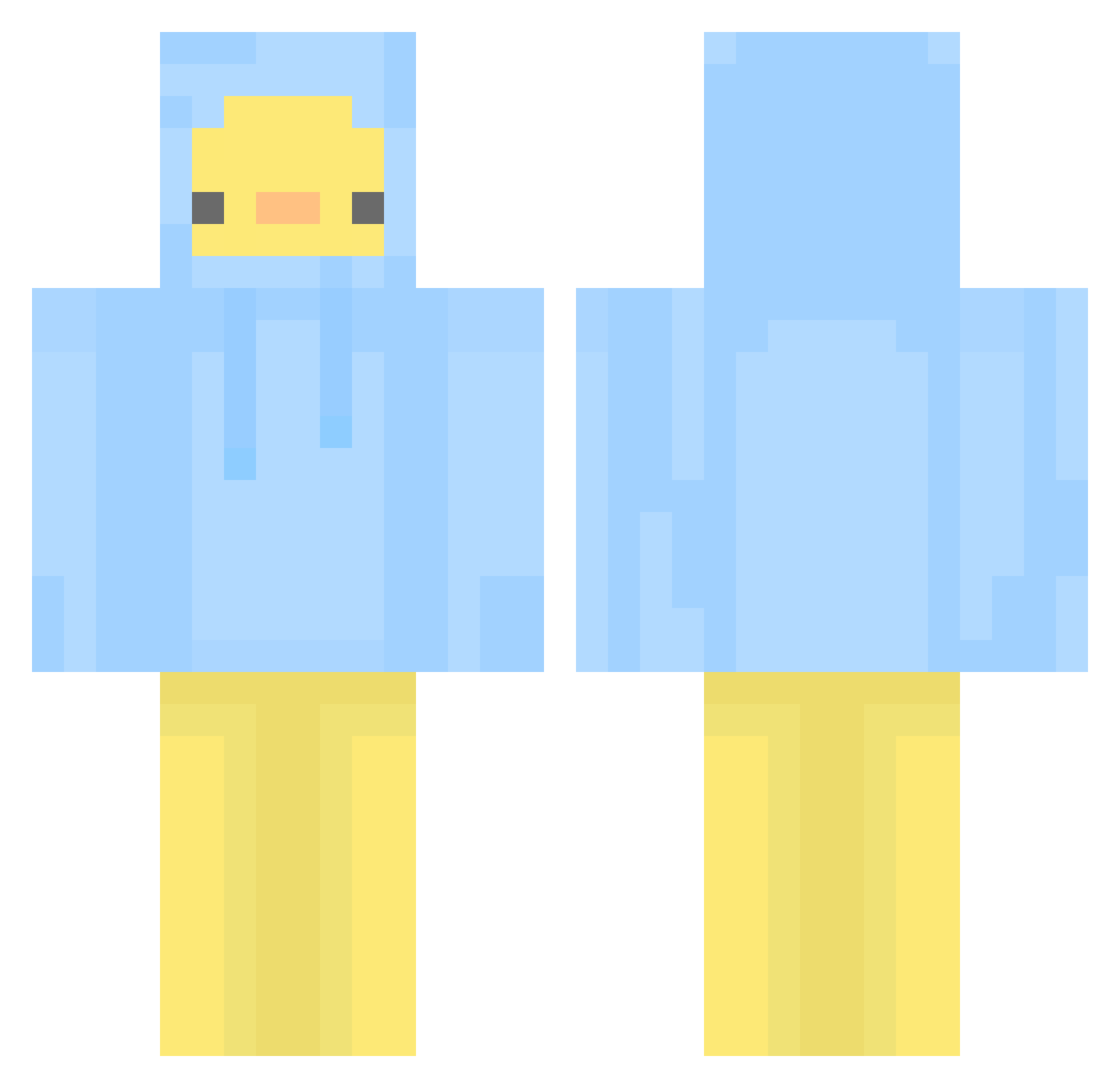
Current Minecraft skin of the player Cultz08, loaded from the official Mojang API. Rotate the 3D model with your mouse or finger, then download the skin as a PNG file and use it in Minecraft: Bedrock Edition or Java Edition for free. When Cultz08 changes their skin, this page updates automatically and the old skin stays in the history below.
Other players with this skin (437)
Cultz08 was the 234th player we have seen with this skin, first spotted on 14.09.2026. The same skin was seen on these players. Open a nickname to see their current skin and skin history.
 PILLO_ Ataraxia_83 LevelTkun1 JellyJam08 jimmy1277 Ajxy2 Bobina14 JJONGSTA PatoFractal _Blobi_ Paloniia duck1023 Meeto Nero54 TammyJ0o _Taming lzer00 ANNAK0114 Mylittlecanard FSyumu tookooo GAE_SHerry KaitoKim Scepha Laniise Ming1108 Sundaebun gustn1012 CRUNCH3 Um_Duck Ranran_325 itspaulaag kaedow IGiveMemes1 winzell ETC1125 2sham0 JacobMalins Armadillo710 lullu1004 TneSMouse LDH1234 banana0902 Kimnune DommyMommyOngOng HowHow8787 Wangdaedoo danchuk2 NoSpamBitte Kakaoowo002 Perfectly_47 BraiZIBOY dlwhdrbs2011 QuickyB_ KanSW Jackitin Flyaxis _lachimolala_ Jami3e_ D2ingJ
More Duck Minecraft skins
How to install the Cultz08 skin
- Press the Download button above to save the skin as a PNG file.
- Minecraft: Bedrock Edition (PE): open the Dressing Room from the main menu (or tap your character → Edit Character), go to Classic Skins → Owned, press the + (new skin) button, choose the downloaded PNG and pick the Classic (Steve) model. Works on PC and mobile; consoles cannot import custom skins.
- Minecraft: Java Edition: open the Minecraft Launcher, go to the Skins tab, click New Skin, load the PNG, pick the Classic (Steve) model and press Save & Use. You can also upload it at minecraft.net → Profile → Change Skin.
The skin does not show up after import - what should I do?
Restart Minecraft and open the Dressing Room again - imported skins sometimes appear only after a restart. Also make sure you selected the imported skin and picked the Classic (Steve) model.
Which model should I choose, Classic or Slim?
This skin is designed for the Classic (Steve) model. If you pick the wrong model, the arms of the skin will look stretched or squeezed.
Is the skin of Cultz08 free to download?
Yes. Press Download, save the PNG file and use it in Minecraft: Bedrock Edition or Java Edition - no payment or registration needed. The skin also works on multiplayer servers and Realms.
More skins
Looking for more? Go back to all Minecraft skins and check the top skins of the week, month and all time, or find any player's skin by nickname.