
Cuddles2 - Minecraft Skins & Skin History
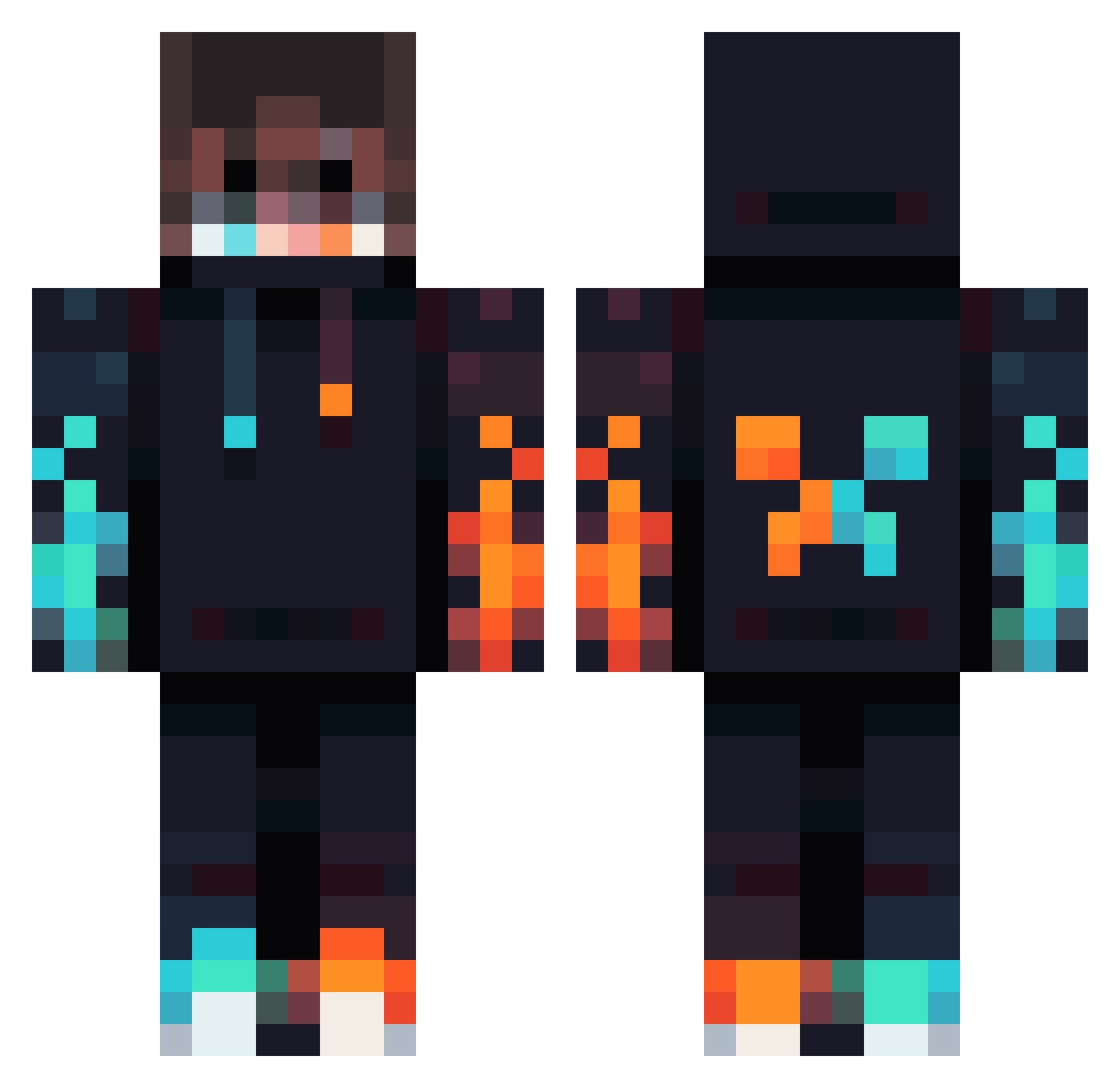
Current Minecraft skin of the player Cuddles2, loaded from the official Mojang API. Rotate the 3D model with your mouse or finger, then download the skin as a PNG file and use it in Minecraft: Bedrock Edition or Java Edition for free. When Cuddles2 changes their skin, this page updates automatically and the old skin stays in the history below.
Other players with this skin (834)
Cuddles2 was the 560th player we have seen with this skin, first spotted on 04.10.2026. The same skin was seen on these players. Open a nickname to see their current skin and skin history.
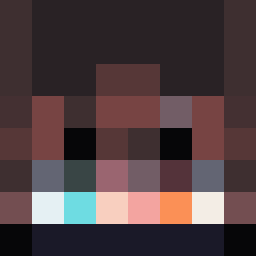 Carter2g MR_Tomaszek saman402 Kluseq10 DerKaiPflaume BuildElias DragonKing_6000 FireAndIce261 Nilu02136 RealBug10 jhgfgvhjvcghjfxb KSI_Turtlles Coolmax321 falcon1_3 JustLuckiThings Fatetolix nicj26 Circular_Sphere quliq1good LauZarate Devin280 narrwhalz88 KindaSweaty Firedemon498 Juanfe2016 fireprezes Boreczproseka RNBlue Xdestroyer134 prune1 Liiii1 Verbotencape368 Infrae BabyManCool Cosmintmg Kastening17 gingerninja096 XxMario7xX _sKaRReD_ Krisorek Tomaspar oopeegt Medvetojas Aichi2103 Horimax Happy_Puddle king_mines Black_Panther_99 Aifa_ SailorSam06 LUCCA271 KJens201 Max_So FrauMinchen Xxby_rubenxX IanKim Monkeeyy32xd ChickyBricky_69 Haikyuulion ElHefe1313
More Fire Minecraft skins
How to install the Cuddles2 skin
- Press the Download button above to save the skin as a PNG file.
- Minecraft: Bedrock Edition (PE): open the Dressing Room from the main menu (or tap your character → Edit Character), go to Classic Skins → Owned, press the + (new skin) button, choose the downloaded PNG and pick the Classic (Steve) model. Works on PC and mobile; consoles cannot import custom skins.
- Minecraft: Java Edition: open the Minecraft Launcher, go to the Skins tab, click New Skin, load the PNG, pick the Classic (Steve) model and press Save & Use. You can also upload it at minecraft.net → Profile → Change Skin.
The skin does not show up after import - what should I do?
Restart Minecraft and open the Dressing Room again - imported skins sometimes appear only after a restart. Also make sure you selected the imported skin and picked the Classic (Steve) model.
Which model should I choose, Classic or Slim?
This skin is designed for the Classic (Steve) model. If you pick the wrong model, the arms of the skin will look stretched or squeezed.
Is the skin of Cuddles2 free to download?
Yes. Press Download, save the PNG file and use it in Minecraft: Bedrock Edition or Java Edition - no payment or registration needed. The skin also works on multiplayer servers and Realms.
More skins
Looking for more? Go back to all Minecraft skins and check the top skins of the week, month and all time, or find any player's skin by nickname.