
Cook3312 - Minecraft Skins & Skin History
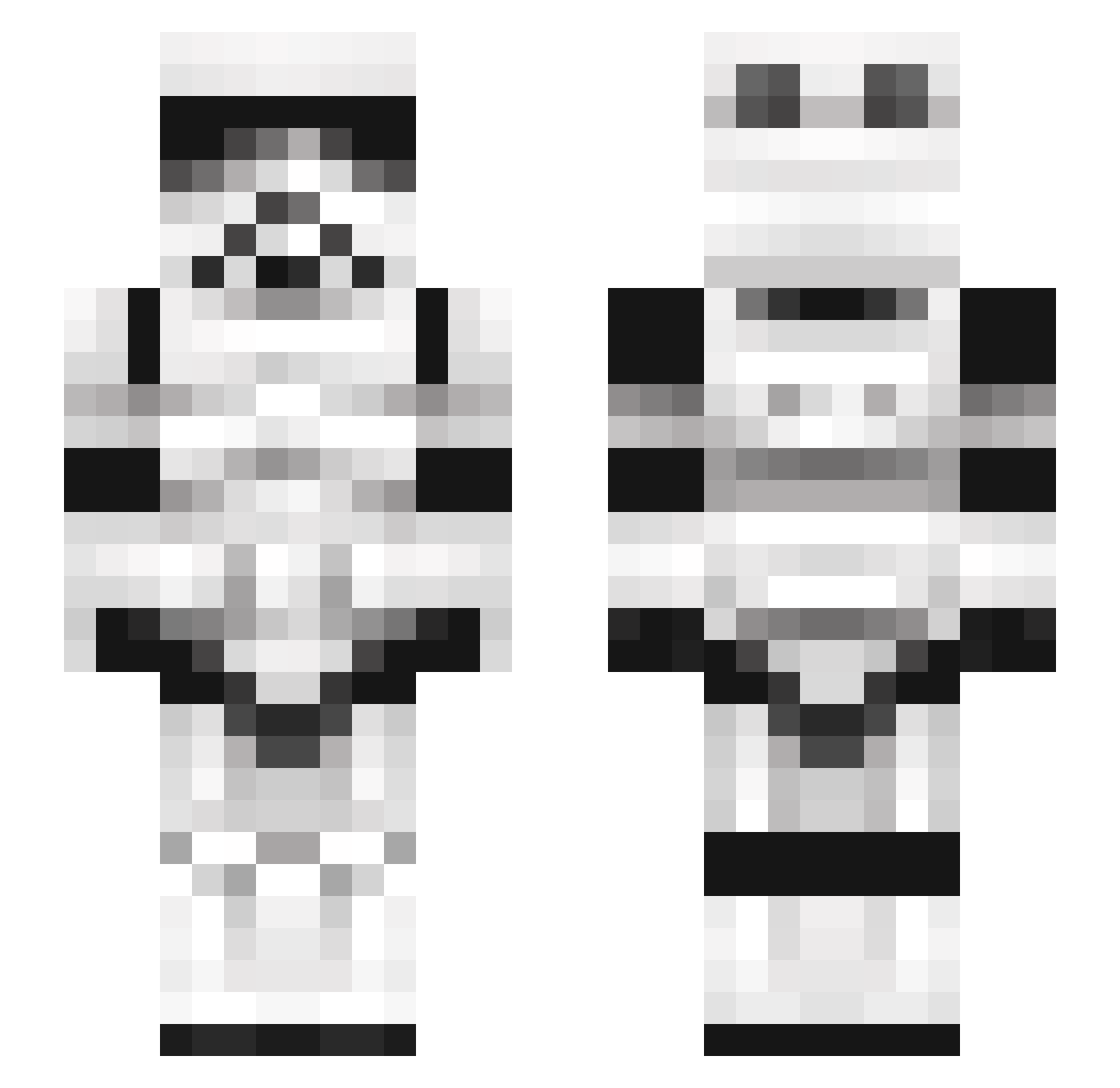
Current Minecraft skin of the player Cook3312, loaded from the official Mojang API. Rotate the 3D model with your mouse or finger, then download the skin as a PNG file and use it in Minecraft: Bedrock Edition or Java Edition for free. When Cook3312 changes their skin, this page updates automatically and the old skin stays in the history below.
Other players with this skin (245)
Cook3312 was the 180th player we have seen with this skin, first spotted on 10.10.2026. The same skin was seen on these players. Open a nickname to see their current skin and skin history.
 Bigbadabum Wauwser BushyG05 winterstorm223 TurboMcCool EliIndiana Wartornsoldier Madmax2012 TheNumget danilip8 01A4093 Linderr Cittran xavegarci10 GioMila Grayor1 MackanSmackan Bill96 OnkelNaske JimmySprinkles ChunkyPicklePie Hewrice aimanzain Starvarsas7 CruXarN l_LouEko_l shelkagar YIRUQI67 __Fischkopf__ NieR087 Boss_Schmitty TICOTIGRE BerkEren blkbsstt Majan343 U_289 Skyydrow obiwan6109 mango871 stuartbeat eliphobic Hibebou LutfiMah ruzx007878 Reztums newc0m2 AlfredoSauce73 HuskerHunter ScottyBones urbancoder henachoko1203 Briguy55 spacelineee Treetea __HamBurgers__ DazeAce Nerwiwi CWatermelonK cescusa SupremeSauce
More Stormtrooper Minecraft skins
See all 530 Stormtrooper skins
How to install the Cook3312 skin
- Press the Download button above to save the skin as a PNG file.
- Minecraft: Bedrock Edition (PE): open the Dressing Room from the main menu (or tap your character → Edit Character), go to Classic Skins → Owned, press the + (new skin) button, choose the downloaded PNG and pick the Slim (Alex) model. Works on PC and mobile; consoles cannot import custom skins.
- Minecraft: Java Edition: open the Minecraft Launcher, go to the Skins tab, click New Skin, load the PNG, pick the Slim (Alex) model and press Save & Use. You can also upload it at minecraft.net → Profile → Change Skin.
The skin does not show up after import - what should I do?
Restart Minecraft and open the Dressing Room again - imported skins sometimes appear only after a restart. Also make sure you selected the imported skin and picked the Slim (Alex) model.
Which model should I choose, Classic or Slim?
This skin is designed for the Slim (Alex) model. If you pick the wrong model, the arms of the skin will look stretched or squeezed.
Is the skin of Cook3312 free to download?
Yes. Press Download, save the PNG file and use it in Minecraft: Bedrock Edition or Java Edition - no payment or registration needed. The skin also works on multiplayer servers and Realms.
More skins
Looking for more? Go back to all Minecraft skins and check the top skins of the week, month and all time, or find any player's skin by nickname.