
ChEeKyMoNkEy5268 - Minecraft Skins & Skin History
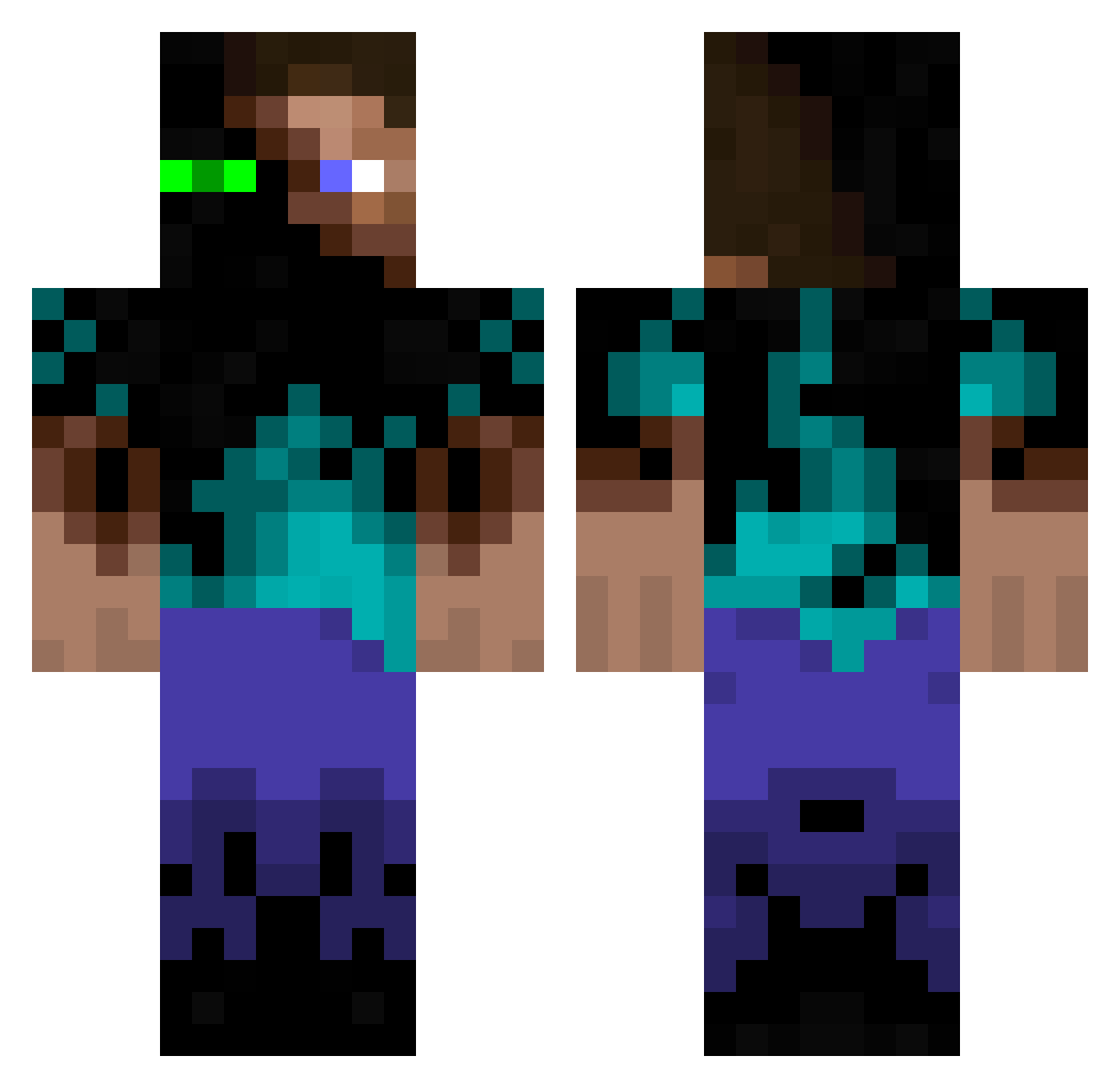
Current Minecraft skin of the player ChEeKyMoNkEy5268, loaded from the official Mojang API. Rotate the 3D model with your mouse or finger, then download the skin as a PNG file and use it in Minecraft: Bedrock Edition or Java Edition for free. When ChEeKyMoNkEy5268 changes their skin, this page updates automatically and the old skin stays in the history below.
Other players with this skin (1087)
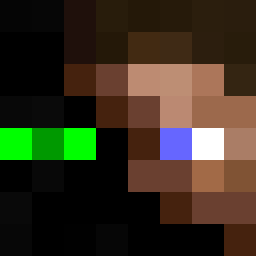
ChEeKyMoNkEy5268 was the 943rd player we have seen with this skin, first spotted on 18.10.2026. The same skin was seen on these players. Open a nickname to see their current skin and skin history.
 KingGheen BlueBoxCompany CaptyBob Plerik s_and_d ZooMass Zombie9ooo Dewwa xTheNewsLashx bstoriz Brick_man1998 MarcoFo91 SicklyGhoul42 marcizhu mfc12pats PizzamampferLP a_stupid_hobo wickedxdrunk blkeagle24 KrazeeJ Joseph77435 KlodsDK DIYdan Antenor ITS_ONLY_ME_36 ryangood12 caliptron10 Sir_Bobber Vacidus PurpleCats09 De4dl0ck arejay8204 Beastregelt Cartonin ender_denis PeterXDK SergioTamb Beaverboy2005 War_Butcher doubletap111 NinjaFreak808 Greekerbp Stuusical pendlemelon46 Willis_182 GermnLish mforce13 mishagaishun CoopKash poo123123 barnhart123 AtomicSpirit HERSE swaggerboy040 ProfessorSteve1 Un_Tagada TurboThorsson Deeloh ningaboy22 MrLipzz
More Glowing Eyes Minecraft skins
See all 2613 Glowing Eyes skins
How to install the ChEeKyMoNkEy5268 skin
- Press the Download button above to save the skin as a PNG file.
- Minecraft: Bedrock Edition (PE): open the Dressing Room from the main menu (or tap your character → Edit Character), go to Classic Skins → Owned, press the + (new skin) button, choose the downloaded PNG and pick the Classic (Steve) model. Works on PC and mobile; consoles cannot import custom skins.
- Minecraft: Java Edition: open the Minecraft Launcher, go to the Skins tab, click New Skin, load the PNG, pick the Classic (Steve) model and press Save & Use. You can also upload it at minecraft.net → Profile → Change Skin.
The skin does not show up after import - what should I do?
Restart Minecraft and open the Dressing Room again - imported skins sometimes appear only after a restart. Also make sure you selected the imported skin and picked the Classic (Steve) model.
Which model should I choose, Classic or Slim?
This skin is designed for the Classic (Steve) model. If you pick the wrong model, the arms of the skin will look stretched or squeezed.
Is the skin of ChEeKyMoNkEy5268 free to download?
Yes. Press Download, save the PNG file and use it in Minecraft: Bedrock Edition or Java Edition - no payment or registration needed. The skin also works on multiplayer servers and Realms.
More skins
Looking for more? Go back to all Minecraft skins and check the top skins of the week, month and all time, or find any player's skin by nickname.