
Cauazinnzz - Minecraft Skins & Skin History
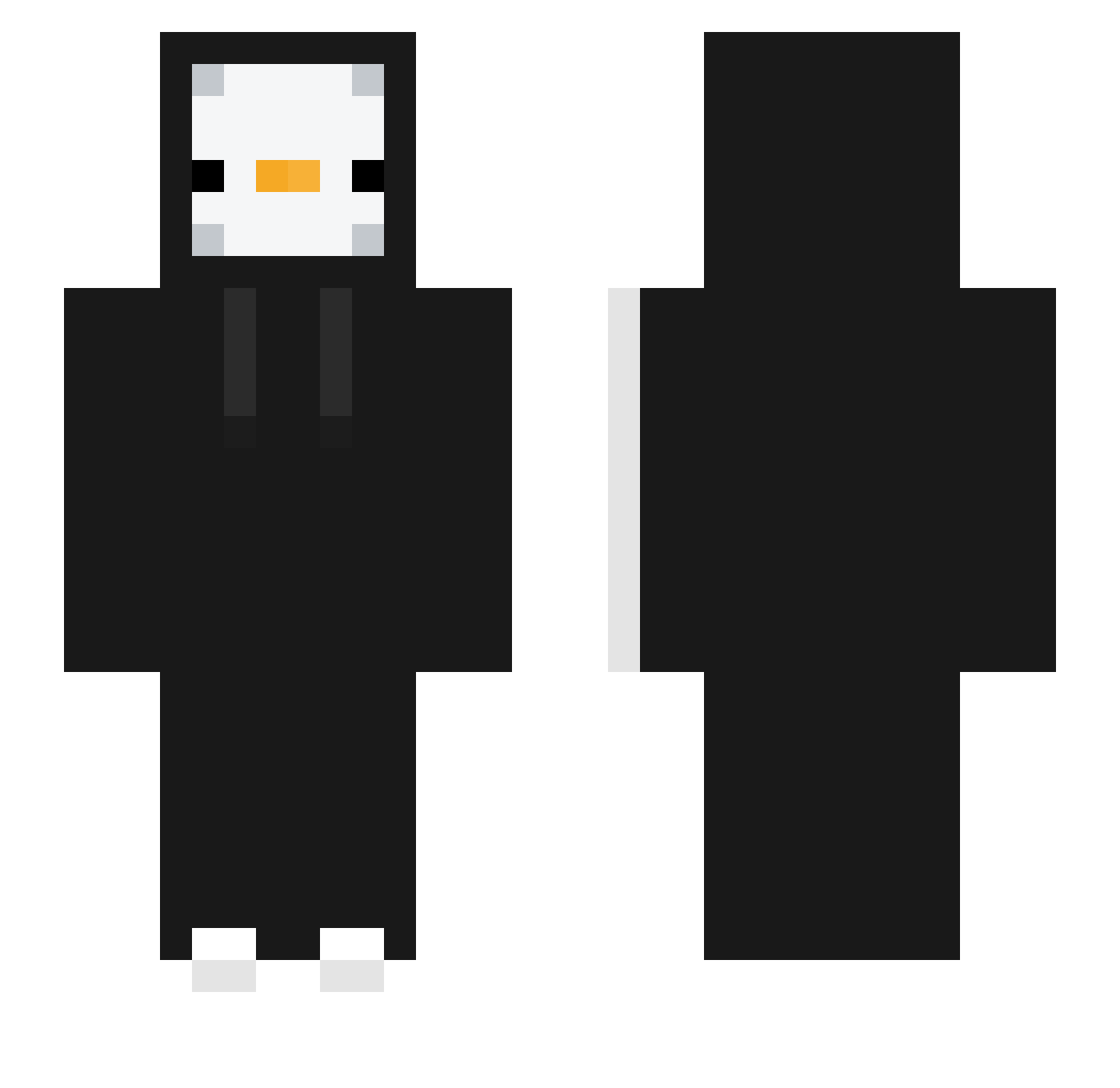
Current Minecraft skin of the player Cauazinnzz, loaded from the official Mojang API. Rotate the 3D model with your mouse or finger, then download the skin as a PNG file and use it in Minecraft: Bedrock Edition or Java Edition for free. When Cauazinnzz changes their skin, this page updates automatically and the old skin stays in the history below.
Other players with this skin (331)
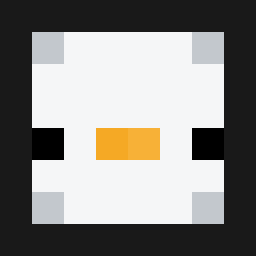
Cauazinnzz was the 44th player we have seen with this skin, first spotted on 10.08.2026. The same skin was seen on these players. Open a nickname to see their current skin and skin history.
 ice_CafeLatte POETTT222 DuzZInProGamesYT jerry1024tw Reptil1910 mistermerp21 Mizuiro_ch Jesuzzz1 McEbas Alsiks Soberro Stixanu THE_SASIX MysticPengu Thia29 ddolddoli_ Tira56 kfvmx GloveCC DAUNMAN ElBarbaz gummyb555 shinebut Brajanekk16 Antom14i Adele_112 Just_look_at0you yousungmagic TesPpwan_ jaemo914 pory1129 fersini12 feetmoon Windesst Leodidthat txp34 lollot25 cizai gunwoo112 Asphyxi44 patanouf tlqkf122 da_yeon0921 Dimi14 CNS_Nong_Do eunseo10 Jiihu Flynit86 JoshLucky80 hakh_26 JJuns912 PuppySlippersz Wudonghan9024 Valkyrievol Dojay_0515 HeMaNtG29 rouwin13
 Nsby UU20 fff137
More Duck Minecraft skins
How to install the Cauazinnzz skin
- Press the Download button above to save the skin as a PNG file.
- Minecraft: Bedrock Edition (PE): open the Dressing Room from the main menu (or tap your character → Edit Character), go to Classic Skins → Owned, press the + (new skin) button, choose the downloaded PNG and pick the Slim (Alex) model. Works on PC and mobile; consoles cannot import custom skins.
- Minecraft: Java Edition: open the Minecraft Launcher, go to the Skins tab, click New Skin, load the PNG, pick the Slim (Alex) model and press Save & Use. You can also upload it at minecraft.net → Profile → Change Skin.
The skin does not show up after import - what should I do?
Restart Minecraft and open the Dressing Room again - imported skins sometimes appear only after a restart. Also make sure you selected the imported skin and picked the Slim (Alex) model.
Which model should I choose, Classic or Slim?
This skin is designed for the Slim (Alex) model. If you pick the wrong model, the arms of the skin will look stretched or squeezed.
Is the skin of Cauazinnzz free to download?
Yes. Press Download, save the PNG file and use it in Minecraft: Bedrock Edition or Java Edition - no payment or registration needed. The skin also works on multiplayer servers and Realms.
More skins
Looking for more? Go back to all Minecraft skins and check the top skins of the week, month and all time, or find any player's skin by nickname.