
CarrotK - Minecraft Skins & Skin History
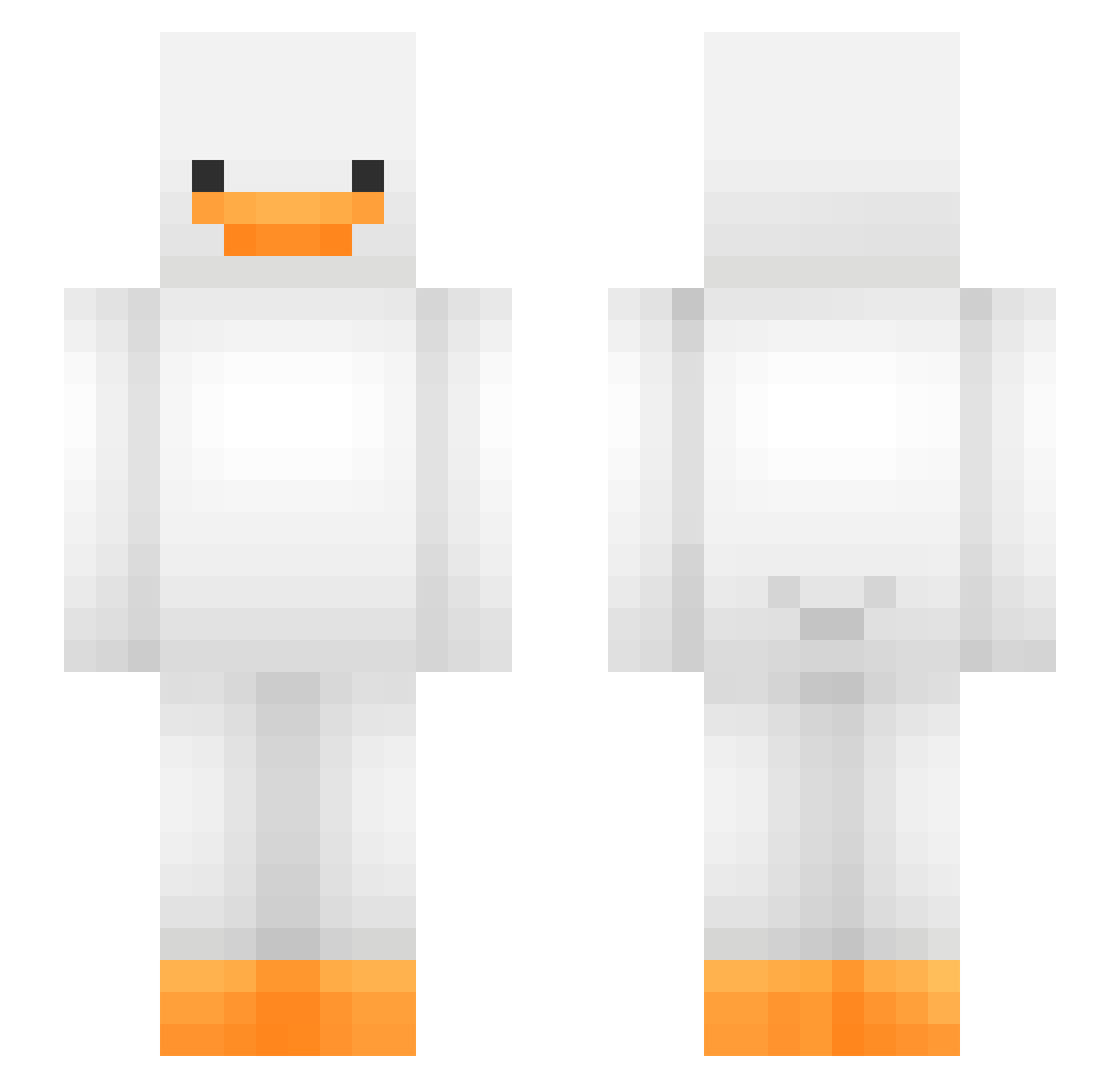
Current Minecraft skin of the player CarrotK, loaded from the official Mojang API. Rotate the 3D model with your mouse or finger, then download the skin as a PNG file and use it in Minecraft: Bedrock Edition or Java Edition for free. When CarrotK changes their skin, this page updates automatically and the old skin stays in the history below.
Other players with this skin (475)
CarrotK was the 179th player we have seen with this skin, first spotted on 05.09.2026. The same skin was seen on these players. Open a nickname to see their current skin and skin history.
 Therealtesco1 Not_Raymond_ IZAN_20 Jagen2015 Sleepy_TheDog33 Dejkyl30 m3r04 N1ghtF0x2 Sansini Bongjo
 DuckTheQuacker Thundrc0ck Kruuse2 CashDeSpencer balznce i_love_74 QuantFox0 veryfastball Marillocke ForeMagic xblOodmoonx Hsinchow Sarahsauri zacharyk246 U_ka320 _BigJ_123 Ghstjs3 ThunderYeti19 daniel47 Majangdong64simi bowastaken2 Pbdaddy11 Ente742 77pseudonym Teddy_Yeer _dr_murphy_ ItzMeAriel123 Rinmac08 daduu2 spoobyscams Xerfing342 harmans5 Vaali1 SebyKun Atomix0608 beddur Phantom90 LegoBot7 iJackJack ransohne CHRISPlayzMC Mulm1 wevv_ Crafty_Hiccup A_mond_ arjune_ NOAHxJOELxELIAS1 AIlovey 2jo_ Josue2006
More Duck Minecraft skins
How to install the CarrotK skin
- Press the Download button above to save the skin as a PNG file.
- Minecraft: Bedrock Edition (PE): open the Dressing Room from the main menu (or tap your character → Edit Character), go to Classic Skins → Owned, press the + (new skin) button, choose the downloaded PNG and pick the Slim (Alex) model. Works on PC and mobile; consoles cannot import custom skins.
- Minecraft: Java Edition: open the Minecraft Launcher, go to the Skins tab, click New Skin, load the PNG, pick the Slim (Alex) model and press Save & Use. You can also upload it at minecraft.net → Profile → Change Skin.
The skin does not show up after import - what should I do?
Restart Minecraft and open the Dressing Room again - imported skins sometimes appear only after a restart. Also make sure you selected the imported skin and picked the Slim (Alex) model.
Which model should I choose, Classic or Slim?
This skin is designed for the Slim (Alex) model. If you pick the wrong model, the arms of the skin will look stretched or squeezed.
Is the skin of CarrotK free to download?
Yes. Press Download, save the PNG file and use it in Minecraft: Bedrock Edition or Java Edition - no payment or registration needed. The skin also works on multiplayer servers and Realms.
More skins
Looking for more? Go back to all Minecraft skins and check the top skins of the week, month and all time, or find any player's skin by nickname.