
Bud_Y_ - Minecraft Skins & Skin History
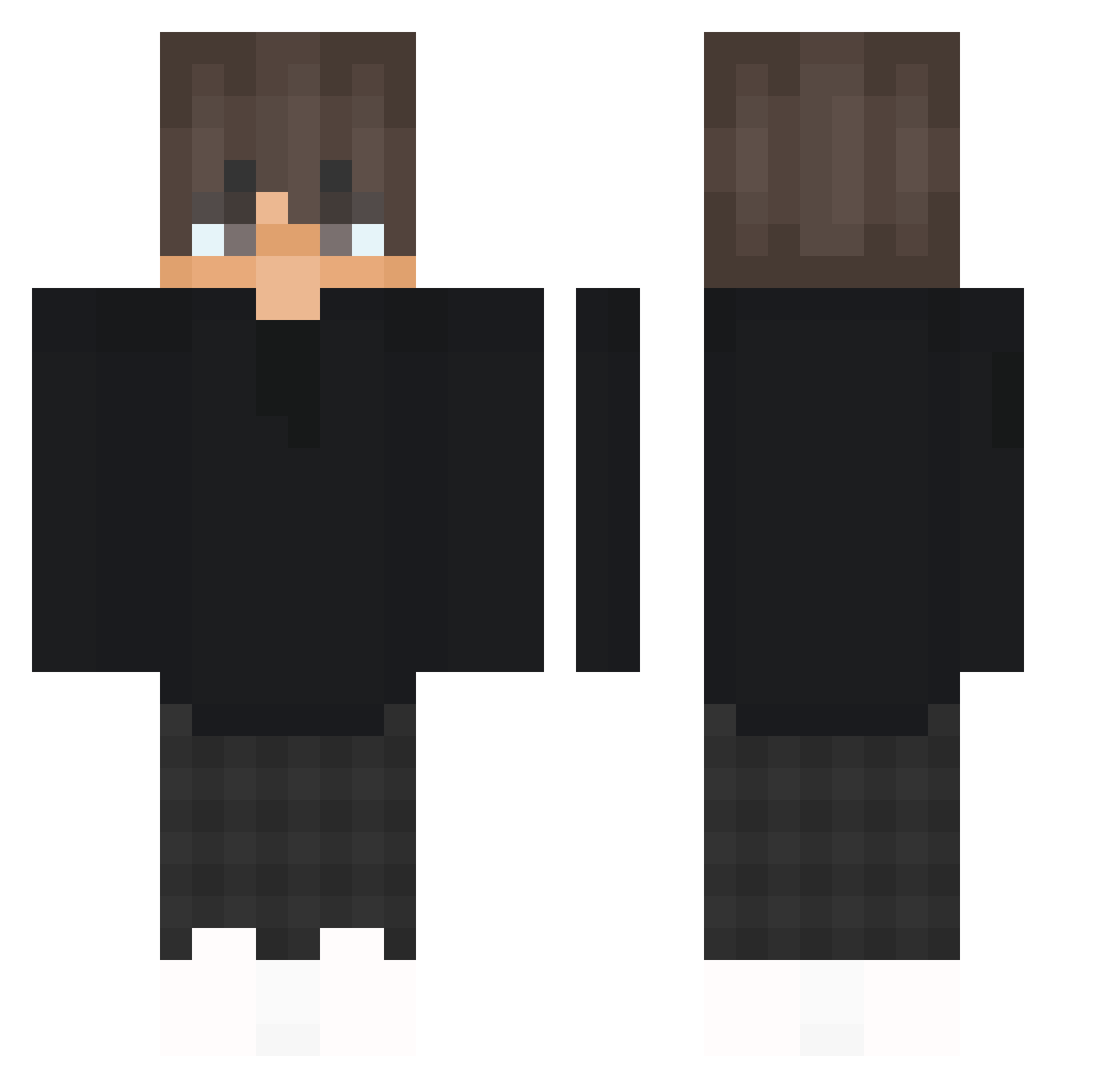
Current Minecraft skin of the player Bud_Y_, loaded from the official Mojang API. Rotate the 3D model with your mouse or finger, then download the skin as a PNG file and use it in Minecraft: Bedrock Edition or Java Edition for free. When Bud_Y_ changes their skin, this page updates automatically and the old skin stays in the history below.
Other players with this skin (425)
Bud_Y_ was the 303rd player we have seen with this skin, first spotted on 11.10.2026. The same skin was seen on these players. Open a nickname to see their current skin and skin history.
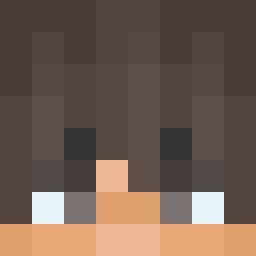 Louie2314 LazyyPanther BenFC7 DrillofDeath 7mat SubScorpion9 skibidiptasiu 31416tudo IAmVeryConfusing PepeOnTour UliseZ01 Ciastek_mc _Luxonix_ AyoSxmqq_ mcLIPEK_ Tenurialbirds11 HJM9217 MIS8A1814452 SlinkSquash5000 bekrD Maksik_ki Roquemar manggo0053 Aleksandro90000 Sentt_ Sacatusta TheRavix POWEEEE_ TillMorning Shun8201 SilentType21 h01fsh Czrrrrr xaimit0 WalBlase Chris_Ig SowllZeRO zielonykanarekpl Aether_NetCord WickedCinema Nickcraft7797 Breizchh __Tobyy Guizx oEndy XponoRw KingAnubbis Roblapp151 Aidenisnotcool xIgor7 xTenzo GODluffy423 Majkownica2000 k0verlk Artvr5 Wroxz koningagga Qubbyyyy skyhighhh tejpek009
How to install the Bud_Y_ skin
- Press the Download button above to save the skin as a PNG file.
- Minecraft: Bedrock Edition (PE): open the Dressing Room from the main menu (or tap your character → Edit Character), go to Classic Skins → Owned, press the + (new skin) button, choose the downloaded PNG and pick the Classic (Steve) model. Works on PC and mobile; consoles cannot import custom skins.
- Minecraft: Java Edition: open the Minecraft Launcher, go to the Skins tab, click New Skin, load the PNG, pick the Classic (Steve) model and press Save & Use. You can also upload it at minecraft.net → Profile → Change Skin.
The skin does not show up after import - what should I do?
Restart Minecraft and open the Dressing Room again - imported skins sometimes appear only after a restart. Also make sure you selected the imported skin and picked the Classic (Steve) model.
Which model should I choose, Classic or Slim?
This skin is designed for the Classic (Steve) model. If you pick the wrong model, the arms of the skin will look stretched or squeezed.
Is the skin of Bud_Y_ free to download?
Yes. Press Download, save the PNG file and use it in Minecraft: Bedrock Edition or Java Edition - no payment or registration needed. The skin also works on multiplayer servers and Realms.
More skins
Looking for more? Go back to all Minecraft skins and check the top skins of the week, month and all time, or find any player's skin by nickname.