
Boydy23 - Minecraft Skins & Skin History
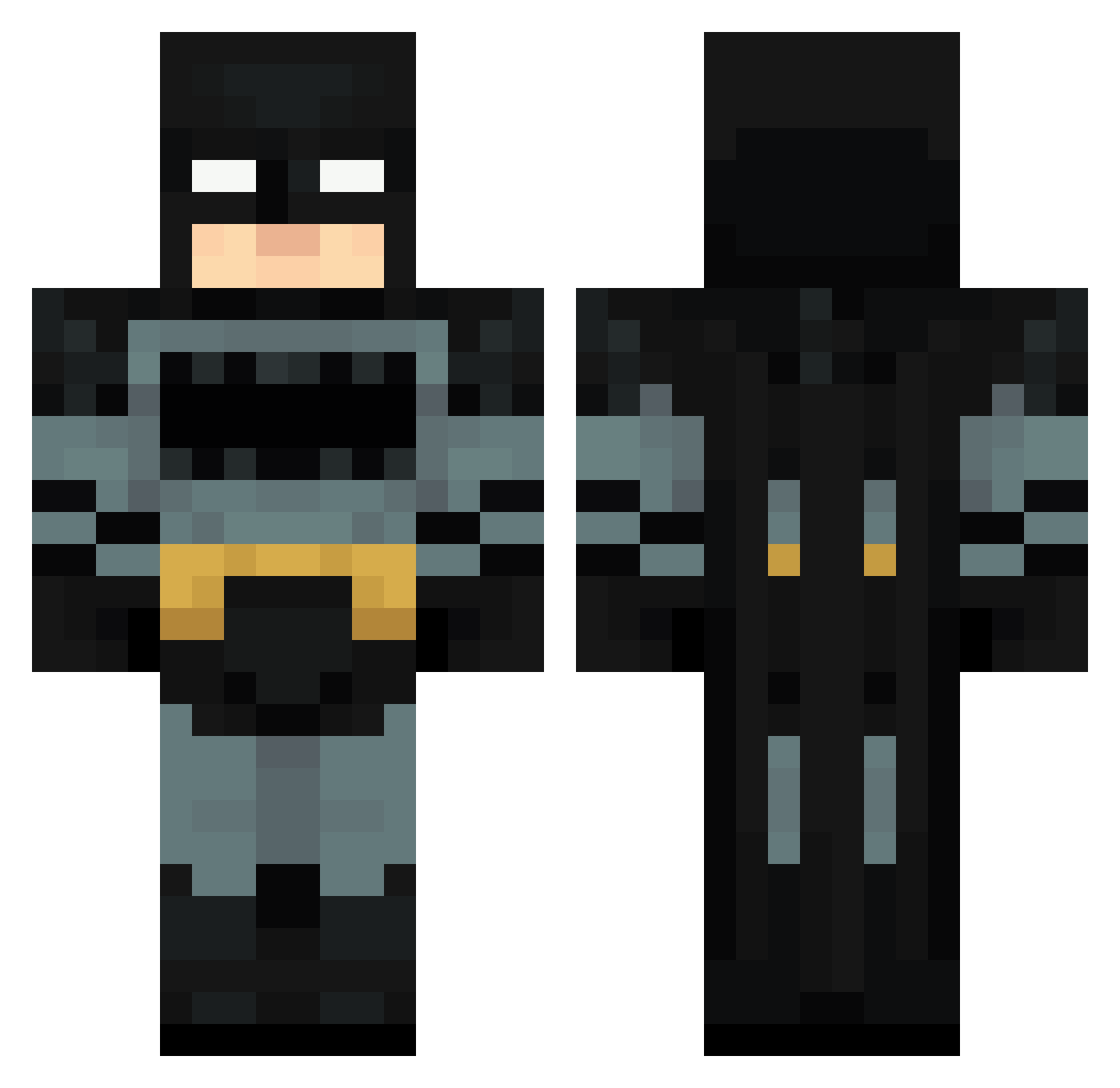
Current Minecraft skin of the player Boydy23, loaded from the official Mojang API. Rotate the 3D model with your mouse or finger, then download the skin as a PNG file and use it in Minecraft: Bedrock Edition or Java Edition for free. When Boydy23 changes their skin, this page updates automatically and the old skin stays in the history below.
Other players with this skin (120)
Boydy23 was the 83rd player we have seen with this skin, first spotted on 08.10.2026. The same skin was seen on these players. Open a nickname to see their current skin and skin history.
 MrSharky3 mdtuw _Braderson Juanfee356 Ephinx GodKingSepher Nihaal5877 XGrapplerX Supfile321 susfein LEJUMTHEBUM sigmayoyos clovorette Mathyou73 Scrappy3200 Jesuapr1 _Gemini_990 Heflin SA715 PingTooHigh1 LoonieTooney messi56 Criscos17 BigBoss4202 Jayycruz Tintu5 miroh47 IKERGAMERS12 whatsgoodie S1H SomeDude128 Glumac22 lologarciaa Drrboy jen_y08 Paft_Dunk_ Rz_KAO TrippyFondue StavioZ_ TheTrueMenace Alyz0r JustDoItNicke Meniksshokkii 0Krzew0 Tubeskee fishykid81 Devbroo Da_Money chazzberg VipasMine SANWIISY Miner_Ansel Tsu007 MrPlaper Natole ArchivedJello IDK_MIG BrickMaster14 FerN1416 ForeverUrs
More Batman Minecraft skins
How to install the Boydy23 skin
- Press the Download button above to save the skin as a PNG file.
- Minecraft: Bedrock Edition (PE): open the Dressing Room from the main menu (or tap your character → Edit Character), go to Classic Skins → Owned, press the + (new skin) button, choose the downloaded PNG and pick the Classic (Steve) model. Works on PC and mobile; consoles cannot import custom skins.
- Minecraft: Java Edition: open the Minecraft Launcher, go to the Skins tab, click New Skin, load the PNG, pick the Classic (Steve) model and press Save & Use. You can also upload it at minecraft.net → Profile → Change Skin.
The skin does not show up after import - what should I do?
Restart Minecraft and open the Dressing Room again - imported skins sometimes appear only after a restart. Also make sure you selected the imported skin and picked the Classic (Steve) model.
Which model should I choose, Classic or Slim?
This skin is designed for the Classic (Steve) model. If you pick the wrong model, the arms of the skin will look stretched or squeezed.
Is the skin of Boydy23 free to download?
Yes. Press Download, save the PNG file and use it in Minecraft: Bedrock Edition or Java Edition - no payment or registration needed. The skin also works on multiplayer servers and Realms.
More skins
Looking for more? Go back to all Minecraft skins and check the top skins of the week, month and all time, or find any player's skin by nickname.