
Bottle271 - Minecraft Skins & Skin History
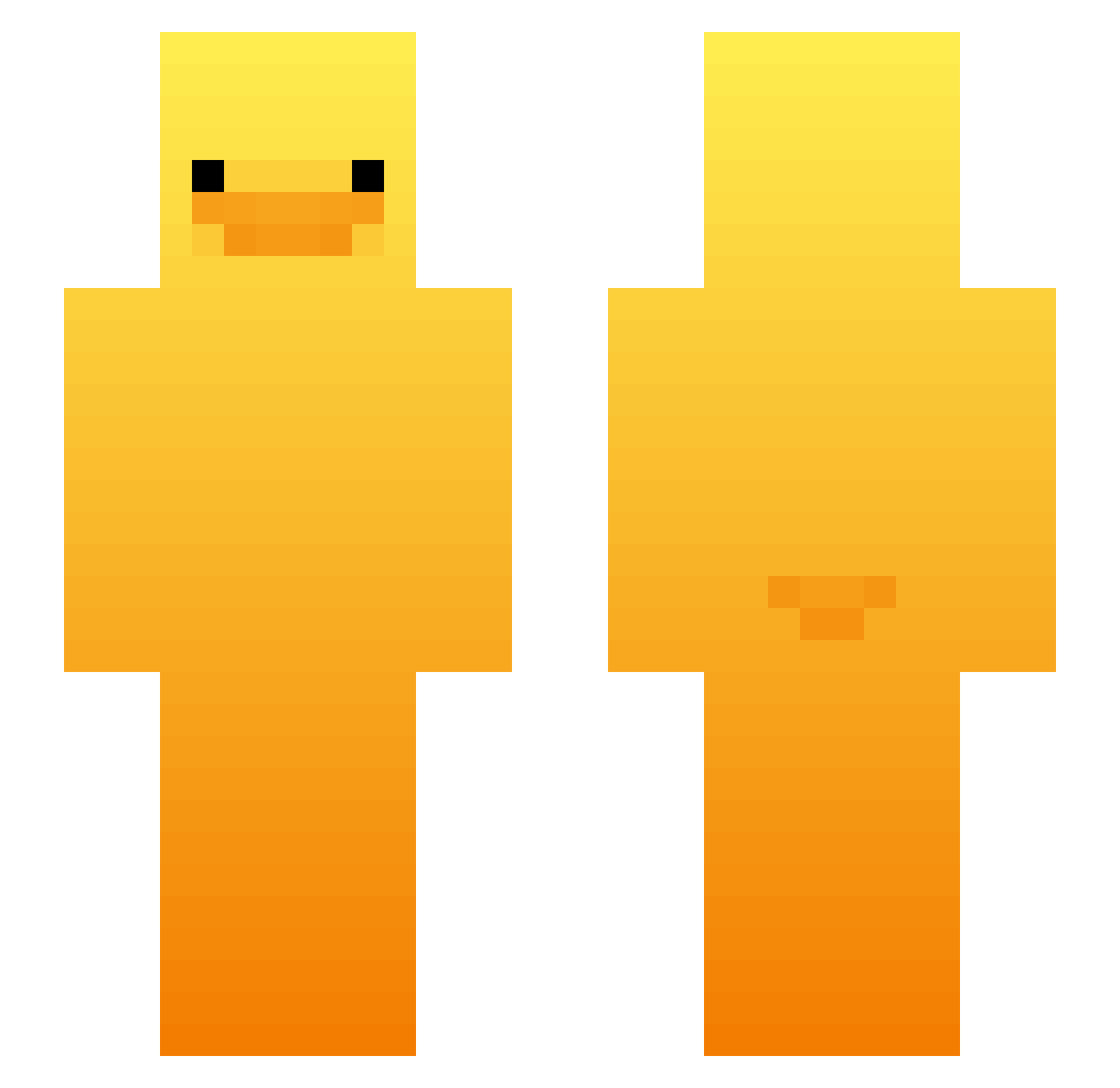
Current Minecraft skin of the player Bottle271, loaded from the official Mojang API. Rotate the 3D model with your mouse or finger, then download the skin as a PNG file and use it in Minecraft: Bedrock Edition or Java Edition for free. When Bottle271 changes their skin, this page updates automatically and the old skin stays in the history below.
Other players with this skin (427)
Bottle271 was the 61st player we have seen with this skin, first spotted on 05.08.2026. The same skin was seen on these players. Open a nickname to see their current skin and skin history.
 OldSchool9247 SweetSofty Camille2323 D2uk LuvExiles neo54545154
 RaviBuddelbude Marshyrake Wr1s1s gwongi Nelis_09 BUNJ33 TOnMinecraft23 Nerficus TrialAlarm91029 FrankPalmar An_Anything JacobWhy_
 Pompi1 maseybro20 sksalclsshadlek aaryanmango
 Gavcraft77 Sundjerbob
 Planetcraft t0eGremlin O5ri
 Raptors1996 Autsnoww Lt3_Hardstuck Nav_itz ONMIOS K8_0 ibiin abari85 appelsap2025 BukkitEvent KimSinJoong SIKI_seungmin NeutralPuppy485 iamkigan Mr_Waffle36 mr2aura ROLL2525 matu2012 TEMPURA0625
 Tallest007
 Kotika67
 Luca_Zima rush_op Eme135 MrrKinder Seweryn123XPI gimmin72 Paulult1 Vote_QE bean4754 hannahbanana443 MeatballISO metsola07
More Duck Minecraft skins
How to install the Bottle271 skin
- Press the Download button above to save the skin as a PNG file.
- Minecraft: Bedrock Edition (PE): open the Dressing Room from the main menu (or tap your character → Edit Character), go to Classic Skins → Owned, press the + (new skin) button, choose the downloaded PNG and pick the Slim (Alex) model. Works on PC and mobile; consoles cannot import custom skins.
- Minecraft: Java Edition: open the Minecraft Launcher, go to the Skins tab, click New Skin, load the PNG, pick the Slim (Alex) model and press Save & Use. You can also upload it at minecraft.net → Profile → Change Skin.
The skin does not show up after import - what should I do?
Restart Minecraft and open the Dressing Room again - imported skins sometimes appear only after a restart. Also make sure you selected the imported skin and picked the Slim (Alex) model.
Which model should I choose, Classic or Slim?
This skin is designed for the Slim (Alex) model. If you pick the wrong model, the arms of the skin will look stretched or squeezed.
Is the skin of Bottle271 free to download?
Yes. Press Download, save the PNG file and use it in Minecraft: Bedrock Edition or Java Edition - no payment or registration needed. The skin also works on multiplayer servers and Realms.
More skins
Looking for more? Go back to all Minecraft skins and check the top skins of the week, month and all time, or find any player's skin by nickname.