
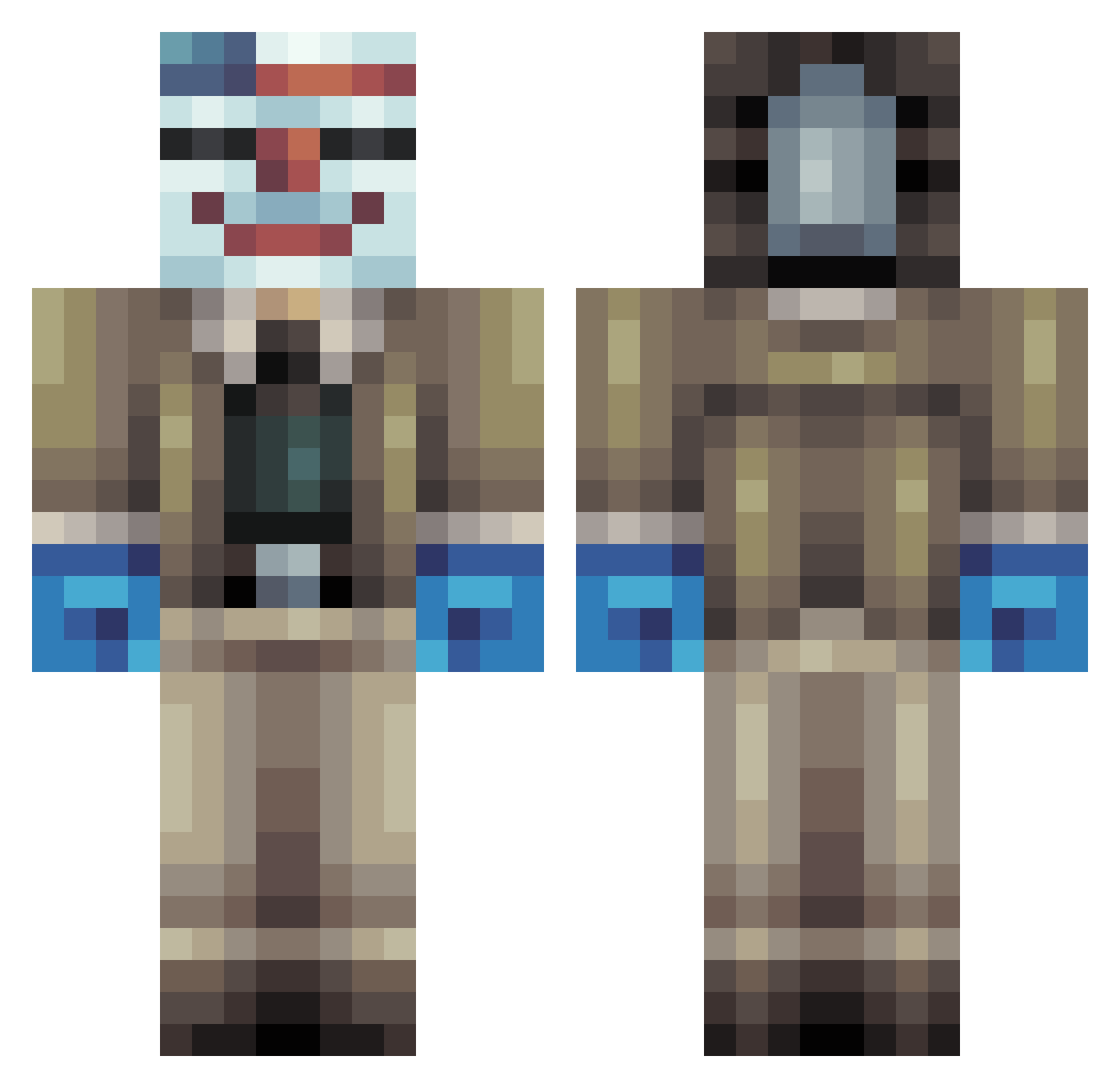
Current Minecraft skin of the player Bluebar, loaded from the official Mojang API. Rotate the 3D model with your mouse or finger, then download the skin as a PNG file and use it in Minecraft: Bedrock Edition or Java Edition for free. When Bluebar changes their skin, this page updates automatically and the old skin stays in the history below.
Other players with this skin (255)
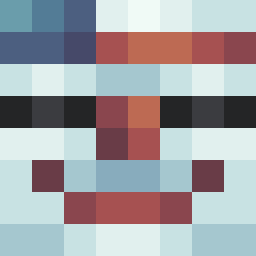
Bluebar was the 145th player we have seen with this skin, first spotted on 19.09.2026. The same skin was seen on these players. Open a nickname to see their current skin and skin history.
 MisterZazak Siggi3000 Psyko_StazX franknieman DAANN_0344 8mx2012 CynthiaWang Stankip15 vaal22 GaetanC2011 Skyrhim xIconikkx the_pwnerer ljk6 Heitzerrr deathslayer55 IBLOCK_X Justonesumaro dsrabittjulius christoffer1999 AndreasStork NightxMidget Alban2408 Jellyman2011 pop_punkfox powerhouse825 1emilXX amane819 ZombieKiller48 9ur3 BeefClown Pethol VenaticalCone mastergabe_21 JMundy Noah2801 oliver46 Karl3105 Cakeboss5 Sittingbump85 StarZok CharlieMiller07 terminat0rBeast xxsaminecraft JackcraftMC Magic_Pie_Man Momodelacite spider333 bebban991 ToxicTampon Powerful0306 EliotRX KrazzzyHulk viggoemanuel Mamoun CaptainGrundy xBrokenGhost Waziron fiskarenklas NelsonManFella
More Clown Mask Minecraft skins
How to install the Bluebar skin
- Press the Download button above to save the skin as a PNG file.
- Minecraft: Bedrock Edition (PE): open the Dressing Room from the main menu (or tap your character → Edit Character), go to Classic Skins → Owned, press the + (new skin) button, choose the downloaded PNG and pick the Classic (Steve) model. Works on PC and mobile; consoles cannot import custom skins.
- Minecraft: Java Edition: open the Minecraft Launcher, go to the Skins tab, click New Skin, load the PNG, pick the Classic (Steve) model and press Save & Use. You can also upload it at minecraft.net → Profile → Change Skin.
The skin does not show up after import - what should I do?
Restart Minecraft and open the Dressing Room again - imported skins sometimes appear only after a restart. Also make sure you selected the imported skin and picked the Classic (Steve) model.
Which model should I choose, Classic or Slim?
This skin is designed for the Classic (Steve) model. If you pick the wrong model, the arms of the skin will look stretched or squeezed.
Is the skin of Bluebar free to download?
Yes. Press Download, save the PNG file and use it in Minecraft: Bedrock Edition or Java Edition - no payment or registration needed. The skin also works on multiplayer servers and Realms.
More skins
Looking for more? Go back to all Minecraft skins and check the top skins of the week, month and all time, or find any player's skin by nickname.