
BlockKingJesus - Minecraft Skins & Skin History
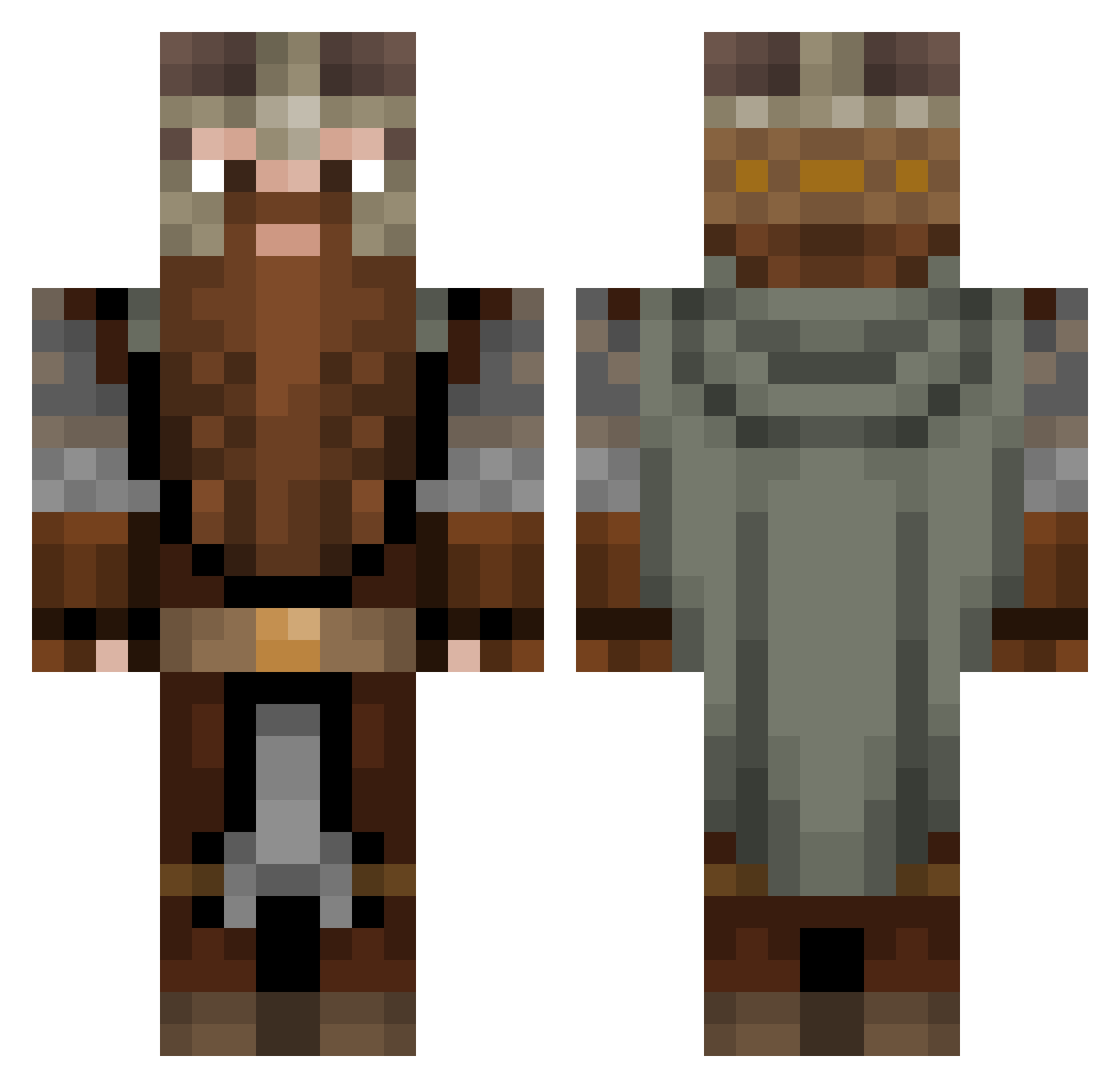
Current Minecraft skin of the player BlockKingJesus, loaded from the official Mojang API. Rotate the 3D model with your mouse or finger, then download the skin as a PNG file and use it in Minecraft: Bedrock Edition or Java Edition for free. When BlockKingJesus changes their skin, this page updates automatically and the old skin stays in the history below.
Other players with this skin (1081)
BlockKingJesus was the 989th player we have seen with this skin, first spotted on 25.10.2026. The same skin was seen on these players. Open a nickname to see their current skin and skin history.
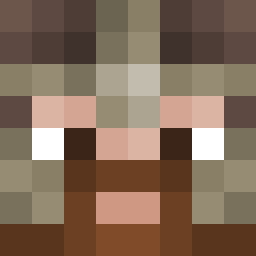 EastCoast_Ghost xLixiq2424 2fast4uB_tch SleepyZzZ_1 Drillbeard Toutouloute AdamBuxton ippo12345 Reaper10653 Darko_Dojcinovic EthicsGradient_ PiccolooLePew NORD_BUILDER Orhohiel EleTV Ditchlon _Mortyy kare_gaming Fjunet AGR404 Refrr BioCajun TCC_MotionZ ttmonkeyking strangematthew Atippy_1 Kamelreiter12 N3071GHT Dregar17 CooterThug69420 nicon23 Penguen8 NerdyEye6662 F4sT1k Gpla Gromnik Trollburg Jccos DaggerWolf147 Wolffinso sombra85 K1ngOdysseus blund724 nickasio1234 eliray_1337 kittysweetpea Jellyvonbean GorniyBaran TheR04CH adelinvony Eclectitian MrPatt Kyuniel micada Backpunsh SiberianRedDwarf D1xieN0rmous ekiloX_ Lief_97 3c70
More Dwarf Minecraft skins
How to install the BlockKingJesus skin
- Press the Download button above to save the skin as a PNG file.
- Minecraft: Bedrock Edition (PE): open the Dressing Room from the main menu (or tap your character → Edit Character), go to Classic Skins → Owned, press the + (new skin) button, choose the downloaded PNG and pick the Classic (Steve) model. Works on PC and mobile; consoles cannot import custom skins.
- Minecraft: Java Edition: open the Minecraft Launcher, go to the Skins tab, click New Skin, load the PNG, pick the Classic (Steve) model and press Save & Use. You can also upload it at minecraft.net → Profile → Change Skin.
The skin does not show up after import - what should I do?
Restart Minecraft and open the Dressing Room again - imported skins sometimes appear only after a restart. Also make sure you selected the imported skin and picked the Classic (Steve) model.
Which model should I choose, Classic or Slim?
This skin is designed for the Classic (Steve) model. If you pick the wrong model, the arms of the skin will look stretched or squeezed.
Is the skin of BlockKingJesus free to download?
Yes. Press Download, save the PNG file and use it in Minecraft: Bedrock Edition or Java Edition - no payment or registration needed. The skin also works on multiplayer servers and Realms.
More skins
Looking for more? Go back to all Minecraft skins and check the top skins of the week, month and all time, or find any player's skin by nickname.