
Bitsoph - Minecraft Skins & Skin History
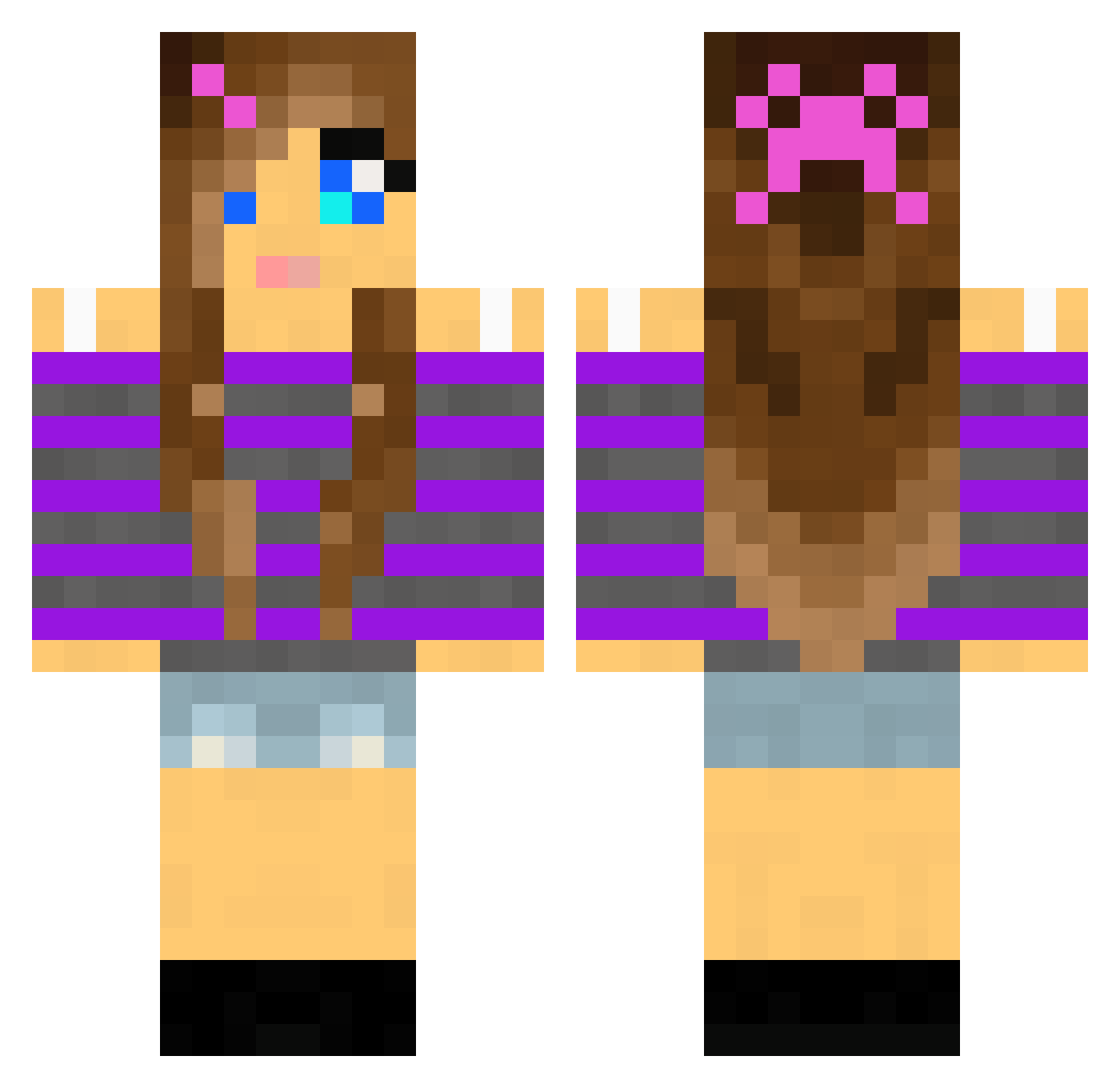
Current Minecraft skin of the player Bitsoph, loaded from the official Mojang API. Rotate the 3D model with your mouse or finger, then download the skin as a PNG file and use it in Minecraft: Bedrock Edition or Java Edition for free. When Bitsoph changes their skin, this page updates automatically and the old skin stays in the history below.
Other players with this skin (2010)
Bitsoph was the 1538th player we have seen with this skin, first spotted on 15.10.2026. The same skin was seen on these players. Open a nickname to see their current skin and skin history.
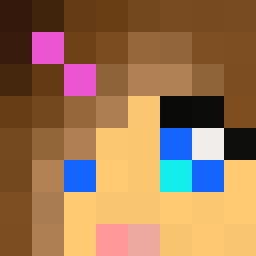 godzilla_il lillipup12 iamhollyb Glitterheart_1 cecilia987654322 Megan123123456 dancersplaymc VictoriaLoves1D Churmsky Jill_Bunny CoffeeCat123 SweetKitteh Cierra36 KittyLover375 crystalheart11 golden418 yselias Livsen10 louvain123 Tinyfig SEVINN ACat2944 Kate_TheGreat Ariana357 Emilia_Englund kiki_9 penguinslayer22 Mrs_Bieber_123 PhunkyYT Mrtaztyz aracely1 starbar100 puckidin RosieLynn2004 Imriela candy67416 Lovegirl92 EliseStoro dikemoa JohnDiego Tilde_001 carocola21 bramshan2 Kaylee008 MetteStromer iamthem0ckingjay streghe MegD8 khl9 ciegray TayTayMC L333M QRey SB_Lambo snowball2201 HACKFAM hails14 ashley_808 katryn_powers Kaybailey
More Girl Minecraft skins
How to install the Bitsoph skin
- Press the Download button above to save the skin as a PNG file.
- Minecraft: Bedrock Edition (PE): open the Dressing Room from the main menu (or tap your character → Edit Character), go to Classic Skins → Owned, press the + (new skin) button, choose the downloaded PNG and pick the Classic (Steve) model. Works on PC and mobile; consoles cannot import custom skins.
- Minecraft: Java Edition: open the Minecraft Launcher, go to the Skins tab, click New Skin, load the PNG, pick the Classic (Steve) model and press Save & Use. You can also upload it at minecraft.net → Profile → Change Skin.
The skin does not show up after import - what should I do?
Restart Minecraft and open the Dressing Room again - imported skins sometimes appear only after a restart. Also make sure you selected the imported skin and picked the Classic (Steve) model.
Which model should I choose, Classic or Slim?
This skin is designed for the Classic (Steve) model. If you pick the wrong model, the arms of the skin will look stretched or squeezed.
Is the skin of Bitsoph free to download?
Yes. Press Download, save the PNG file and use it in Minecraft: Bedrock Edition or Java Edition - no payment or registration needed. The skin also works on multiplayer servers and Realms.
More skins
Looking for more? Go back to all Minecraft skins and check the top skins of the week, month and all time, or find any player's skin by nickname.