
Begsiu - Minecraft Skins & Skin History
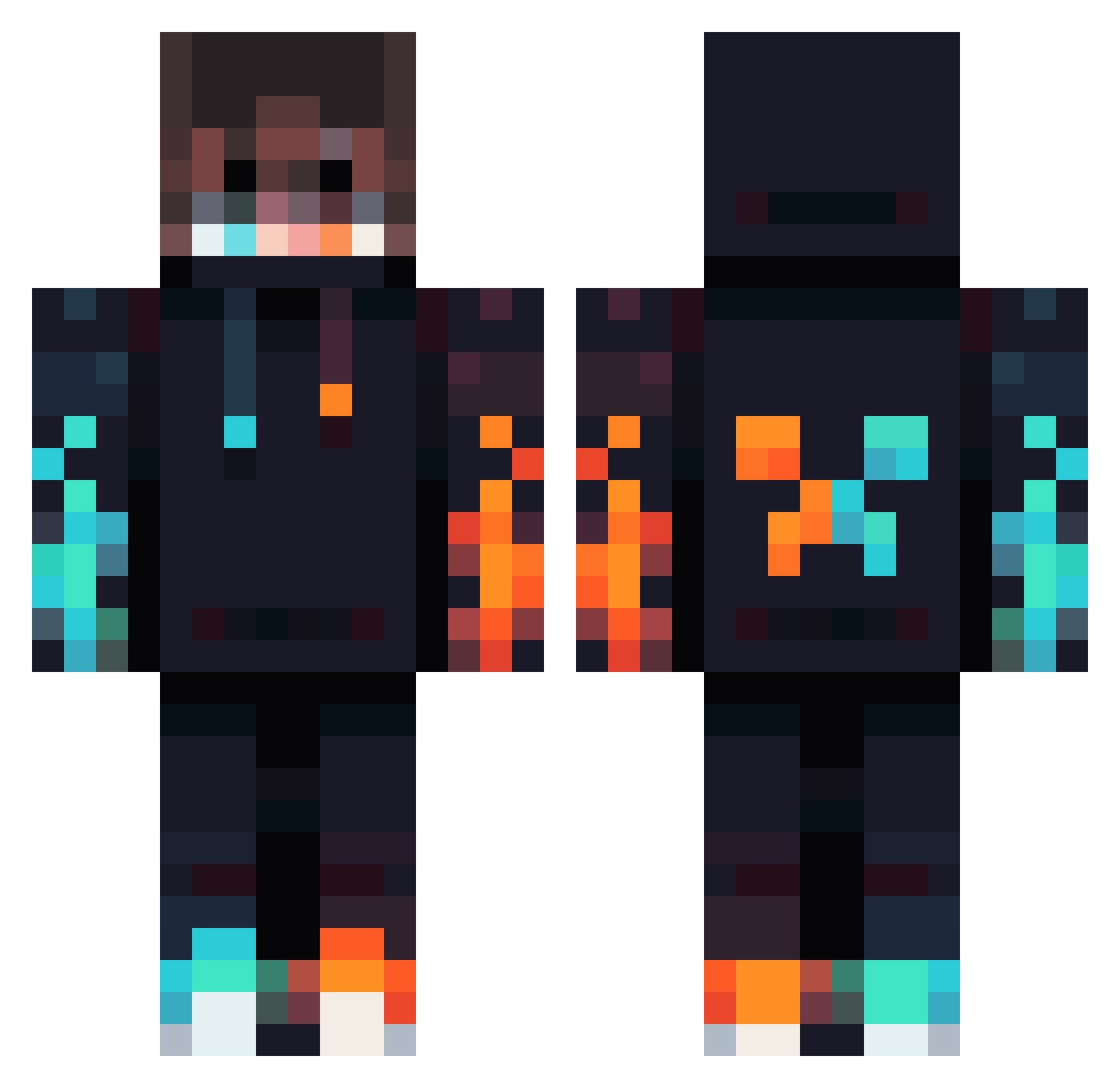
Current Minecraft skin of the player Begsiu, loaded from the official Mojang API. Rotate the 3D model with your mouse or finger, then download the skin as a PNG file and use it in Minecraft: Bedrock Edition or Java Edition for free. When Begsiu changes their skin, this page updates automatically and the old skin stays in the history below.
Other players with this skin (834)
Begsiu was the 726th player we have seen with this skin, first spotted on 22.10.2026. The same skin was seen on these players. Open a nickname to see their current skin and skin history.
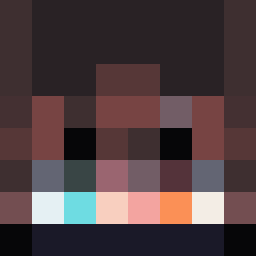 Evilminion28 SkorkaT NetherKai15 pudding_0518 StonewallLawson BOSSYTPLAYS PulseSV520 litteflash kotaro99 Rhea263 Nicewoan SlyDJ54 Melkowitch GOODSHOT31 Razvan1213 Shadow100100100 SyaSya24 Doofus_Gamer dream_rob1 Lys_s3 rantyu_ chaosxyz01 The_fighter7272 KKindeRR Kalinka02 NRG_DarkoGamer10 Kitkat771 Kiresy1 Itadori24 Seboko37lol Luminox_MC Tomas8191 Tonixx1 NoahSilverfish Kuhni1337 JuanSGOD TheBestMR_ The_Real_EA Sshadow74619 CreeperBrauer Taco_SWE 3bodyx 0Bento ERICGAMING210 MaZricK Norisho0 geckohuchia victor_cristea leyteris2022 x_CookieBoy_x iaminevitable36 NotZeqoo lmmortalized Drewchaotic NobleOleg Laser_Farmer games_ok14 AaronaPark senpai0276 DronzerJO
More Fire Minecraft skins
How to install the Begsiu skin
- Press the Download button above to save the skin as a PNG file.
- Minecraft: Bedrock Edition (PE): open the Dressing Room from the main menu (or tap your character → Edit Character), go to Classic Skins → Owned, press the + (new skin) button, choose the downloaded PNG and pick the Classic (Steve) model. Works on PC and mobile; consoles cannot import custom skins.
- Minecraft: Java Edition: open the Minecraft Launcher, go to the Skins tab, click New Skin, load the PNG, pick the Classic (Steve) model and press Save & Use. You can also upload it at minecraft.net → Profile → Change Skin.
The skin does not show up after import - what should I do?
Restart Minecraft and open the Dressing Room again - imported skins sometimes appear only after a restart. Also make sure you selected the imported skin and picked the Classic (Steve) model.
Which model should I choose, Classic or Slim?
This skin is designed for the Classic (Steve) model. If you pick the wrong model, the arms of the skin will look stretched or squeezed.
Is the skin of Begsiu free to download?
Yes. Press Download, save the PNG file and use it in Minecraft: Bedrock Edition or Java Edition - no payment or registration needed. The skin also works on multiplayer servers and Realms.
More skins
Looking for more? Go back to all Minecraft skins and check the top skins of the week, month and all time, or find any player's skin by nickname.