
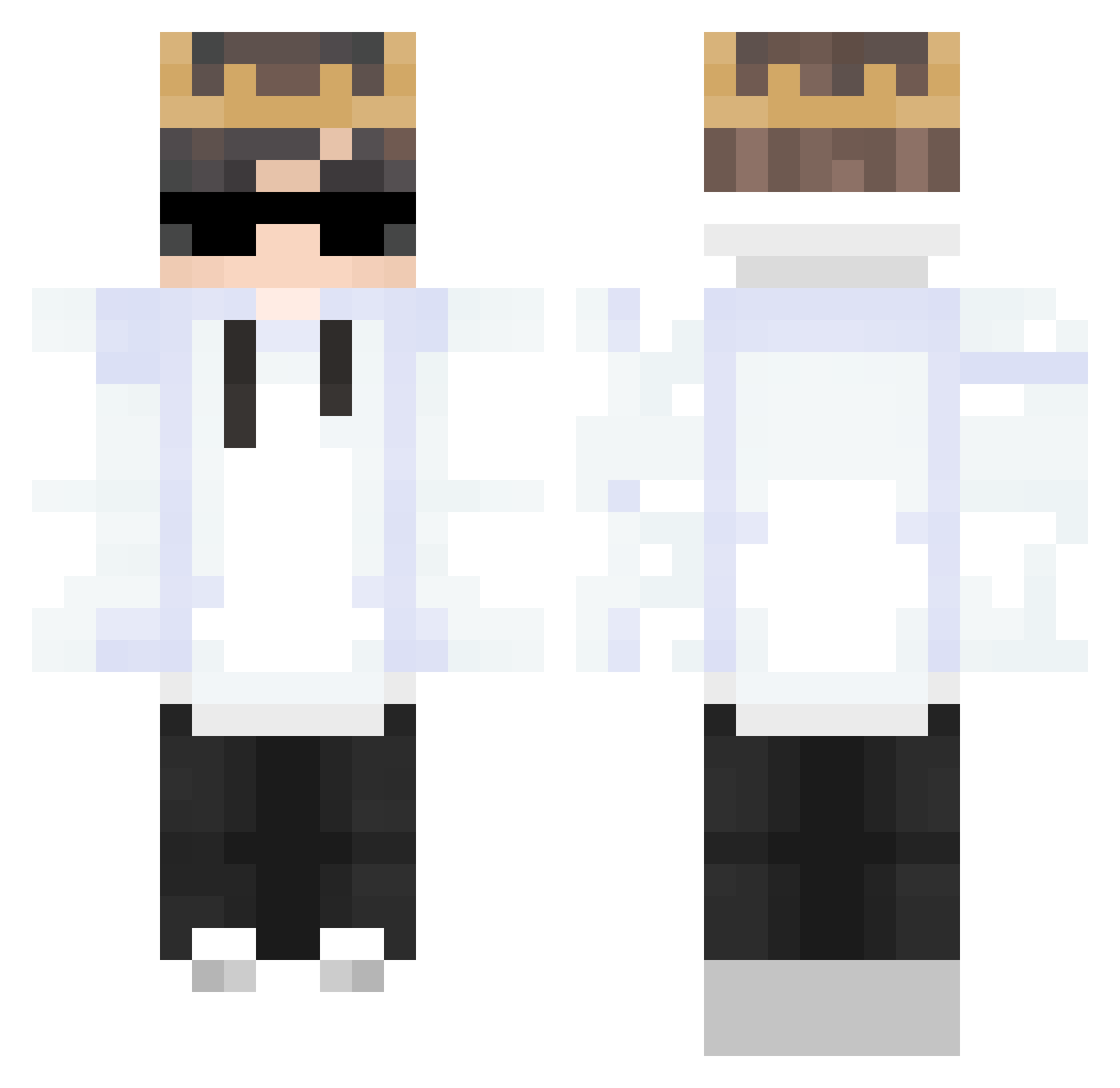
Current Minecraft skin of the player Baxtos, loaded from the official Mojang API. Rotate the 3D model with your mouse or finger, then download the skin as a PNG file and use it in Minecraft: Bedrock Edition or Java Edition for free. When Baxtos changes their skin, this page updates automatically and the old skin stays in the history below.
Other players with this skin (248)
Baxtos was the 173rd player we have seen with this skin, first spotted on 27.09.2026. The same skin was seen on these players. Open a nickname to see their current skin and skin history.
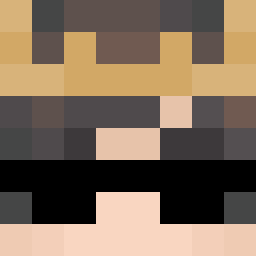 XATAFACAP MauruG M4t3TKK GloomyGame Abdulrahman508 ehdbs8124 NotYetPe20 TheNLGamerz 7MAS DocMBDD SmK_RiVal ElNoisy_ xd_Skiite lmssz yiwenyou_Allen dro_io 40pt DeTToLFH niksy_ Sprint07 Sr_Lucheto dontmindmeee iZeckItzSix AndersonTL hollowdaydream K3URA Farras_Rayhand XenForoqwq LasTI3ECK GLykia NxpL_14 Thomas30123012 mingskr22 SoyDoty ToonMinho kang0909 Ex4l1bUr YeXi_37 KingGamer84 Just66 Goyaveur DONNERMAX NecroaRus Takato_0 drexmua OXp___ Hydra3400 mengyan_5 Appletowerjr Manjarate3D Leozki Vyyroh Mr_HooDyGaMerZ yu8577 doggywaterboiii Wiktor20115933 DemonkingX Safewood1 SkintChimp _OctaRO_
More Technoblade Minecraft skins
See all 3399 Technoblade skins
How to install the Baxtos skin
- Press the Download button above to save the skin as a PNG file.
- Minecraft: Bedrock Edition (PE): open the Dressing Room from the main menu (or tap your character → Edit Character), go to Classic Skins → Owned, press the + (new skin) button, choose the downloaded PNG and pick the Classic (Steve) model. Works on PC and mobile; consoles cannot import custom skins.
- Minecraft: Java Edition: open the Minecraft Launcher, go to the Skins tab, click New Skin, load the PNG, pick the Classic (Steve) model and press Save & Use. You can also upload it at minecraft.net → Profile → Change Skin.
The skin does not show up after import - what should I do?
Restart Minecraft and open the Dressing Room again - imported skins sometimes appear only after a restart. Also make sure you selected the imported skin and picked the Classic (Steve) model.
Which model should I choose, Classic or Slim?
This skin is designed for the Classic (Steve) model. If you pick the wrong model, the arms of the skin will look stretched or squeezed.
Is the skin of Baxtos free to download?
Yes. Press Download, save the PNG file and use it in Minecraft: Bedrock Edition or Java Edition - no payment or registration needed. The skin also works on multiplayer servers and Realms.
More skins
Looking for more? Go back to all Minecraft skins and check the top skins of the week, month and all time, or find any player's skin by nickname.