
Aviator110 - Minecraft Skins & Skin History
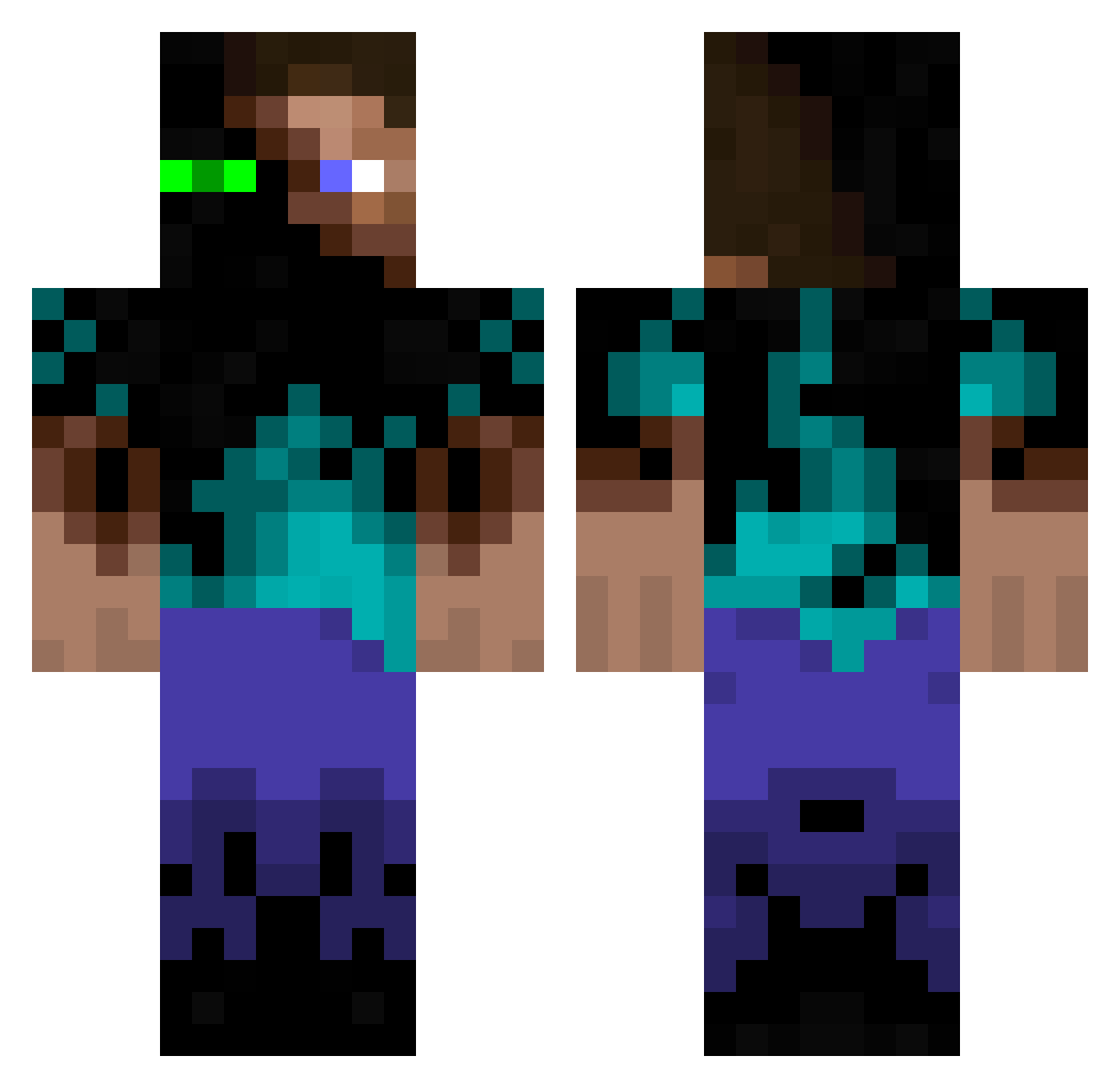
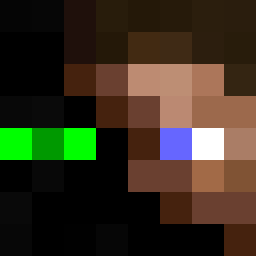
Current Minecraft skin of the player Aviator110, loaded from the official Mojang API. Rotate the 3D model with your mouse or finger, then download the skin as a PNG file and use it in Minecraft: Bedrock Edition or Java Edition for free. When Aviator110 changes their skin, this page updates automatically and the old skin stays in the history below.
Other players with this skin (939)
Aviator110 was the 668th player we have seen with this skin, first spotted on 29.09.2026. The same skin was seen on these players. Open a nickname to see their current skin and skin history.
 BabyBlueJay CreeperBait101 Supernoobcamper MattAshcroft45 ToMey InfectedSteve1 I_AM_SICKDEATH JusticeKirby smalldeath22 MoonDog26 braedenkiki TheGrimReaper09 brynthor dereckrross SJEM18 stuff28 Gnomtoeter JonasLuongo llo_Oll GalacticSniper Sapper18B kumby3 PatrickT_29 Employments The__Great MalinanX mihalich9119 ReBoRnEd101 slopez3008 Dustyyyyyyy MrAvocad0 furrychicken1 vlad4166 alcacires Ole4Life Unamie joecap11 mum300 DasSpezialist kyogre1 kelltuc Quinn5257 Xumas Wesfight ReeseTalor Thatguy101c JayCleaton Cdawg2006 lavieest ChadJohn123 lippo silver2003 A_Vind BudakJht S0NIC_2003 joeman555 Captain__Toast epzim9 OneMoreNerd Cona54
More Glowing Eyes Minecraft skins
See all 2316 Glowing Eyes skins
How to install the Aviator110 skin
- Press the Download button above to save the skin as a PNG file.
- Minecraft: Bedrock Edition (PE): open the Dressing Room from the main menu (or tap your character → Edit Character), go to Classic Skins → Owned, press the + (new skin) button, choose the downloaded PNG and pick the Classic (Steve) model. Works on PC and mobile; consoles cannot import custom skins.
- Minecraft: Java Edition: open the Minecraft Launcher, go to the Skins tab, click New Skin, load the PNG, pick the Classic (Steve) model and press Save & Use. You can also upload it at minecraft.net → Profile → Change Skin.
The skin does not show up after import - what should I do?
Restart Minecraft and open the Dressing Room again - imported skins sometimes appear only after a restart. Also make sure you selected the imported skin and picked the Classic (Steve) model.
Which model should I choose, Classic or Slim?
This skin is designed for the Classic (Steve) model. If you pick the wrong model, the arms of the skin will look stretched or squeezed.
Is the skin of Aviator110 free to download?
Yes. Press Download, save the PNG file and use it in Minecraft: Bedrock Edition or Java Edition - no payment or registration needed. The skin also works on multiplayer servers and Realms.
More skins
Looking for more? Go back to all Minecraft skins and check the top skins of the week, month and all time, or find any player's skin by nickname.