
Arrogating - Minecraft Skins & Skin History
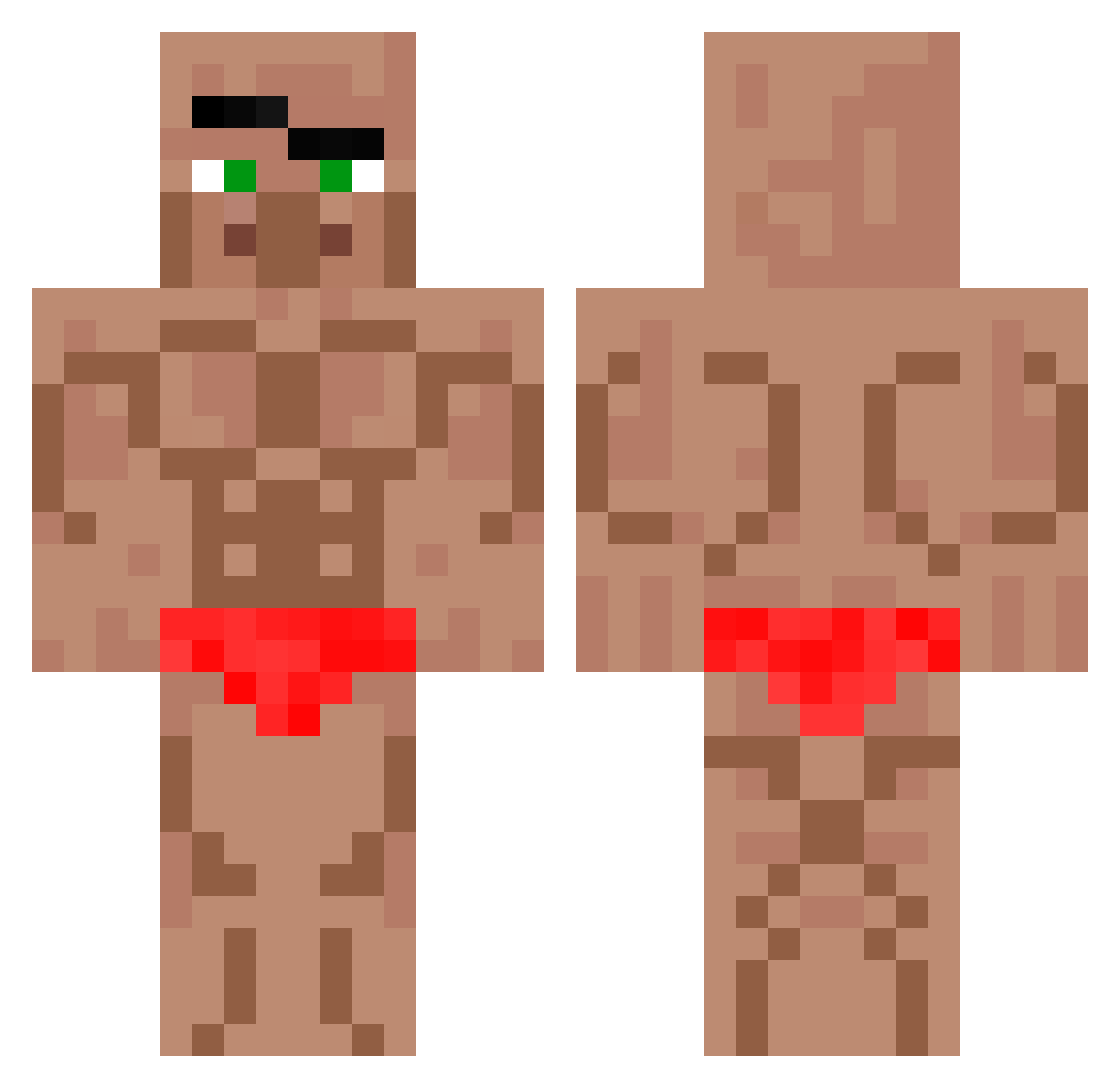
Current Minecraft skin of the player Arrogating, loaded from the official Mojang API. Rotate the 3D model with your mouse or finger, then download the skin as a PNG file and use it in Minecraft: Bedrock Edition or Java Edition for free. When Arrogating changes their skin, this page updates automatically and the old skin stays in the history below.
Other players with this skin (571)
Arrogating was the 197th player we have seen with this skin, first spotted on 24.08.2026. The same skin was seen on these players. Open a nickname to see their current skin and skin history.
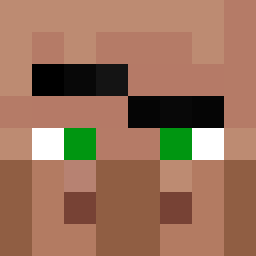 Freakybeast360 LittleJakey2 Argecko N_ox Evdrez cruZesita xhubix11
 DJJam20 MisterSigma Mr_MezzoMix Happydog2306 Jrodstp sergik2003 itke12 Blackhawk9204 Roncostra Kennouille rlatjdwns1236 Rakalos Kwontum ImSoCrazy75 PartyTentOpen Bujuba Wingman_44 988736 MathiasLarsen03 12345TmT__TW 3heka2008pro let_36023 IRLBREEZY rafael5388 OSSNolan Montanelas110 brownstarfishman OPOPP Jastesch bluewire_ MonsieurNiaka Youjun0930 orzoyy Emir_1234 bakaboyi Jim0125 Carlos2026 DrBones333 xingchen7 SternSole822140 Ey_Pappy jihanzi sibob007 dj1983teo Wandher1234 kebab3269 Drachmea Mango67415 para_ayri GreauKhikhi2Luka Emilthebeast13 Danielitopro9999 1000MilesA
More Buff Minecraft skins
How to install the Arrogating skin
- Press the Download button above to save the skin as a PNG file.
- Minecraft: Bedrock Edition (PE): open the Dressing Room from the main menu (or tap your character → Edit Character), go to Classic Skins → Owned, press the + (new skin) button, choose the downloaded PNG and pick the Classic (Steve) model. Works on PC and mobile; consoles cannot import custom skins.
- Minecraft: Java Edition: open the Minecraft Launcher, go to the Skins tab, click New Skin, load the PNG, pick the Classic (Steve) model and press Save & Use. You can also upload it at minecraft.net → Profile → Change Skin.
The skin does not show up after import - what should I do?
Restart Minecraft and open the Dressing Room again - imported skins sometimes appear only after a restart. Also make sure you selected the imported skin and picked the Classic (Steve) model.
Which model should I choose, Classic or Slim?
This skin is designed for the Classic (Steve) model. If you pick the wrong model, the arms of the skin will look stretched or squeezed.
Is the skin of Arrogating free to download?
Yes. Press Download, save the PNG file and use it in Minecraft: Bedrock Edition or Java Edition - no payment or registration needed. The skin also works on multiplayer servers and Realms.
More skins
Looking for more? Go back to all Minecraft skins and check the top skins of the week, month and all time, or find any player's skin by nickname.