
Antracyt - Minecraft Skins & Skin History
Current Minecraft skin of the player Antracyt, loaded from the official Mojang API. Rotate the 3D model with your mouse or finger, then download the skin as a PNG file and use it in Minecraft: Bedrock Edition or Java Edition for free. When Antracyt changes their skin, this page updates automatically and the old skin stays in the history below.
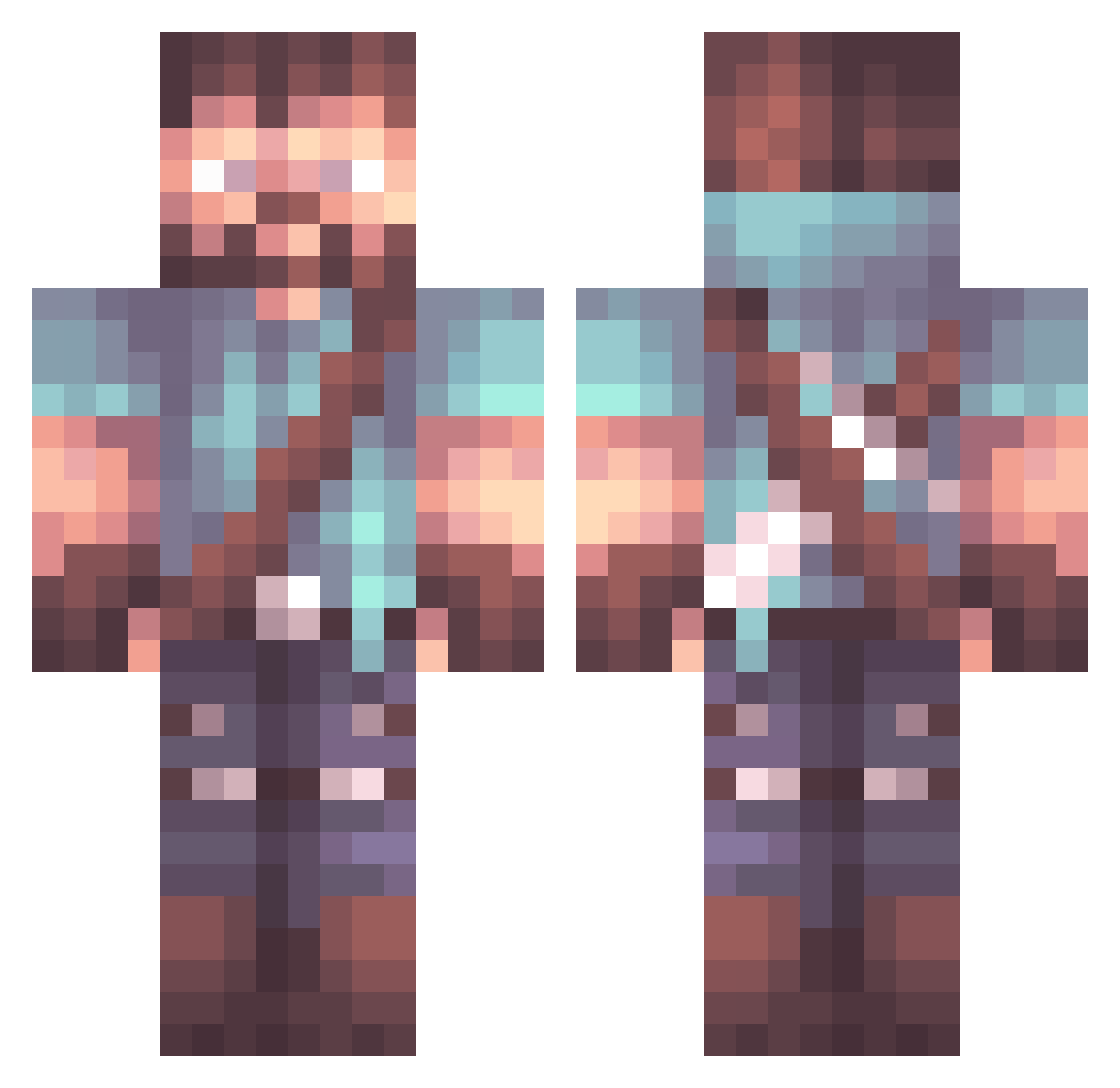
Other players with this skin (1063)
Antracyt was the 488th player we have seen with this skin, first spotted on 19.09.2026. The same skin was seen on these players. Open a nickname to see their current skin and skin history.
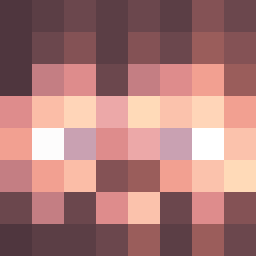 Kristexs7 Brinonymous UnkemptAxis16 Crazygamer0110 0phan1m Herroldinio24 MajorKnight21 Jedifox311 The_SlavSter Big_Crunch03 HideNoKokoro LeGhosty Sycottix Guy_KM Glover657 Givnoc Walsham Ludicrous_Jester _Grajfoner_ goodend4 VPabloF Shreddervt eMTyDee Squigem ALEX_560 SpiritZephyr AxelSkreD yow_one WildMufasa Shaftiel Retired11B Nerozero46 goldicewolf xBrightShadows the_real_xboox61 Cptteabag BGS114 Texmo1 madinos_ RoyalGuardianv2 Atom707 SolidBooch2 hifounder staffito TaiiwoD ignas7777 niemy_mole G3R1_ vladone805 iiTzElixir Poormosh mojoe Jealous_Jelly Witherguy1 TheVoid879 hankyang_1213 Drazer_7 chimaeraSWE freshgarbage Thanatos98
More Herobrine Minecraft skins
How to install the Antracyt skin
- Press the Download button above to save the skin as a PNG file.
- Minecraft: Bedrock Edition (PE): open the Dressing Room from the main menu (or tap your character → Edit Character), go to Classic Skins → Owned, press the + (new skin) button, choose the downloaded PNG and pick the Classic (Steve) model. Works on PC and mobile; consoles cannot import custom skins.
- Minecraft: Java Edition: open the Minecraft Launcher, go to the Skins tab, click New Skin, load the PNG, pick the Classic (Steve) model and press Save & Use. You can also upload it at minecraft.net → Profile → Change Skin.
The skin does not show up after import - what should I do?
Restart Minecraft and open the Dressing Room again - imported skins sometimes appear only after a restart. Also make sure you selected the imported skin and picked the Classic (Steve) model.
Which model should I choose, Classic or Slim?
This skin is designed for the Classic (Steve) model. If you pick the wrong model, the arms of the skin will look stretched or squeezed.
Is the skin of Antracyt free to download?
Yes. Press Download, save the PNG file and use it in Minecraft: Bedrock Edition or Java Edition - no payment or registration needed. The skin also works on multiplayer servers and Realms.
More skins
Looking for more? Go back to all Minecraft skins and check the top skins of the week, month and all time, or find any player's skin by nickname.