
Amnasic - Minecraft Skins & Skin History
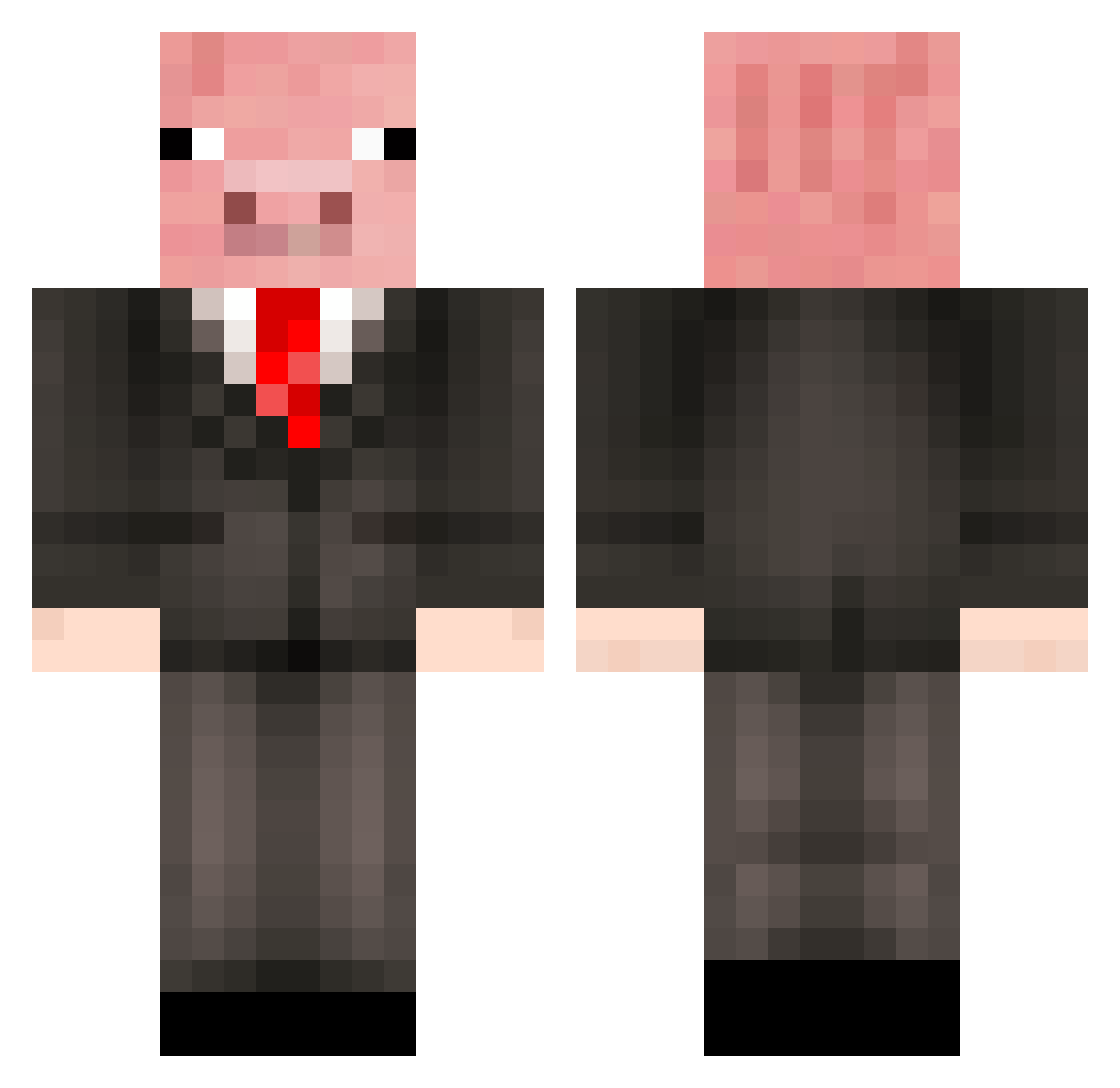
Current Minecraft skin of the player Amnasic, loaded from the official Mojang API. Rotate the 3D model with your mouse or finger, then download the skin as a PNG file and use it in Minecraft: Bedrock Edition or Java Edition for free. When Amnasic changes their skin, this page updates automatically and the old skin stays in the history below.
Other players with this skin (386)
Amnasic was the 370th player we have seen with this skin, first spotted on 14.10.2026. The same skin was seen on these players. Open a nickname to see their current skin and skin history.
 hockeyguy_1517 NightmareDSC piggypiggy212122 grahamcox85 Stianspin Zyntaxxx Mixemikkel InsaneDev minibob1 SneakyPiglet osk03 badjackal4Z thehev123 Snoopy6 baconboy709 RedDevilSage JiaNuo MinimitGuy tennisspieler783 LUKEN22 CounterGoose53 PrivateE1Bravo ninjabob03 DroopyGoop CharGuy3 AtomicPigFarts FatYaak Kendlerino DanMcSwag crispybacon98 stofzuiger79 Kapsuzet LEROYc16 trentyboy31 Pigu05 Dr_Grey eman6500 _Pigg headofgoogle keanyko Gorgonzzo WeakSicklyBoy yhto totoro_princess ImBalthazar AyoxBuffle Siggepirat2 Valkazz bgaamer72 MooshroomMan578 lordlloyd22 Grotteneumel jul709m smithyrules33 MrPiggyGamingYT glacewingo PandaTR Hebbe1234 Hotswell Ham_and_Egger
More Pig Minecraft skins
How to install the Amnasic skin
- Press the Download button above to save the skin as a PNG file.
- Minecraft: Bedrock Edition (PE): open the Dressing Room from the main menu (or tap your character → Edit Character), go to Classic Skins → Owned, press the + (new skin) button, choose the downloaded PNG and pick the Classic (Steve) model. Works on PC and mobile; consoles cannot import custom skins.
- Minecraft: Java Edition: open the Minecraft Launcher, go to the Skins tab, click New Skin, load the PNG, pick the Classic (Steve) model and press Save & Use. You can also upload it at minecraft.net → Profile → Change Skin.
The skin does not show up after import - what should I do?
Restart Minecraft and open the Dressing Room again - imported skins sometimes appear only after a restart. Also make sure you selected the imported skin and picked the Classic (Steve) model.
Which model should I choose, Classic or Slim?
This skin is designed for the Classic (Steve) model. If you pick the wrong model, the arms of the skin will look stretched or squeezed.
Is the skin of Amnasic free to download?
Yes. Press Download, save the PNG file and use it in Minecraft: Bedrock Edition or Java Edition - no payment or registration needed. The skin also works on multiplayer servers and Realms.
More skins
Looking for more? Go back to all Minecraft skins and check the top skins of the week, month and all time, or find any player's skin by nickname.